LL
co
.....
N
"
N
.....
0
N
>
co
Setting the driving program
Applies to: vehicles with Audi adaptive cruise contro l
Depending on the se lected dr iving program and
distance, dr iving behav ior when accelerating will
va ry from dynamic to comfortab le.
Setting the driving program on vehicles
w ithout drive select *
• Se lect in the Infotainment syst em: I M ENUI but-
ton
> Vehicle > left contro l bu t to n > Driver as·
sistance
> Audi adaptive cruise control > Driv-
ing program
> Comfort, Standard or Dynamic.
Setting the driving mode on vehicles with
drive select *
See i::!) page 141.
@ Tips
Your sett ings are automa t ically sto red and as-
signed to the remote control key being used.
Driver intervention request
Applies to: vehicles with Audi adaptive cruise control
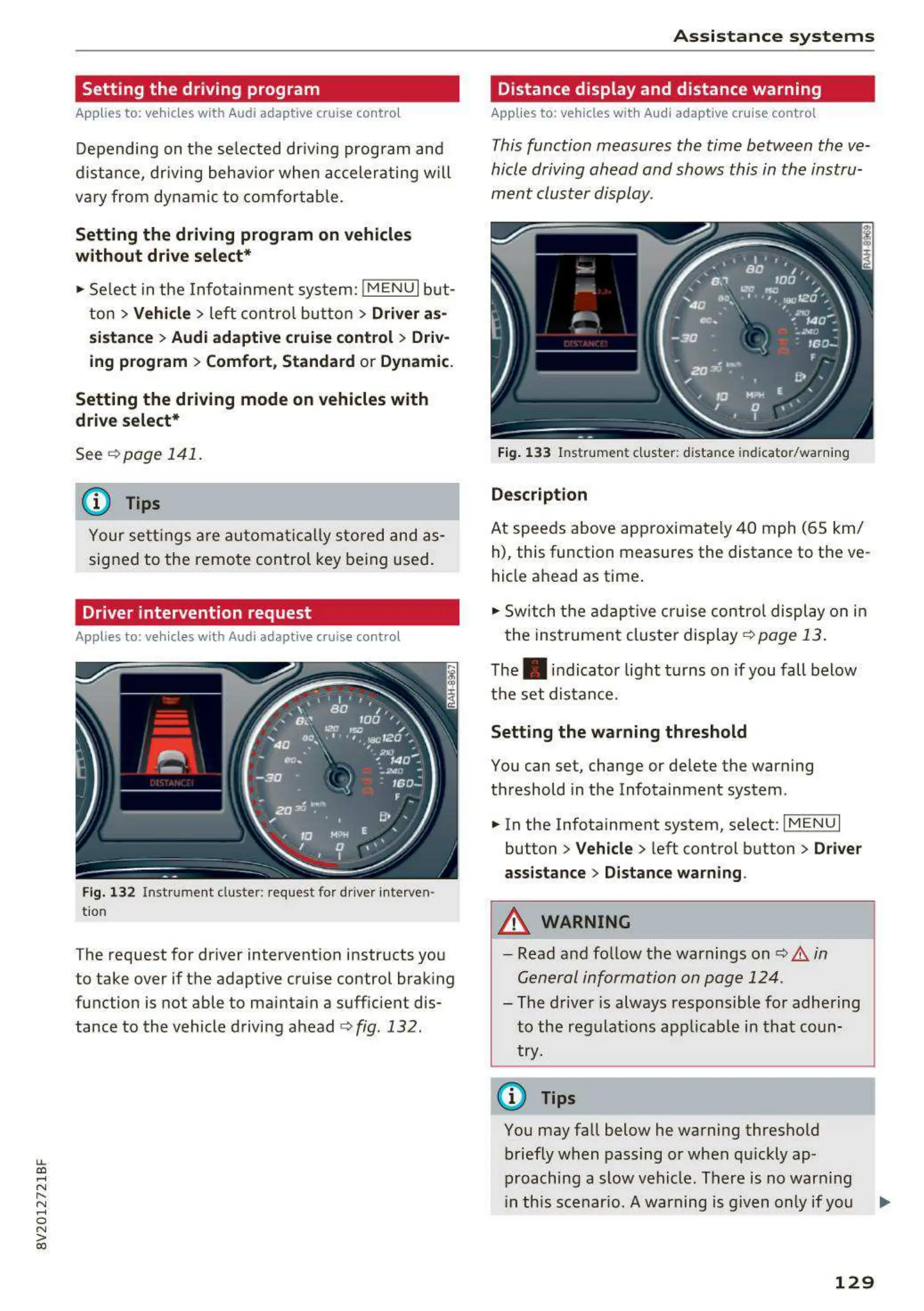
Fig. 132 Ins t rument clust er: reques t for driver int erven-
tion
The request for driver intervention instructs you
to take over if the adaptive cruise control brak ing
function is not able to mainta in a suff icient dis-
tance to the vehicle driving ahead
¢ fig. 132 .
A s si s t a nce systems
Distance display and distance warning
Applies to: vehicles with Audi adaptive cruise control
This function measures the time between the ve-
hicle driving ahead and shows this in the instru-
ment cluster display.
Fig. 13 3 Ins tr umen t cluster : dista nce indicato r/ warn ing
Description
At speeds above app roximately 40 mph (65 km/
h), this function measures the distance to the ve-
hicle ahead as time .
• Switch the adaptive cruise contro l display on in
the instrument cluster display ¢
page 13.
The . indicator light turns on if you fall below
the set distance.
Setting the wa rning threshold
You can set, change or de lete the warning
threshold in the Infotainment system .
• In the Infotainment system, select:
I MENU I
button > Vehicle > left control button > Driver
assistance
> Distance warning .
A WARNING
- Read and follow the warnings on i::!) A in
General information on page 124 .
-
- The drive r is always responsible for adhering
to the regulat ions applicab le in that coun-
try.
(D Tips
You may fall below he warning threshold
briefly when passing or when qu ickly ap-
proaching a slow vehicle . There is no warn ing
in th is scenar io. A warning is given only if you ..,.
129



 To Next Page