Multi Media Interface
Multi Media Interface
Traffic safety
information
Audi recommends performing certain Infotain-
ment system functions, such as entering a desti-
nation, only when the vehicle is stationary . Al-
ways be prepared to stop operat ing the Infotain-
ment system in the interest of your safety and
the safety of other road users.
_& WARNING
Only use the Infotainment system when traf-
fic cond itions permit and always in a way that
allows you to maintain complete control over
your vehicle .
@ Tips
Certain funct ions are not available whi le driv-
ing .
Introduction
The Multi Media Interface , or MMI for short,
combines various systems for communication ,
navigation* and entertainment in your Audi. You
can operate the MMI using the MMI control pan-
el, the multifunction steering wheel or the voice
recognition system* .
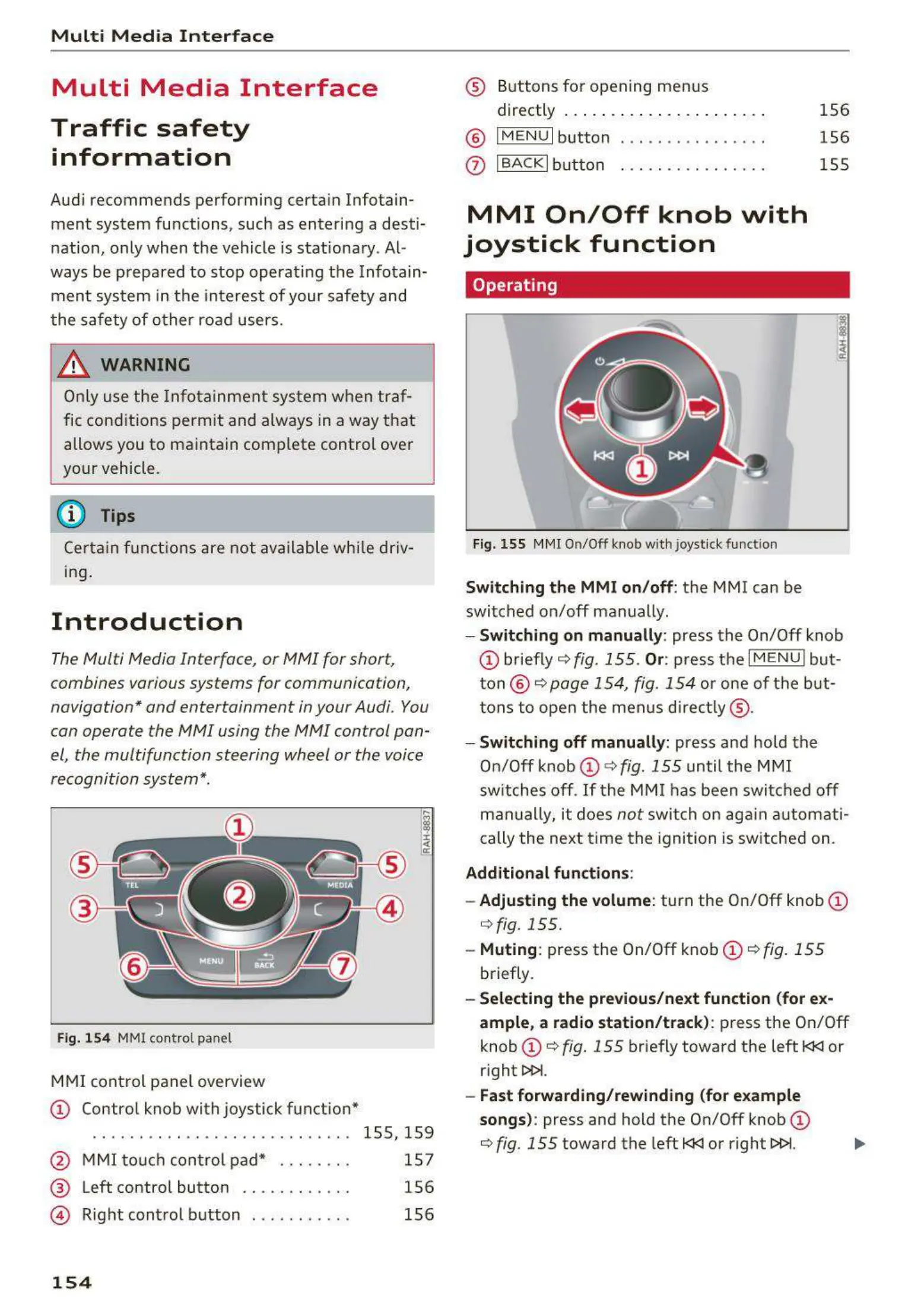
Fig. 154 MMI control panel
MMI control panel overview
CD Control knob with joystick function*
....... . ... . .......... . ..... 155, 159
@ MMI touch con tr ol pad* . . . . . . . . 157
® Left contro l button . . . . . . . . . . . . 156
@ Right control button . . . . . . . . . . . 156
154
® Buttons for opening men us
directly ....... . . . . .......... .
® IMENU I button
0
I BACK I button . . . . . . ..... .. .. .
MMI On/Off knob with
joystick function
Operating
Fig. 155 MMI On/Off knob with joystick function
Switching the MMI on/ off : the MMI can be
switched on/off manually.
156
156
155
- Switching on manually : press the On/Off knob
CD briefly c:::> fig. 155 . Or: press the I M ENU ! but-
ton @
c:::> page 154, fig. 154 or one of the but-
tons to ope n the menus directly ® ·
- Switching off manually: press and hold the
On/Off knob
CD c:::> fig. 155 until the MMI
switches off .
If the MMI has been switched off
manually, it does
not switch on again automati-
cally the next time the ignition is switched on.
Additional function s:
- Adjusting the volume:
turn the On/Off knob CD
c:::> fig. 155 .
- Muting : press the On/Off knob CD c:::> fig. 155
briefly.
- Selecting the previous/next function (for ex-
ample , a radio station/track):
press the On/Off
knob
CD c:::> fig. 155 briefly toward the left l<l<l or
rig ht
l>l>i.
- Fast forwarding/rewinding (for example
songs):
press and hold the On/Off knob CD
c:::> fig. 155 toward the left l<l<l or right l>l>i.



 To Next Page