u.
00
.-<
N
l'-
N
.-<
0
N
>
00
- Traffic congestion along the route including
time delays
The route that was calcu lated acco rding to the
route criter ia you sele cted is shown on the over -
view map . The special propert ies of the route are
a lso displayed @ ~
fig . 187 and given as a spo-
ken message.
Using t he contro l knob , you can se lect t he possi -
ble routing for the alternative routes and show
them on map Select and confirm the desired
route that you would like to use for route guid-
ance.
Additional settings
Navigation settings
Applies to : vehicles with navigatio n system
.,. Press the I NAV / MAPI but t on repe ated ly un t il
the
Enter destination menu is displayed
¢ page 201, fig.182 .
.,. Se lect : rig ht contro l button > Navigation set-
tings.
Depending on the se lected function, the follow ·
ing settings can be se lected :
Show alternative routes
Up to three suggested routes are shown on the
map whe n this funct ion is switched on~
~ page 208, Alternative routes.
Low fuel warning
A message is disp layed if the fuel gauge goes be -
low the reserve mar king when this funct ion is
sw itched on~- Confirm ing th is message displays
a list of gas stations in the area. When a gas sta -
t ion is selec t ed, route g uidance from t he curren t
vehicle position is calc ulated .
Trailer mode*
Tra iler mode is sw itched off at the factory .
When the function is switched on~. the maxi-
mum permitted speed for vehicles with trailers is
incorporated into the route guidance and the cal-
culated arr ival time is adjusted acco rding ly. Trail-
e r mode is d isp layed using symbols
-Pe' in the side
menu on the ma p .
Na vi gation
Personal route assistance*
Persona l rou t e ass istance is swit ched off at the
factory.
Your trips a re recorded and dest inations a re sug-
gested by the MMI when th is fu nct ion is sw itched
on ~¢
page 206.
Notification when nearby*
The not ification when nearby is switched off at
the factory .
The MMI not ifies you when you are approaching
selected points of interest when t his function is
switched on~ - You can also have a
Notification
tone.
Presentation mode
The Presentation mode he lps you to effectively
plan a tr ip and fo llow the planned route without
moving the vehicle . You can use
Select starting
point
when you wou ld like to calculate a route
sta rt ing from a location othe r than the ve hicle
pos it ion, for examp le. Sta rt
Presentation mode
to simula t e rou t e g uidance .
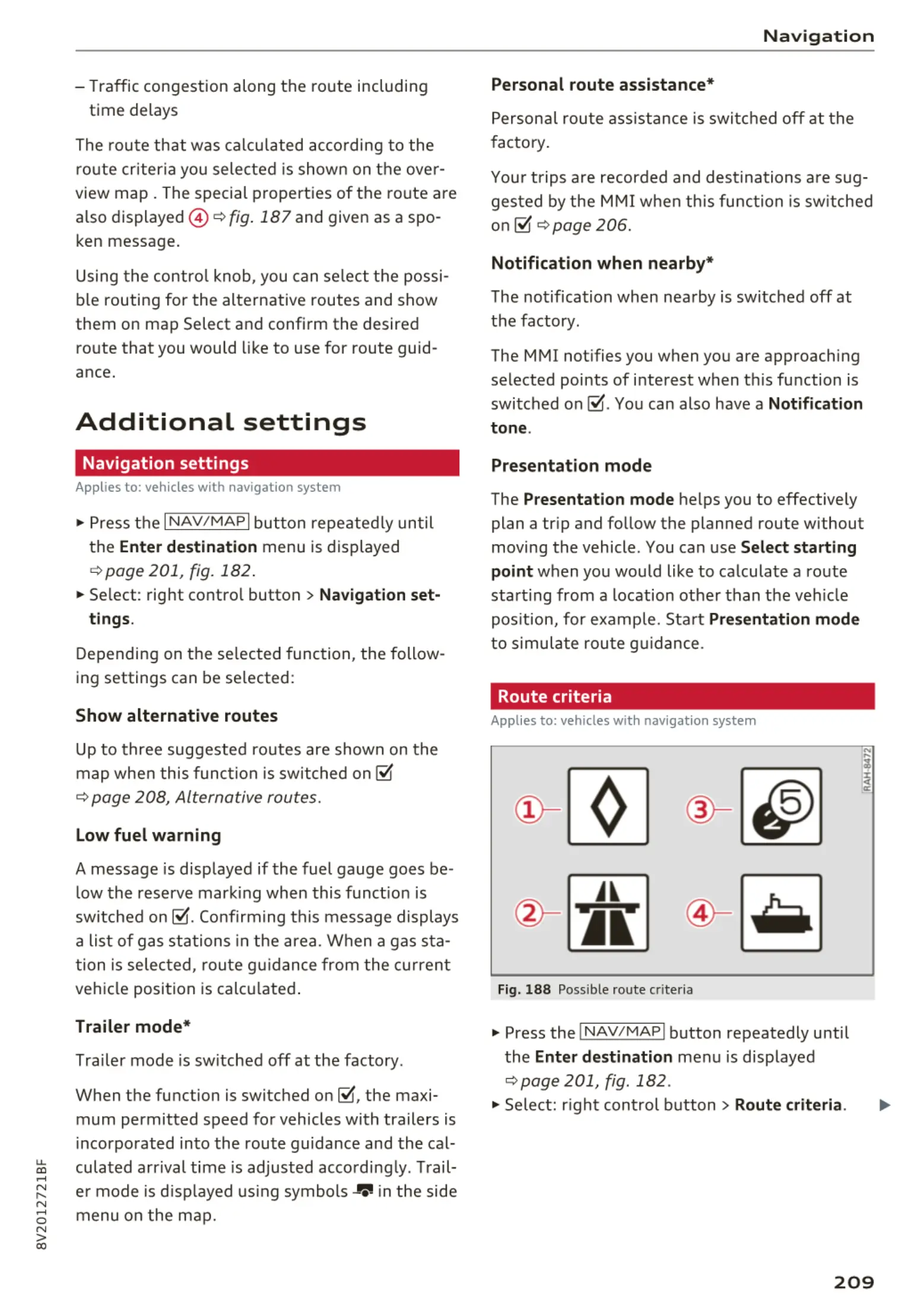
Route criteria
Applies to: vehicles with navigation system
Jl
Fig. 18 8 Possible route crit eria
.,. Press the INAV/MAPI button repeatedly unti l
the
Enter destination men u is displayed
¢ page 201, fig . 182 .
.,. Select: right cont rol button> Route criteria.
209



 To Next Page