Cockpit overview
Resetting values to zero
Requirement: the Fuel consumption, Short-term
memory or Long-term memory
display must be
selected.
.,. To reset the values in t he respect ive memory to
zero, press and hold the left thumbwheel on
the multif unction steering whee l for one sec-
ond. Or
.,. On the multifunction steering whee l, select:
the right control button
> Reset values*.
The following displays are available, depending
on vehicle equipment:
- Date and time r=>
page 243
- Plug-in hybr id drive: range r=>page 97
- Average consumpt ion
- Short-term memory overview
- Long-term memory overview
- Energy consumers r=>
page 18
- Driver assistance r=> page 120
The short -term memo ry collects driving informa-
tion from the time the ignit ion is switched on un-
til it is switched off. If you continue driving with-
in two hours aft er switching the ignition off, the
new values are included when calculating the cur-
rent trip information.
Unlike the short -t erm memory , the long-term
memory is not erased automatica lly. You can se-
lect the time period for evaluating trip informa-
tion yourself.
Fuel consumption
The current fuel consumpt ion can be shown us-
ing a bar graph r=>
fig. 14. The average consump-
tion stored in the short-term memory is also dis-
played . If the bar is green, your vehicle is saving
fue l through the following function:
- Recuperation: electr ical ene rgy can be stored in
the vehicle battery when the vehicle is coasting
or driving downhill. The bar will move toward
0 .
Energy consumers*
The Energy consumers view lists other eq uip-
men t that is currently affecting fuel consump-
tion. The display shows up to t hree energy con-
18
sumers . The eq uipment using the most power is
listed first . If more than three items using power
are switched on, the eq uipment that is current ly
using the most power is displayed. A chart also
shows you the current tota l of all other consum-
ers .
Q) Tips
The date, time of day and time and date for-
mat can be set in the Infota inment system
r=> page 2 43.
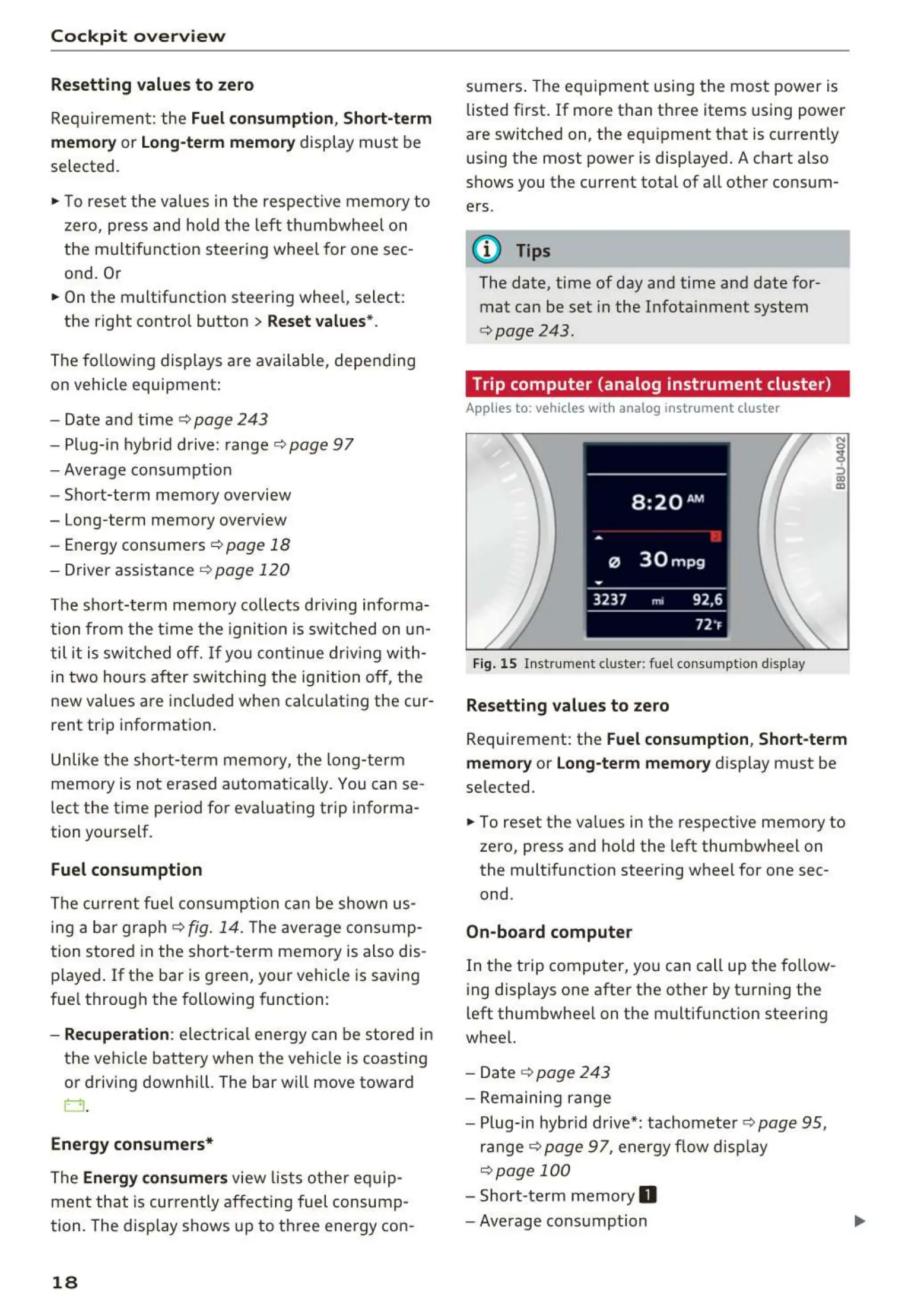
Trip computer (analog instrument cluster)
Applies to: vehicles wit h analog inst rument cluster
Fig. 15 Inst rument cluster: fuel consumpt ion display
Resetting values to zero
N
0
9
ffl
Requirement: the Fuel consumption, Short-term
memory or Long-term memory
display must be
selected.
.,. To reset the values in the respective memory to
zero, press and hold the left thumbwheel on
the multifunction steering wheel for one sec-
ond.
On-board computer
In the trip computer, you can call up th e follow-
ing displays one after the other by t urning the
left thumbwhee l on the multifunction steering
wheel.
- Date r=>
page 243
- Remaining range
- Plug-in hybrid drive*: tachomete r r=>
page 95,
ranger=> page 97 , energy flow display
r=>page 100
- Short-te rm memory 0
- Average consumption



 To Next Page