12
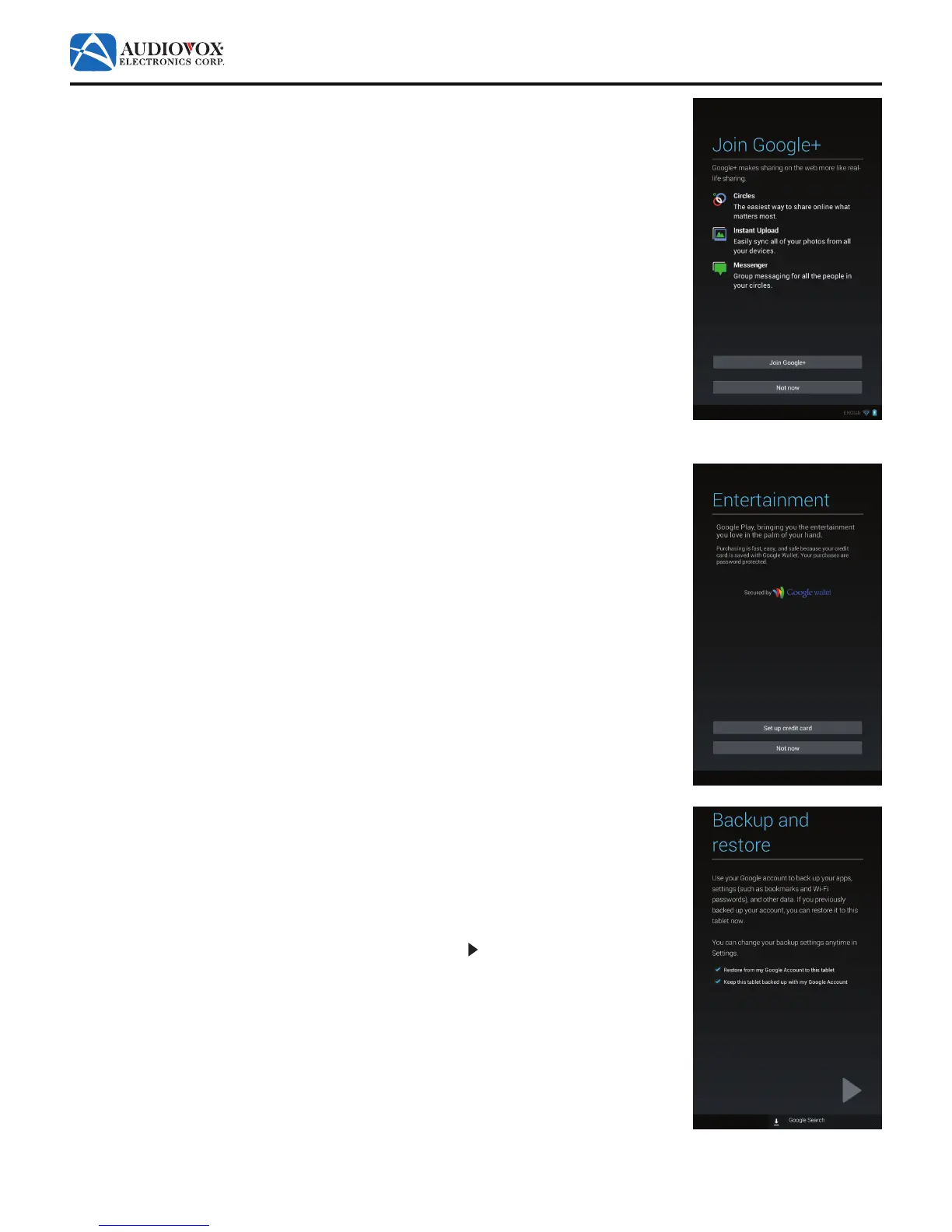
4. The Join Google+ screen appears.
To set up a Google Plus™ account, tap the Join Google+ button. Follow the on-screen
prompts.
To proceed to the next screen in the initial setup, tap the Not now button.
5. The Entertainment screen appears.
To set up a credit account, tap the Set up credit card button. Follow the on-screen
prompts.
To proceed to the next screen in the initial setup, tap the Not now button.
6. The Backup and restore screen appears.
To restore a previously backed up Google™ account, check the Restore from my Google
Account to this tablet check box.
To use your Google™ account to back up your apps, settings, and other data, check the
Keep this tablet backed up with my Google Account check box.
To proceed to the next screen in the initial setup, tap the button.



 To Next Page