21
Indication shows the number of occurring messages which are part of the Not ready S0006
REMOTE group.
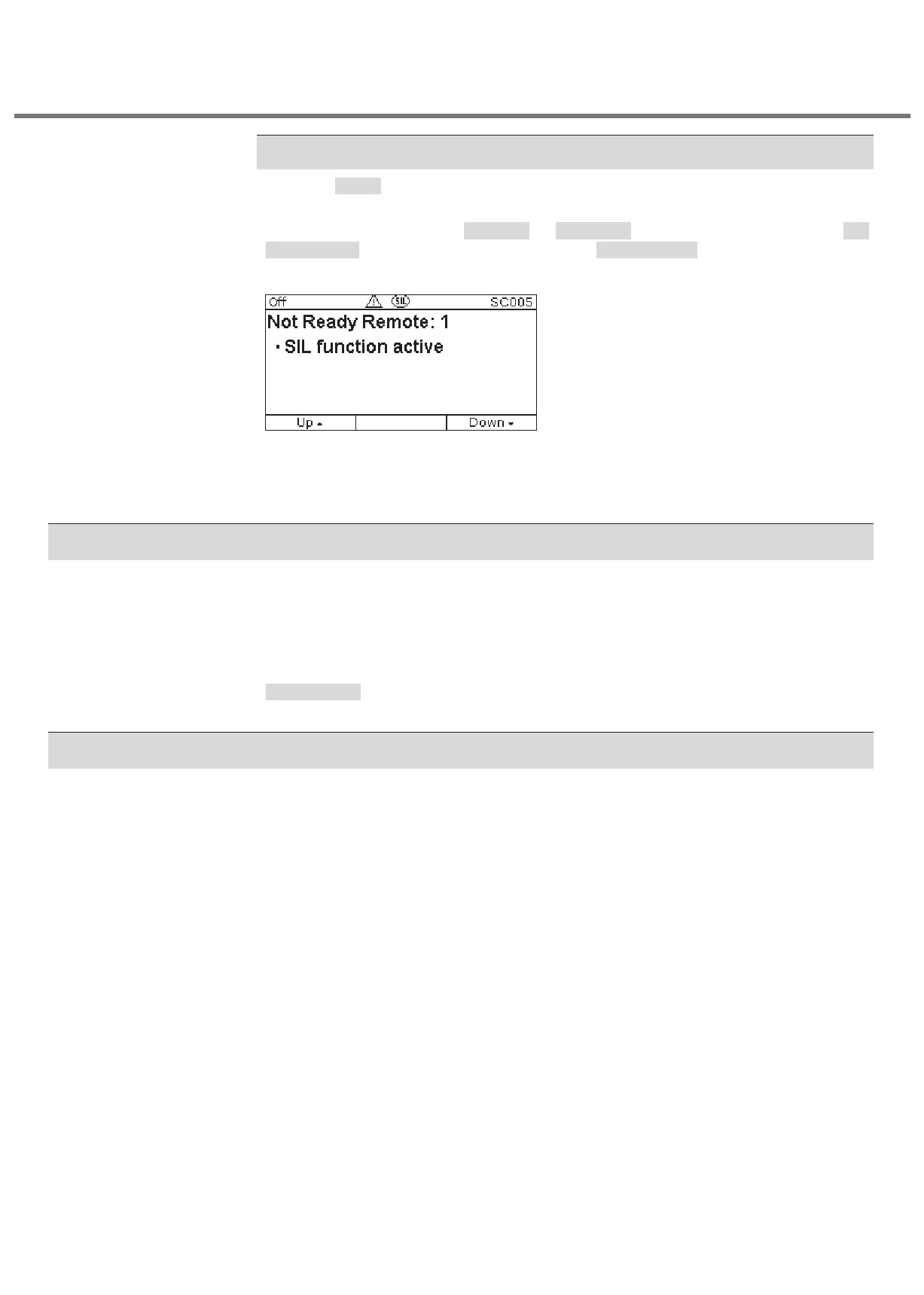
If a safety function is active ( or ), the indication is listed in the Safe ESD Safe STOP SIL
function active Details > Status Not ready REMOTE group. Refer to for further details.
Figure 11: Signal: Safety function active
As soon as a safety function is active (SIL function active indication), the actuator is controlled
via the safety PLC and the SIL module. For “standard control” (standard PLC), controls are
therefore “Not ready REMOTE”.
6.2 SIL configuration warning
In combination with the safety functions, the following configurations or settings of standard
controls may have an impact on the standard functions:
• Non-Inching Local=OPENCLOSE
• Non-Inching Remote=OPENCLOSE
If one of these configurations is selected in the standard controls, it does not mean that the
safety function will work in the Non-Inching manner and the Safety function will be active as
long as the signal is present.
In standard operation, display backlight of actuator controls is white. In the event of a fault, the
display backlight is red. The red backlight does NOT refer to the safety function status but to
the faults referred to as “fault” in the manual (Operation and setting) 3.XX /NI.
Multi-turn actuators
SA series with Control 3.XX /NI/SIL



 To Next Page