47
4.4 Display Descriptions
NOTICE
This section only applies to the MaxiCharger AC Pro. The images are subject to
change; please refer to the actual product.
NOTE
Cette section s'applique uniquement au MaxiCharger AC Pro. Les images sont
susceptibles d'être modifiées; veuillez vous référer au produit réel.
Function Button Descriptions
Function
Button
Description
Home Tap to return to the Standby Screen.
Cancel Tap to cancel an operation.
Stop Tap to stop charging.
Finish Tap to finish a charge session and enter Charging Details Screen.
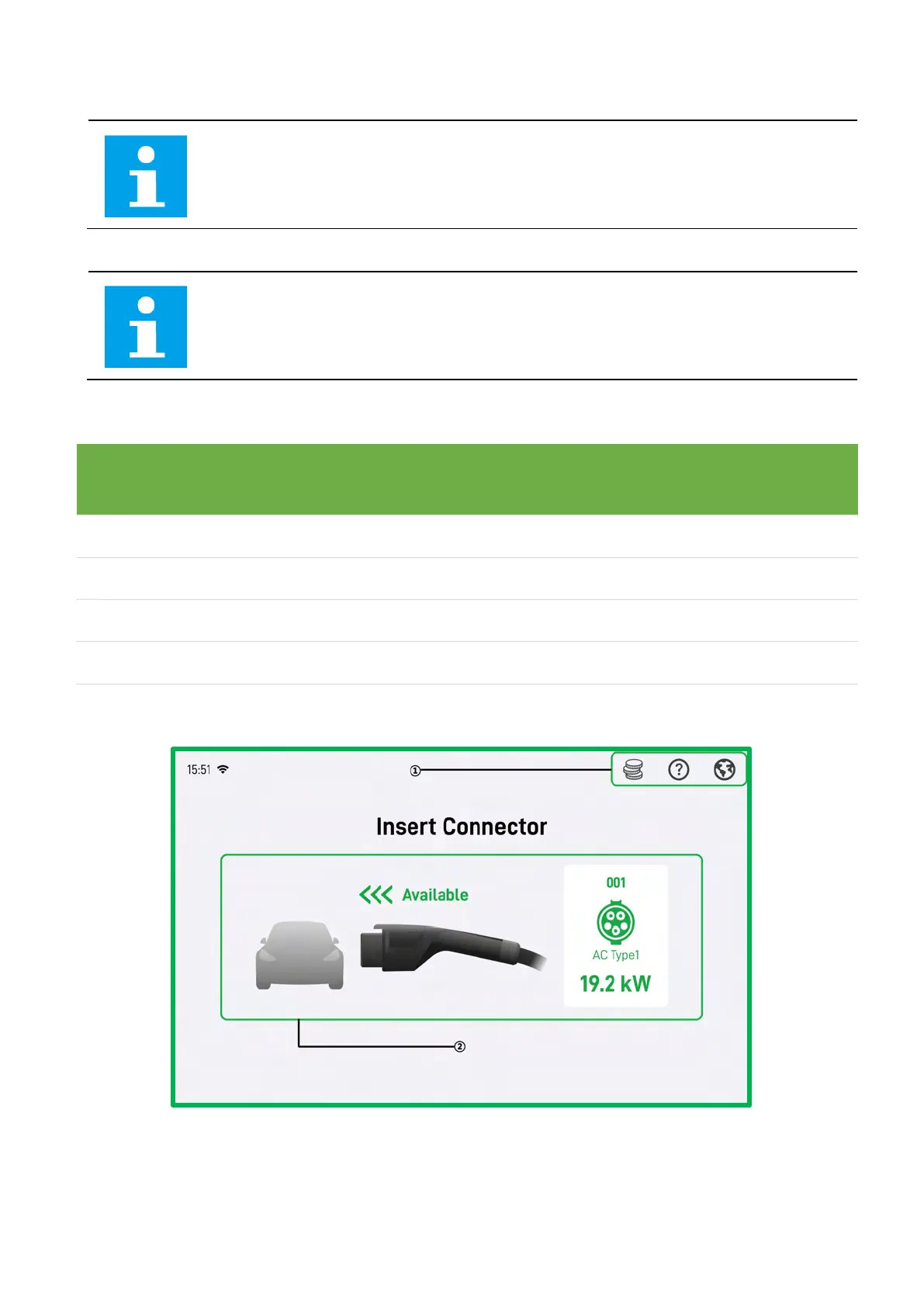
4-30 Standby Screen
1. Upper information bar—adjusts the language and checks the charging fees
2. Main screen—demonstrates connector information














 To Next Page