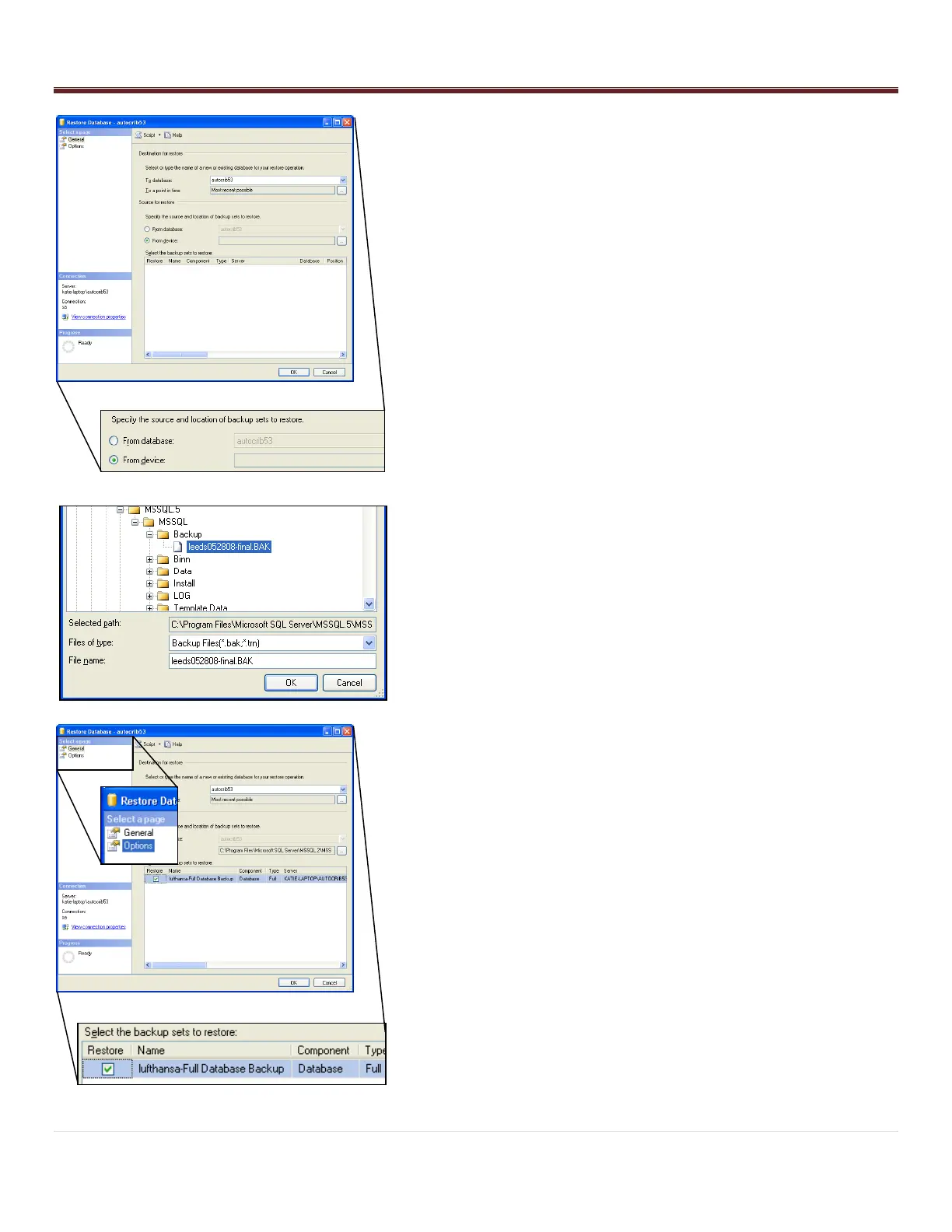
- Within the „Source for Restore‟ menu, enable “From Device”.
Then, select the Browse button.
- Select the “Add” button within the „Specify Database‟ screen.
- Highlight the .BAK file saved in C:\Program Files\Microsoft
SQL Server\MSSQL.1\MSSQL\Backup. Then, select “OK”.
- Select “OK” in the „Specify Backup‟ screen.
- Within the „Select the backup sets to restore‟ menu, check the
“Restore” box.
- In the upper left hand corner of the screen under the „Select a
page‟ menu, select “Options”.



 To Next Page