Installation
13 | P a g e
Management Station Configuration
STEP 1 – Setup Computer
- Plug in mouse, keyboard, monitor, and printer.
- Plug in power cord to computer, monitor, and printer.
- Plug in power cord to network hub, if necessary.
- Connect CAT5 cable into NIC (Network Interface Card) on pc
and into either a network hub or LAN drop.
- Start the computer and have IT configure proper LAN settings.
- Turn off the AutoCrib software.
STEP 2 – Restore the Database
- Unzip the file database received from AutoCrib‟s customer
service department into C:\Program Files\Microsoft SQL
Server\MSSQL.1\MSSQL\Backup.
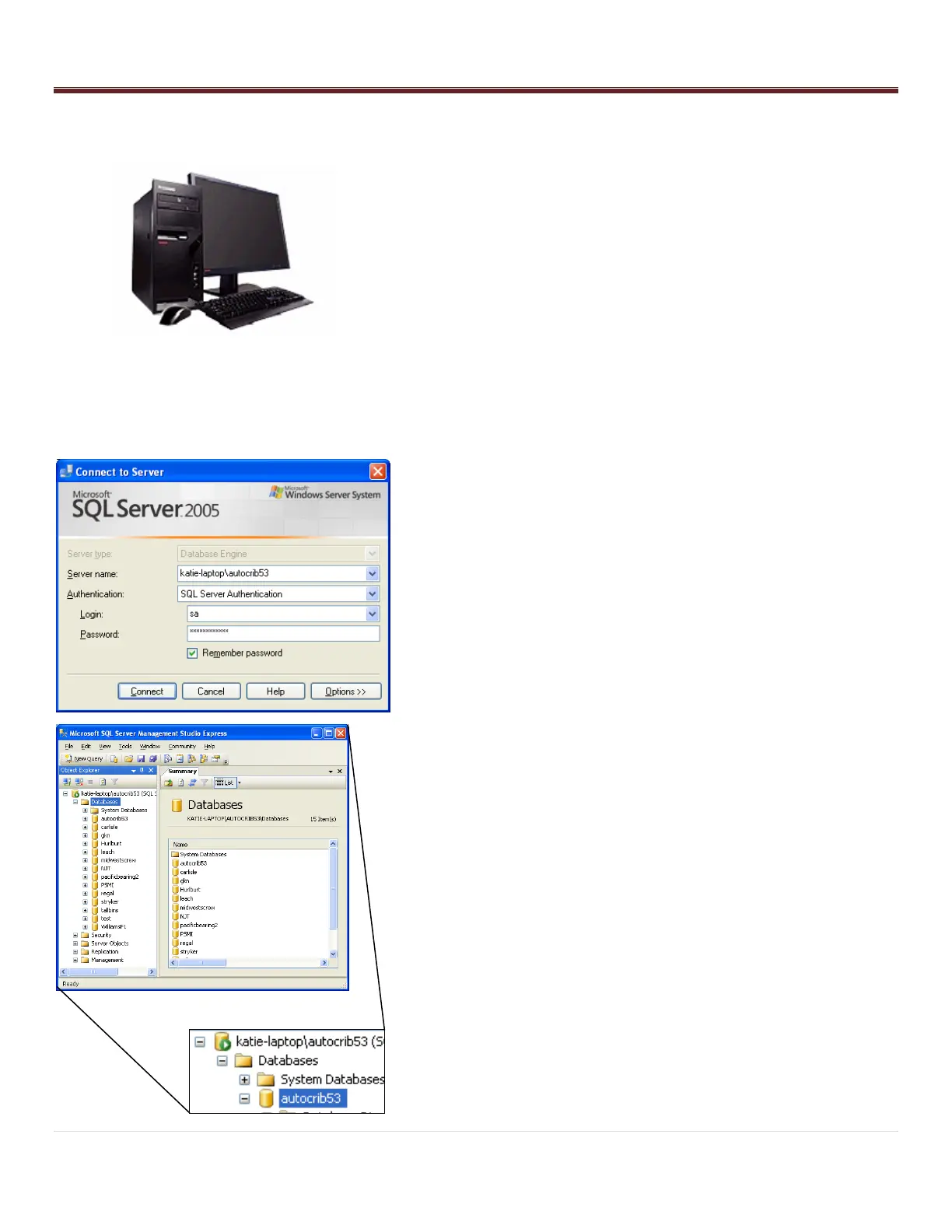
- Start the Microsoft SQL Server Management Studio software.
Connect to the server.
o Server Name: Computer Name\AUTOCRIB53
o Authentication: SQL Server Authentication
o Login: sa
o Password: AutoCrib2005
- Select the (+) sign next to the server. Then, select the plus (+)
sign next to the databases folder.
- Right click the autocrib53 database.
- Select “Tasks” > “Restore” > “Database…”



 To Next Page