5
4. ELECTRONIC UNIT
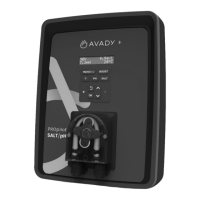
4.1. First commissioning
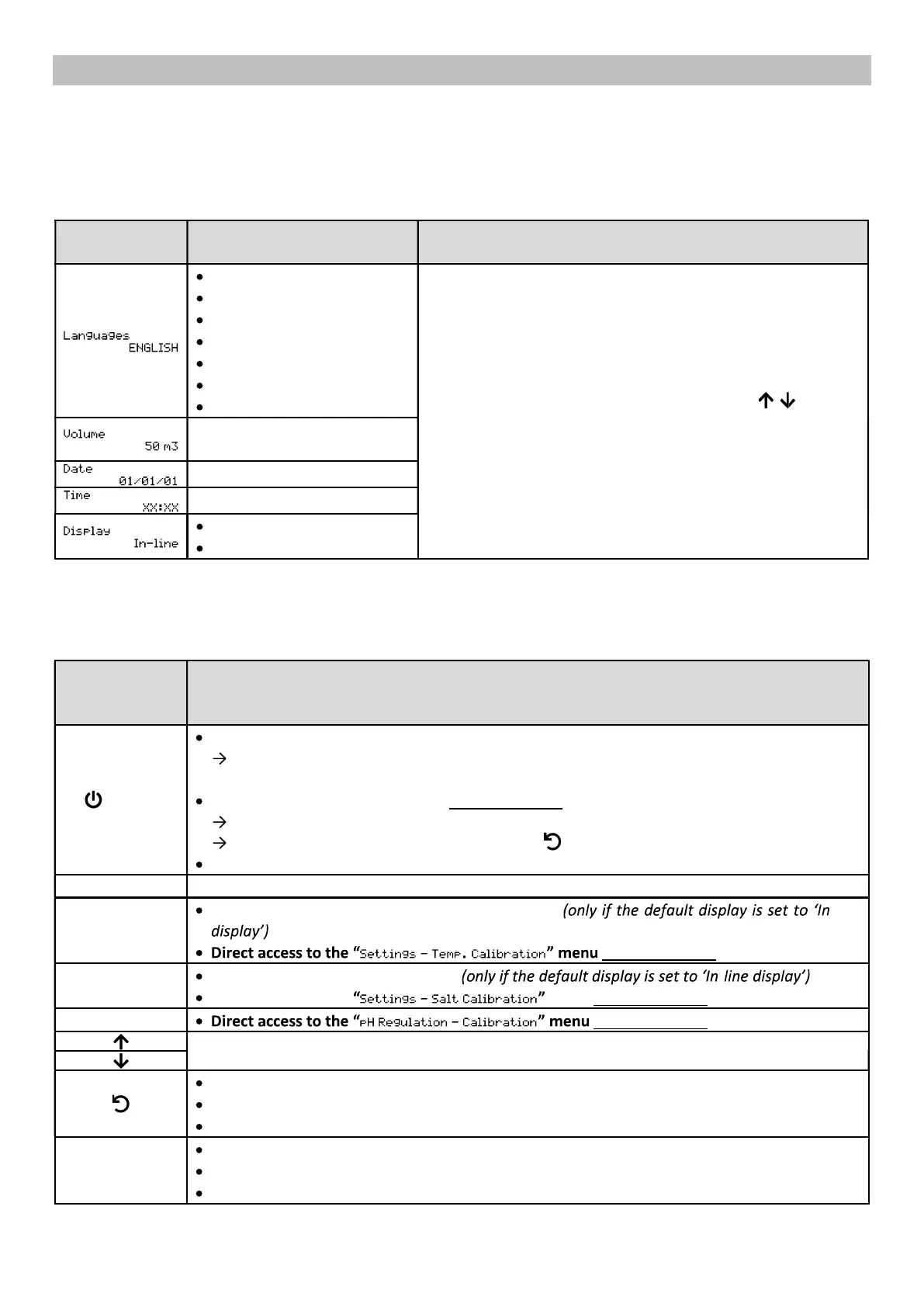
The first time you power up the electronics unit, carry out the programming below.
menus
Possible settings Navigation
French
English
Deutsch
Español
Italiano
Nederlander
Portugués
For each setting, select a data item with the
then confirm with the OK button.
increments of 10
Day/Month/Year
Hour/Minute
In-line
Dashboard
4.2. Keypad
(depending on
the model)
FUNCTION
MENU
Switching on the electronics unit.
A few minutes after switching on, production starts automatically (with or without ORP
control).
Switching off the electronics unit (press and hold).
When switching off, the screen and the green LED turn off, and the red LED comes on.
If an alarm has been triggered, first press on to switch it off.
Access the menus.
BOOST
Switch on Boost mode for a period of 24 hours.
T°C
Water temperature displayed for a few seconds -
.
(press and hold).
SALT
Salt level display for a few seconds - .
Direct access to the menu (press and hold).
pH (press and hold).
Selecting a value or data item.
Cancel a command.
Back to previous menu.
Stopping the Boost mode.
OK
Command confirmation.
Enter a menu.
Acknowledge an alarm.


 To Next Page
 Loading...