16
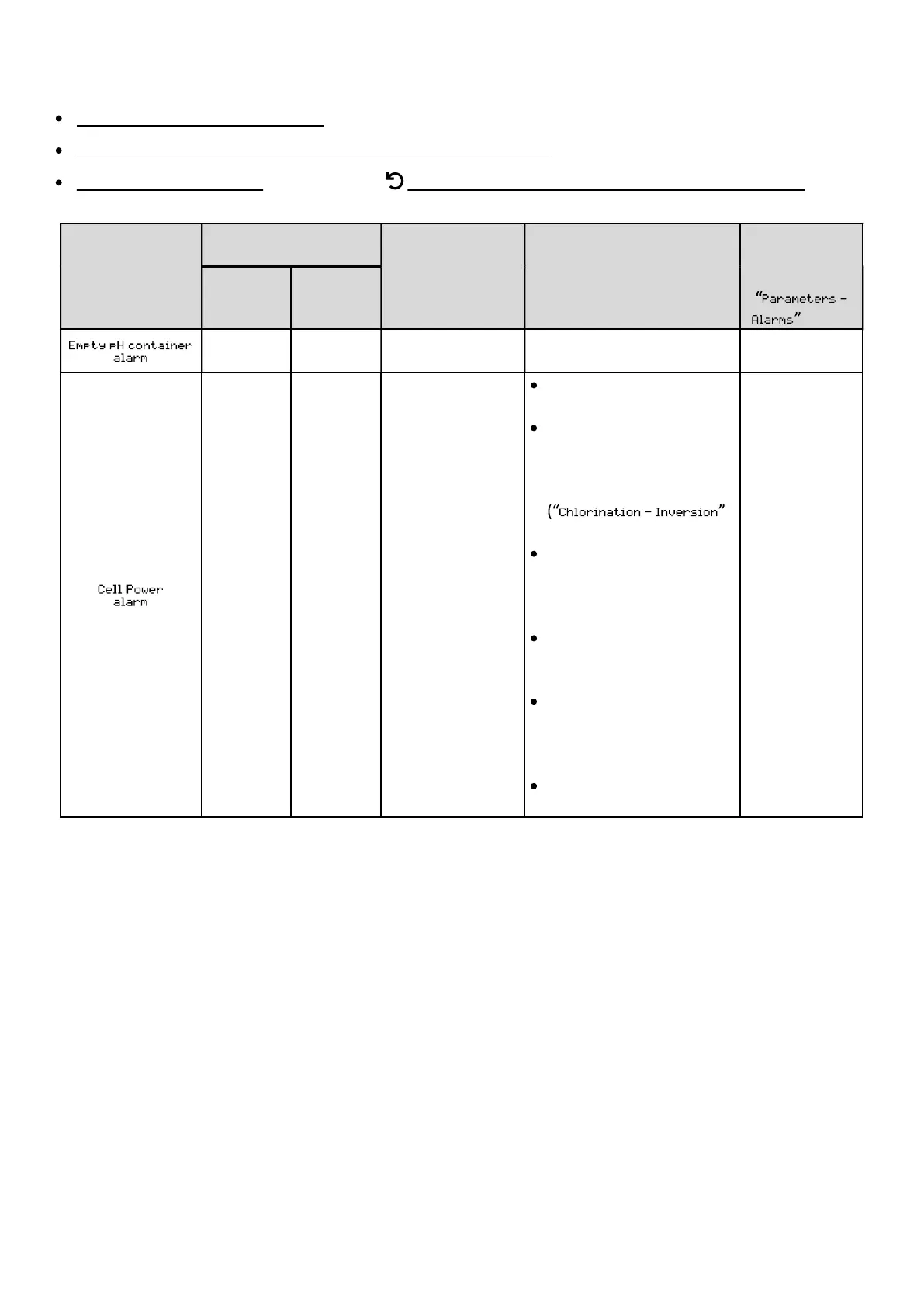
4.7.3. Alarms
All alarms are activated by default.
Any alarm that is activated is immediately displayed on the screen.
To acknowledge an alarm: press the OK or button (press or press and hold, depending on the alarm).
MESSAGE
DETECTED
AUTOMATIC ACTION
CAUSE
VERIFICATIONS AND
SOLUTIONS
DEACTIVATE
VIA THE
MENU
stopped
regulation
No Yes
container empty.
container.
Yes
Yes No Cell problem.
Check that the cell is not
scaled.
If necessary, check and
adjust the inversion
frequency of the current
supplying the cell
menu).
Check that the electrical
connections to the cell
terminals are sufficiently
tight and not oxidised.
Check that the cell's power
cable is in a good
condition.
Check that the cell's power
cable connector is
connected to the
electronics unit.
As a last resort, replace
the cell.
No


 To Next Page