11
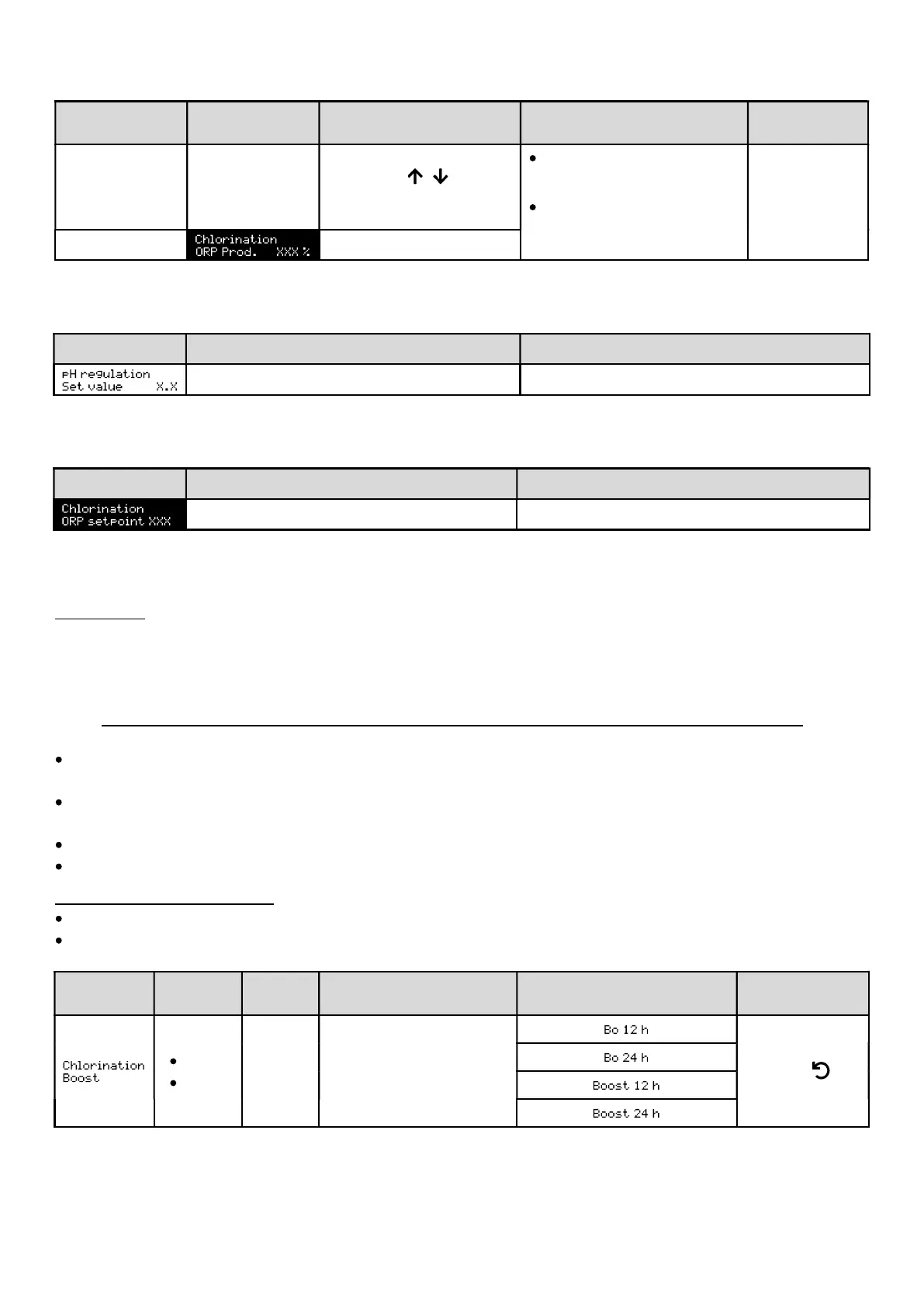
4.6.12. Setting the production setpoint
Chlorinator
operating mode
Menu Specific instructions Possible settings
Default
setting
% Default display
using the
required).
increments of 1.
10% or OFF
the chlorinator operating
mode).
100%
ORP -
4.6.13. Setting the pH setpoint
Menu Possible settings Default setting
From 6.8 to 7.6, in increments of 0.1. 7.2
4.6.14. Setting the ORP setpoint
Menu Possible settings Default setting
From 200 to 900 mV, in increments of 10. 670 mV
4.6.15. Boost mode
Boost mode:
- sets the production setpoint up to 125%, for a fixed period.
- can be manually stopped at any time.
- can be used when chlorine is needed.
I
Boost mode cannot replace a conventional shock treatment in the case of water not fit for bathing.
If the Boost mode is restarted manually while it is already running, the Boost mode resets for the duration
displayed.
It is impossible to start Boost mode if an alarm has been triggered. After having resolved and dismissed this alarm,
wait a few moments in order to be able to activate the Boost mode.
When the Boost mode is manually terminated or stopped, production continues according to the initial setpoint.
Boost mode continues after powering off the electronics unit.
Operation with a cover sensor:
It is impossible to start Boost mode when the cover is closed.
If the cover closes with Boost mode activated, Boost mode stops automatically.
Menu
Possible
settings
Default
setting
Switching on
On LED (special display
variants)
Switching off
12 hrs
24 hrs
24 hrs
time is set.
Press .


 To Next Page
 Loading...