13
4. USER FRONT PANEL CONTROLS
The VSI-Pro is programmed by pressing and releasing specific combinations of the four front panel push-
buttons. Via these four simple buttons, all of the powerful programming features of the Text Inserter are
available. A video source and a monitor must be connected in order to see the programming menus.
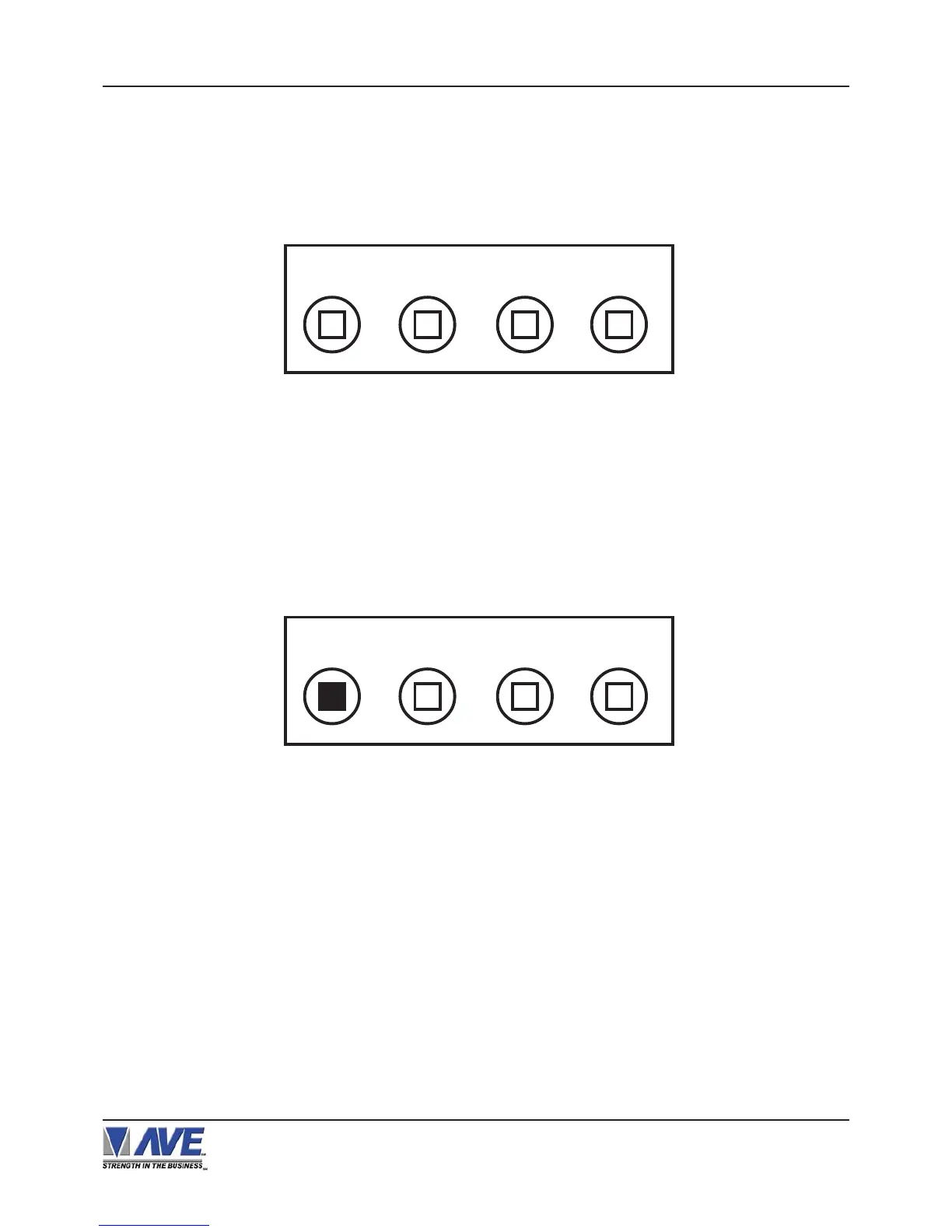
Figure 5 : Four Front Pannel Push Buttons of VSI-Pro
4.1 FRONT PANEL CONTROLS
The front panel controls are provided to allow simple changing of the display’s vertical and horizontal position and
the gray scale or border. This eliminates the need of the user to enter the main menu and inadvertently change
important programming setups.
Changing the Gray Scale
1) Press and hold the “Down” button.
2) Press and release the “Reset” button.
3) Release the “Down” button.
4) Press “Down” or “Up” to select the Gray Scale.
5) When choice is made, press and release the “Set” button.
Down
Up Set Reset
Down
Up Set Reset
Figure 6: Four Front Pannel Push Buttons of VSI-Pro (Down)
VSI-Pro VIDEO SERIAL INTERFACE
USER FRONT PANEL CONTROLS


 To Next Page