20
NCR 2113,3110
NCR 745X [ POLE ]
NCR JRNL PRINTER
NCR RCPT PRINTER
NCR SLIP PRINTER
VSI-Pro VIDEO SERIAL INTERFACE
Press the “Up” or “Down” button to move the cursor to
“NCR” and press “Set”. The NCR menu will appear:
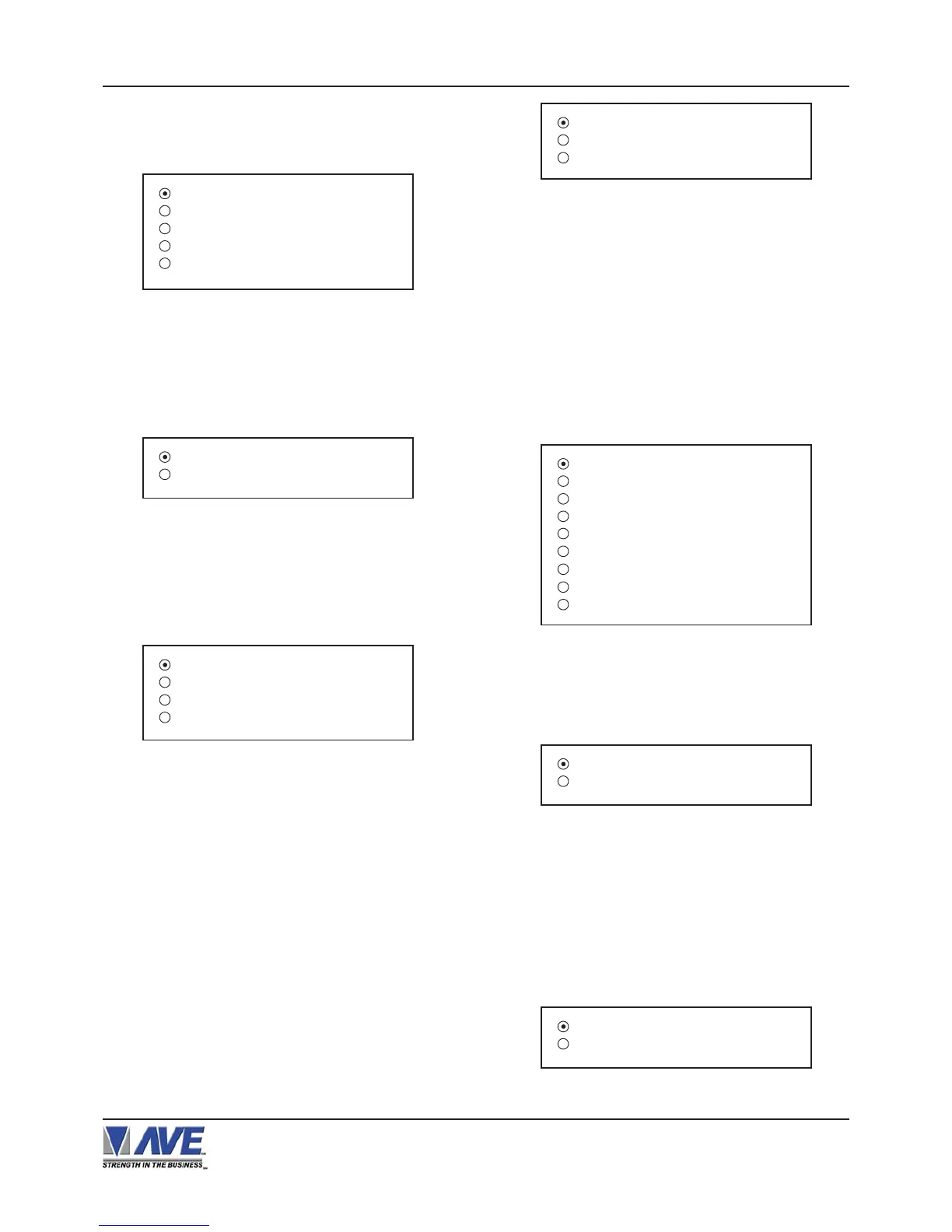
Figure 30-A: NCR Sub-Menu
Press the “Up” or “Down” button to move the cursor to
“NIXDORF BEETLE” and press “Set”. The NIXDORF
BEETLE menu will appear:
REMOTE SLIP
OPERATOR DISPLAY
Figure 31-A: NIXDORF BEETLE Sub-Menu
Figure 32-A: NORAND 1200 Sub-Menu
TITLE DISPLAY : ON
CONSOLE ID : ANY
WORKING MODE :
EXIT
TITLE DISPLAY
Choices: ON, OFF
CONSOLE ID :
Choices: ANY, 1, 2, 3, 4, 5, 6, 7, 8
WORKING MODE
Choices: ACK , TAP
Press the “Up” or “Down” button to move the cursor to
“PANASONIC” and press “Set”. The PANASONIC menu
will appear:
Press the “Up” or “Down” button to move the cursor to
“NORAND 1200” and press “Set”. The NORAND 1200
menu will appear:
Figure 33-A: PANASONIC Sub-Menu
MODEL :
WORKING MODE :
EXIT
MODEL
Choices : 6000, 7000, 8000
WOKING MODE
Choices : ACK , TAP
Press the “Up” or “Down” button to move the cursor to
“SHARP” and press “Set”. The SHARP menu will ap-
pear.
Figure 34-A: SHARP Sub-Menu
2590
3100,3110
3220,3221,3250
3310,3311,3550
A-460,A-470
A-550,A-570
A-610,A650
A-750
A-770
SECNET ADDRESS 8
EXIT
Figure 35-A: SICOM Sub-Menu
SECNET ADDRESS
Choiecs: ANY, 1, 2, 3,..., 255
Press the “Up” or “Down” button to move the cursor to
“SUNTRONIC” and press “Set”. The SUNTRONIC menu
will appear.
890,891,960
2000
Figure 36-A: SUNTRONIC Sub-Menu
Press the “Up” or “Down” button to move the cursor to
“SICOM ” and press “Set”. The SICOM menu will ap-
pear:
PROGRAMMING


 To Next Page