18
VSI-Pro VIDEO SERIAL INTERFACE
MODEL E90
EXIT
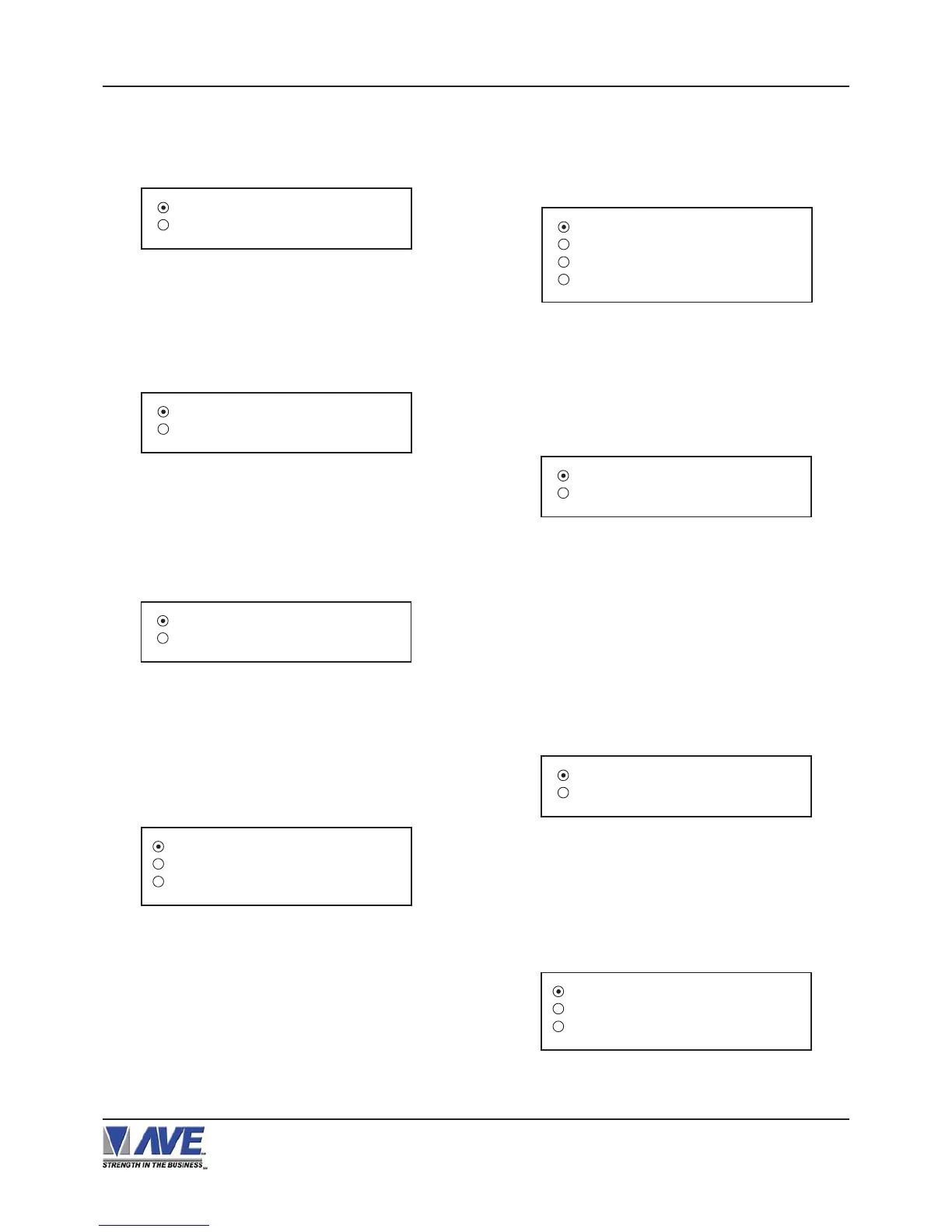
Figure 17-A: EDACOM Sub-Menu
Figure 20-A: GASBOY Sub-Menu
DEVICE CON-
SOLE
DEVICE ADDRESS 01
EXIT
MODEL E9010
EXIT
Figure 18-A: MODEL E90 Sub-Menu
DEVICE
Choices: PRINTER, CONSOLE,CSL OLD
DEVICE ADDRESS
Choices: ANY, 01, 02, 03,..., 17
DISPLAY MIXED
EXIT
Figure 22-A: IBM 3151 TERMINAL Sub-Menu
IBM 3151 TERMINAL
Choices: JOURNAL, RECEIPT, MIXED
Press the “Up” or “Down” button to move the cursor to
“EDACOM” and press “Set”. The EDACOM menu will
appear:
Press the “Up” or “Down” button to move the cursor to
“MODEL E90” and press “Set”. The MODEL E90 menu
will appear:
Press the “Up” or “Down” button to move the cursor to
“GASBOY” and press “Set”. The GASBOY20-A menu
will appear:
Press the “Up” or “Down” button to move the cursor to
“IBM 3151 TERMINAL” and press “Set”. The IBM 3151
TERMINAL menu will appear:
DISPLAY JOURNAL
EXIT
Figure 23-A: IBM RDS Sub-Menu
Figure 24-A: MICRELEC Sub-Menu
MICRELEC MS SERIES
MICRELEC 9500
EXIT
Press the “Up” or “Down” button to move the cursor to
“IBM RDS ” and press “Set”. The IBM RDS menu will
appear:
Press the “Up” or “Down” button to move the cursor to
“MICRELEC” and press “Set”. The MICRELEC menu
will appear:
Figure 21-A: GILBARCO Sub-Menu
PC G-SITE
TCRG / 2
TCR 15 G [ OLD FMT ]
TCR 15 G [ NEW FMT ]
Press the “Up” or “Down” button to move the cursor to
“GILBARCO” and press “Set”. The GILBARCO menu
will appear:
Press the “Up” or “Down” button to move the cursor to
“FUJISU 9920” and press “Set”. The FUJISU 9920
menu will appear:
DISPLAY JOURNAL
EXIT
Figure 19-A: IBM RDS Sub-Menu
PROGRAMMING


 To Next Page