19
VSI-Pro VIDEO SERIAL INTERFACE
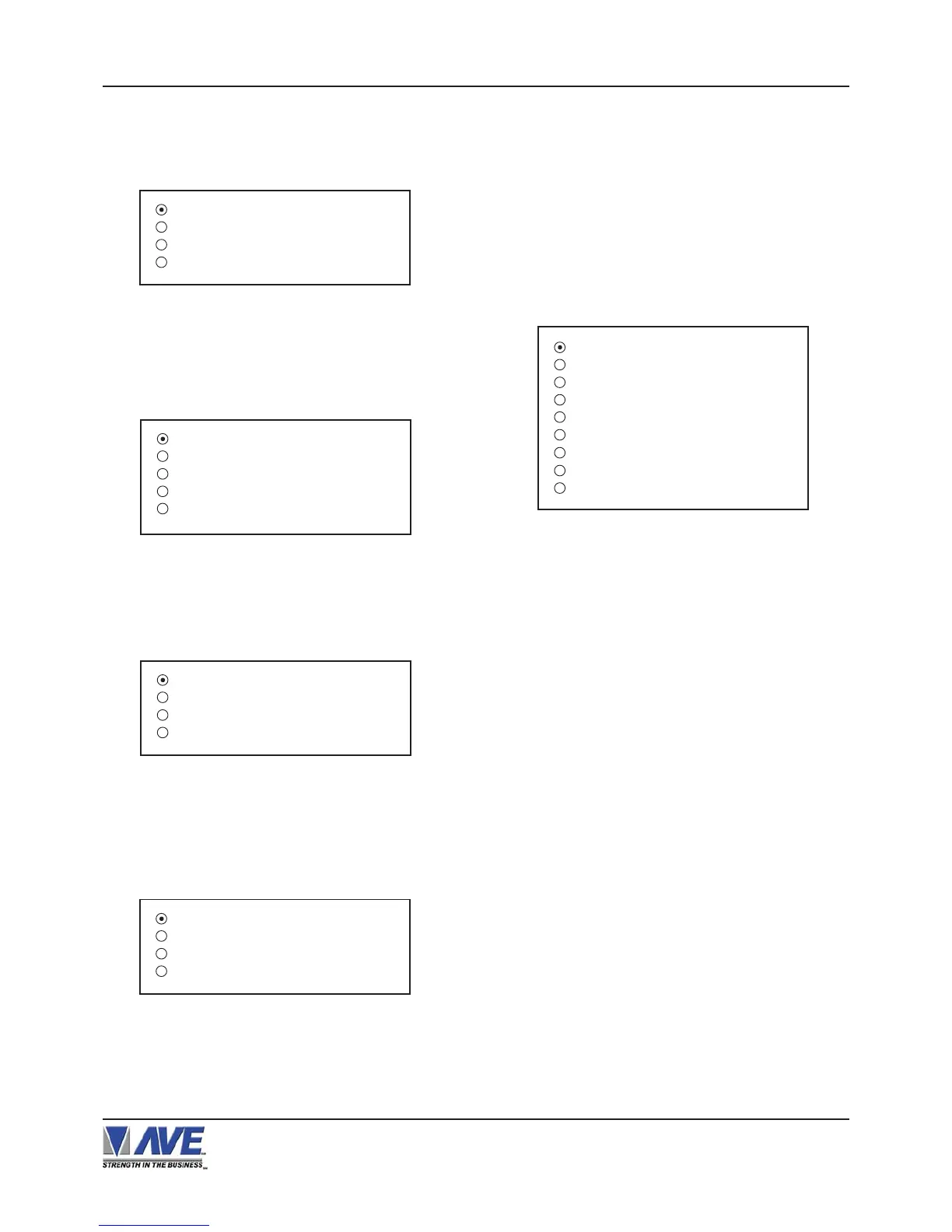
Figure 27-A: MICROS Sub-Menu
LOCAL VSS
MICROS IDN NETWORK
MICROS ISN NETWORK
EXIT
JOURNAL
RECEIPT
CHECK
CREDIT
EXIT
Figure 26-A: MICRELEC 9500 Sub-Menu
Press the “Up” or “Down” button to move the cursor to
“MICRELEC 9500” and press “Set”. The
MICRELEC9500 menu will appear:
Press the “Up” or “Down” button to move the cursor to
“MICROS” and press “Set”. The MICROS menu will
appear:
Figure 25-A: MICRELEC MS SERIES Sub-Menu
OPERATOR
CUSTOMER
COMBINED
EXIT
Press the “Up” or “Down” button to move the cursor to
“MICRELEC MS SERIES” and press “Set”. The
MICRELEC MS SERIES menu will appear:
DEVICE ADDRESS
Choices: ANY, 01, 02, 03,...,13, 14, 15
MODE
Choices: EMULATE,TAP
Press the “Up” or “Down” button to move the cursor
to “MICROS ISN NETWORK” and press “Set”. The
MICROS ISN NETWORK menu will appear:
Figure 29-A: MICROS IDN NETWORK Sub-Menu
SOURCE TYPE : ANY
SRC ISN GNA : ANY
SRC ISN LNA : ANY
SRC IDN ID : ANY
DESTIN TYPE : ANY
DST ISN GNA : ANY
DST ISN LNA : ANY
DST IDN ID : ANY
EXIT
SOURCE TYPE
Choices: ANY, 00, 01, 02 ,03,..., 09
SRC ISN GNA
Choices: ANY, 00, 01, 02, 03,..., 32
SRC ISN LNA
Choices: ANY, 00, 01, 02, 03,..., 32
SRC IDN ID
Choices: ANY, 00, 01, 02, 03,..., 15
DESTIN TYPE
Choices: ANY, 00, 01, 02, 03,..., 09
DST ISN GNA
Choices: ANY, 00, 01, 02, 03,..., 32
DST ISN LNA
Choices: ANY, 00, 01, 02, 03,..., 32
DST IDN ID
Choices: ANY, 00, 01, 02, 03,..., 15
Press the “Up” or “Down” button to move the cursor to
“MICROS IDN NETWORK” and press “Set”. The MI-
CROS IDN NETWORK menu will appear:
Figure 28-A: MICROS IDN NETWORK Sub-Menu
DEVICE : PRINTER
DEVICE ADDRESS: ANY
MODE: TAP
EXIT
DEVICE
Choices: PRINTER, VIDEO
PROGRAMMING


 To Next Page