32
VSI-Pro VIDEO SERIAL INTERFACE
DEST ID and SRC ID
Choices: 1 through 32
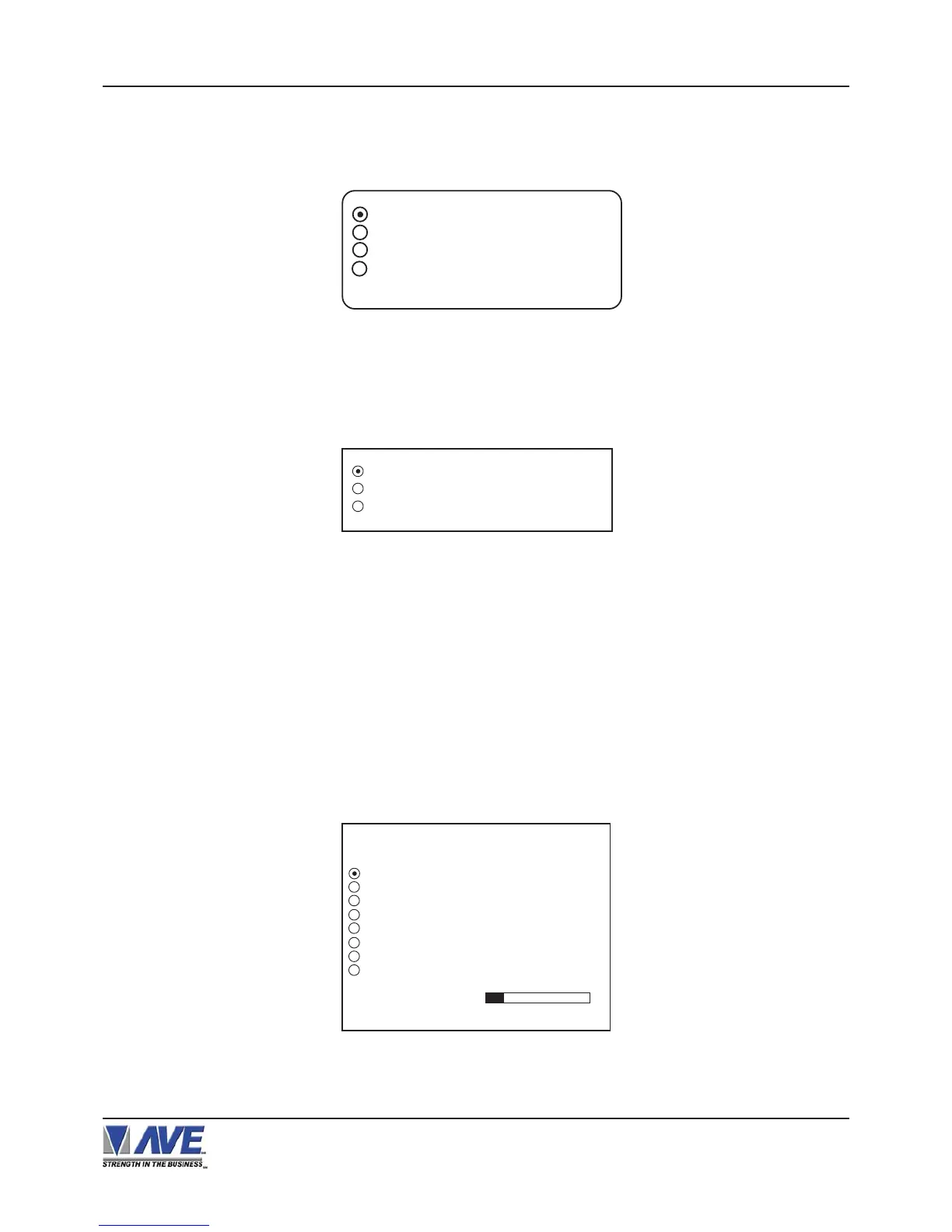
Figure 62: DVR-3011.3021 Sub-Menu
DVR-3011 / DVR-3021
Press the “Up” or “Down” button to move the cursor to “DVR-3011.3021” and press “Set”. An asterisk appears to
indicate your selection.
DEST ID 1
SCR ID 1
EXIT
TIME SEARCH
TIME SEARCH SETTING
USING TIME SEARCH FUNCTION
Press the “Up” or “Down” button to move the cursor to “TIME SEARCH” and press “Set”. The following sub-menu
will appear:
Figure 61: DVR Selection Sub-Menu
DVR SELECTION
Press the “Up” or “Down” button to move the cursor to “DVR SELECTION” and press “Set”. The following menu will
appear:
TRANSACTION
11:09:45 A 9/12/05 NOSELL
11:20:23 A 9/12/05 NOSELL
11:22:21 A 9/12/05 NOSELL
11:22:21 A 9/12/05 NOSELL
11:22:21 A 9/12/05 NOSELL
11:22:21 A 9/12/05 NOSELL
NEXT PAGE
EXIT
12-09-2005 11:30:05
Figure 63: Display of TIME SEARCH
PROGRAMMING
NONE
DMS-3001
DVR-3011.3021
EXIT


 To Next Page