14
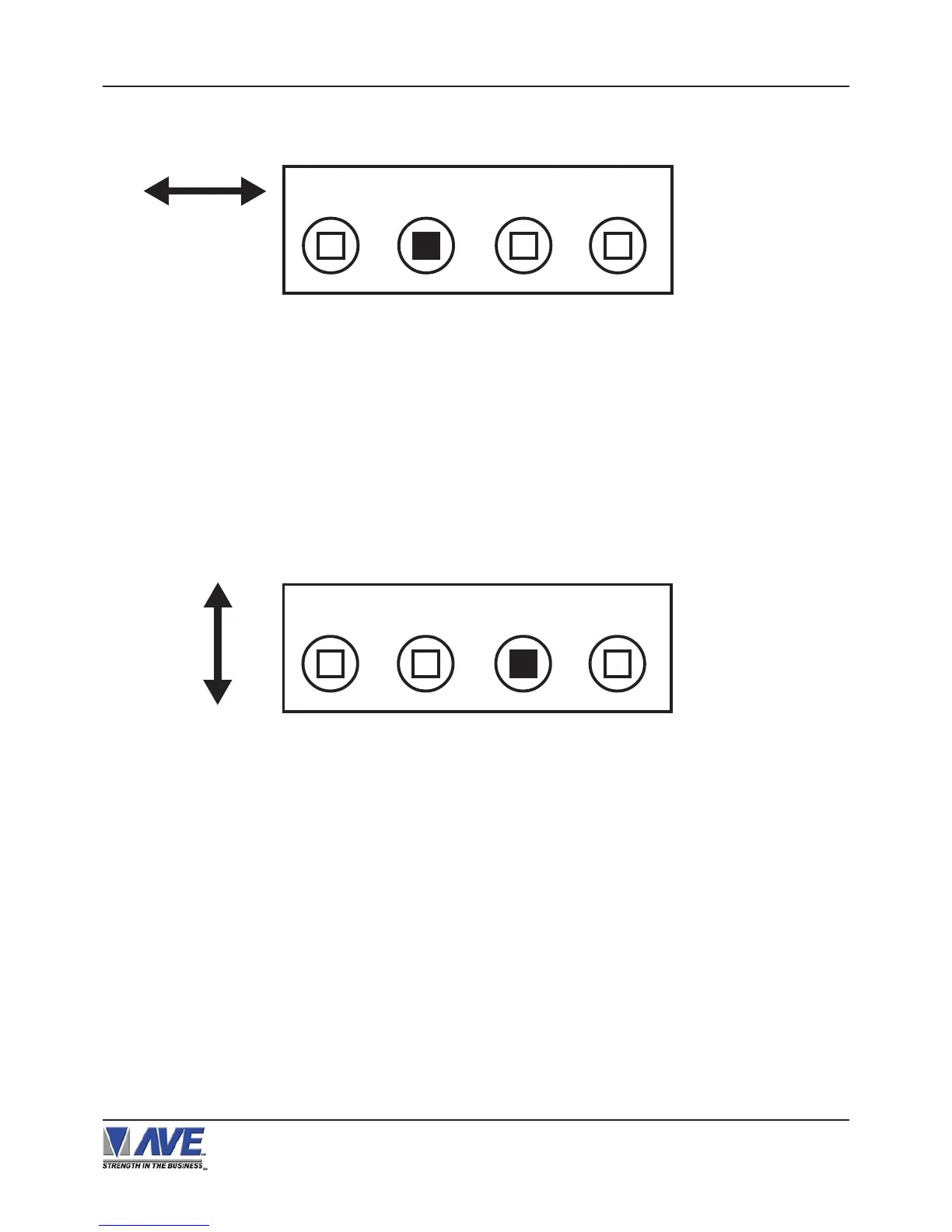
1) Press and hold the “Set” button.
2) Press and release the “Reset” button.
3) Release the “Set” button.
4) Press “Down” or “Up” to move the text block.
5) When the choice is made, press and release the “Set” button.
Changing the Vertical Position
Down
Up Set Reset
Figure 8: Four Front Pannel Push Buttons of VSI-Pro (Set)
VSI-Pro VIDEO SERIAL INTERFACE
Down
Up Set Reset
Figure 7: Four Front Pannel Push Buttons of VSI-Pro (Up)
Changing the Horizontal Position
1. Press and hold the “Up” button.
2. Press and release the “Reset” button.
3. Release the “Up” button.
4. Press “Down” or “Up” to move the text block.
5. When the choice is made, press and release the “Set” button.
USER FRONT PANEL CONTROLS


 To Next Page