21
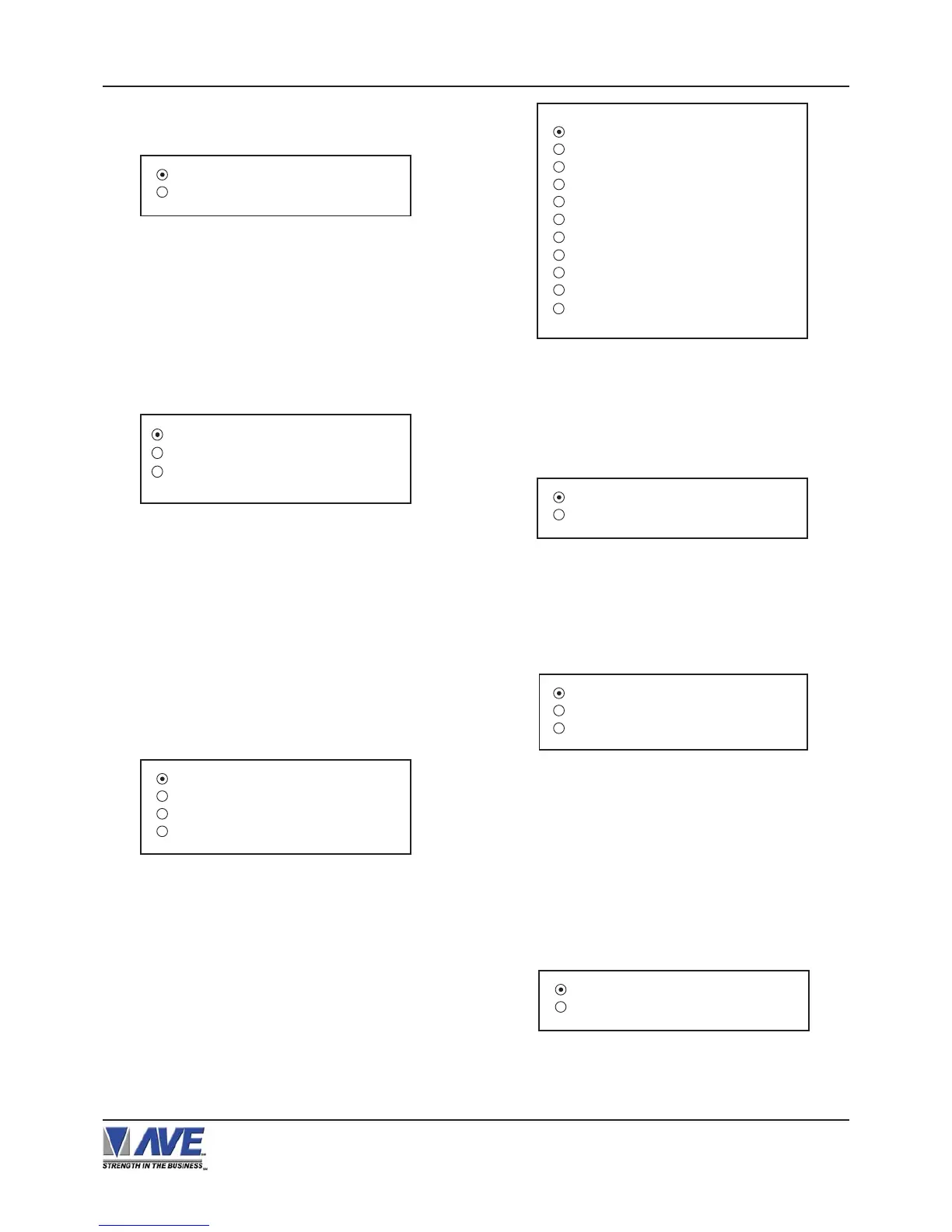
Figure 42-B: CASIO TK-T500 Sub-Menu
MODE
Choices: TAPPING, EMULATING
VSI-Pro VIDEO SERIAL INTERFACE
Press the “Up” or “Down” button to move the cursor to
“CASIO TK-T500” and press “Set”. The CASIO TK-T500
menu will appear:
Press the “Up” or “Down” button to move the cursor to
“BEETLE / 50 PRINTER” and press “Set”. The BEETLE
/ 50 PRINTER menu will appear:
REMOTE SLIP
OPERATOR DISPLAY
Figure 41-B: BEETLE / 50 PRINTERS Sub-Menu
DEVICE ADDRESS 000
EXIT
Figure 37-A: TCI Sub-Menu
DEVICE ADDRESS
Choices : 000, 001, 002,..., 999
Press the “Up” or “Down” button to move the cursor to
“UNIWELL UN 4025” and press “Set”. The UNIWELL UN
4025 menu will appear:
Figure 38-A: UNIWELL UN 4025 Sub-Menu
Figure 39-A: VERIFONE Sub-Menu
JOURNAL TAPPING
RECEIPT TAPPING
JOURNAL EMULATING
RECEIPT EMULATING
Press the “Up” or “Down” button to move the cursor to
“TCI” and press “Set”. The TCI menu will appear:
GENERIC
BEETLE / 50 PRINTERS
CASIO TK-T500
CLARITY EPOS
CASIO QT2K
DRESSER WAYNE
EDACOM
HTEC
HUTH T400 / T500
- - - - NEXT PAGE
EXIT
Figure 40-B: REGISTER SELECT
Sub-Menu
DEVICE ADDRESS
Choices: 000, 001, 002,..., 999
ANY ADDRESS
Choices: ON, OFF
Press the “Up” or “Down” button to move the cursor to
“VERIFONE” and press “Set”. The VERIFONE menu will
appear:
MODEL : TK-T500
MODE : EMULATING
EXIT
SECTION B: VSI-Pro V13.24
Press the “Up” or “Down” button to move the cursor to
“REGISTER SELECT” and press “Set”. The REGISTER
SELECT menu will appear:
Press the “Up” or “Down” button to move the cursor to
“CLALITY EPOS” and press “Set”. The CLALITY EPOS
menu will appear:
Figure 43-B: CLARITY EPOS Sub-Menu
SET TERM NO ALL
EXIT
PROGRAMMING
DEVICE ADDRESS 000
ANY ADDRESS
ON
EXIT


 To Next Page