22
VSI-Pro VIDEO SERIAL INTERFACE
JOURNAL PRINTER
RECEIPT PRINTER
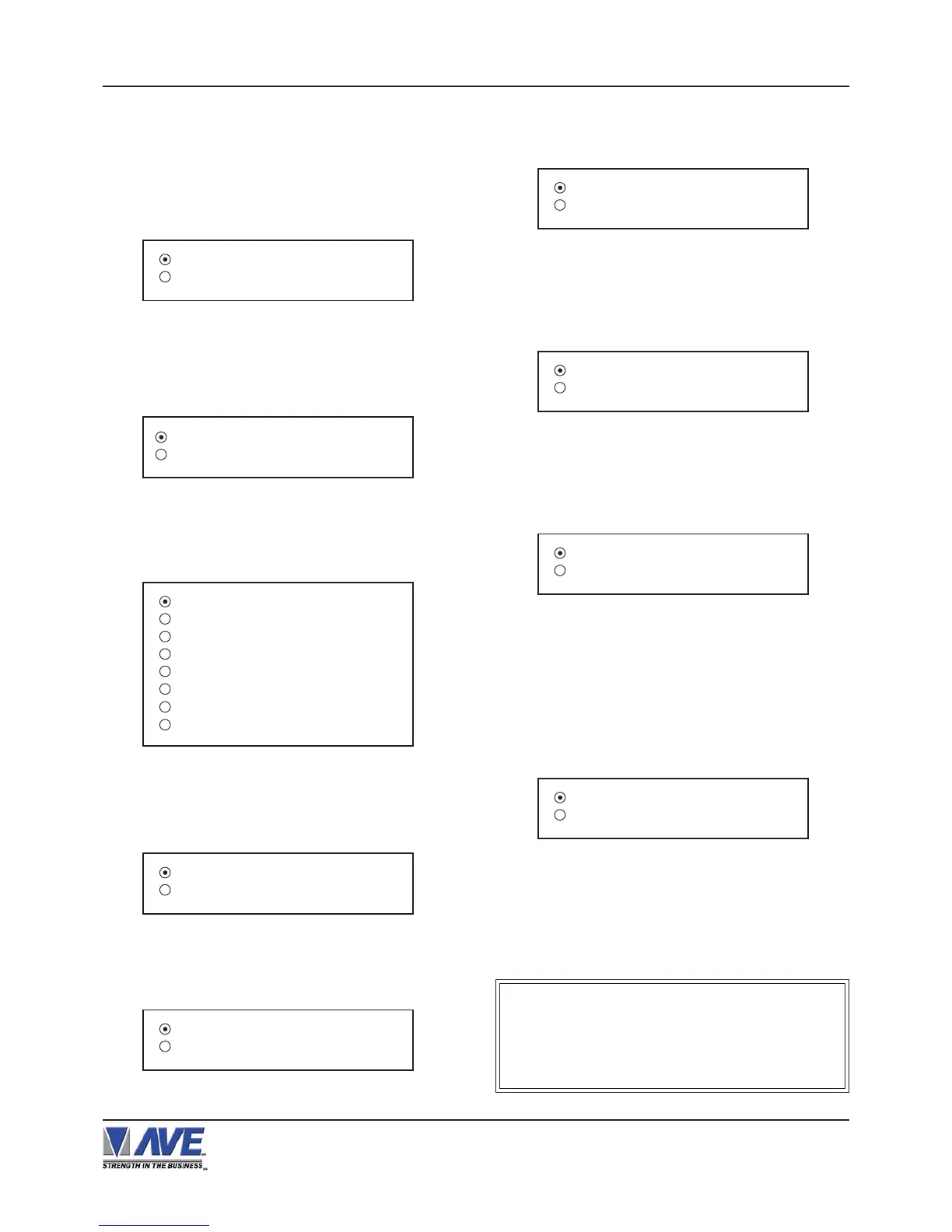
Figure 49-B: NIXDORF BEETLE Sub-Menu
JOURNAL PRINTER
RECEIPT PRINTER
Figure 50-B: OMEGA 2000 Sub-Menu
Figure 45-B: POS / CDU Sub-Menu
JOURNAL PRINTER
RECEIPT PRINTER
POS / CDU
NUCLEUS
Figure 44-B: DRESSER WAYNE Sub-Menu
SET TERM NO.
Choices: ALL, 1, 2, 3,..., 253, 254, 255
Press the “Up” or “Down” button to move the cursor to
“DRESSER WAYNE” and press “Set”. The DRESSER
WAYNE menu will appear:
Press the “Up” or “Down” button to move the cursor to
“POS / CDU” and press “Set”. The POS / CDU menu
will appear:
Press the “Up” or “Down” button to move the cursor to
“NUCLEUS” and press “Set”. The NUCLEUS menu will
appear:
Figure 46-B: NUCLEUS Sub-Menu
Terminal 1
Terminal 2
Terminal 3
Terminal 4
Terminal 5
Terminal 6
Terminal 7
Terminal 8
Press the “Up” or “Down” button to move the cursor to
“NIXDORF BEETLE” and press “Set”. The NIXDORF
BEETLE menu will appear:
Press the “Up” or “Down” button to move the cursor to
“OMEGA 2000” and press “Set”. The OMEGA 2000
menu will appear:
MODEL E90
EXIT
Figure 47-B: EDACOM Sub-Menu
Press the “Up” or “Down” button to move the cursor to
“EDACOM” and press “Set”. The EDACOM menu will
appear:
DISPLAY RECEIPT
EXIT
Figure 51-B: SCHLUMBERGER Sub-Menu
DISPLAY
Choices: RECEIPT, CDU[ 2L ], C.D.U.
Press the “Up” or “Down” button to move the cursor to
“SHARP 750 ER-01PU” and press “Set”. The SHARP 750
ER-01PU menu will appear:
Press the “Up” or “Down” button to move the cursor to
“SCHLUMBERGER” and press “Set”. The
SCHLUMBERGER menu will appear:
DISPLAY RECEIPT
EXIT
Figure 52-B: SHARP 750 ER-01PU Sub-Menu
DISPLAY
Choices: RECEIPT, JOURNAL
MODEL E9010
EXIT
Figure 48-B: MODEL E90 Sub-Menu
Press the “Up” or “Down” button to move the cursor to
“MODEL E90” and press “Set”. The MODEL E90 menu
will appear:
NOTE ?
As we continually add new registers, these
menus are subject to change.
PROGRAMMING


 To Next Page