49
VSI-Pro VIDEO SERIAL INTERFACE
DOWNLOAD/UPLOAD SETUP USING A PC
You can use a Laptop PC and AVE’s IC or equivalent communications program to store data from a VSI-Pro to a file.
This file can then be uploaded to other VSI-Pro units with the same software revision level. Use 4800 baud for the
PC’s baud rate.NOTE: This feature is only available to like versions and release. Therefore you can only program a
Ver. 13.00 R5 with a same exact VSI-Pro or errorenous data will occur.
PROGRAMMING
NOTE ?
For locations or companies with a large number of interfaces, we strongly advise that
you keep one programmed VSI-Pro as a master and a backup to insure your system
integrity. This will also aid in reprogramming any changes and protect against any
catastrophic events.
VSI-Pro Remote Program Downloading Ver. 1.0
The VSI-Pro Version 13.00 Release 12 now has the ability to upload or download all the programming settings and
history files via a PC Windows based application. Customer or specific registers configurations can now be saved in
a laptop for ease of service and programming. You can set the VSI-Pro clock in sync with a laptop or manually enter.
Simple keyboard strokes can enter titles, exceptions and trigger strings quickly and easily. This is accomplished by
using a Com port of the laptop or a USB to RS-232 adapter. Auto connection time out and error recovery guarantees
the VSI-Pro will function under any condition including cable breakage, power down of laptop or VSI-Pro and acci-
dentally hitting reset on the VSI-Pro during connection.
Software Installation
Click Setup.exe for the VSI-Pro Program Download V1.0
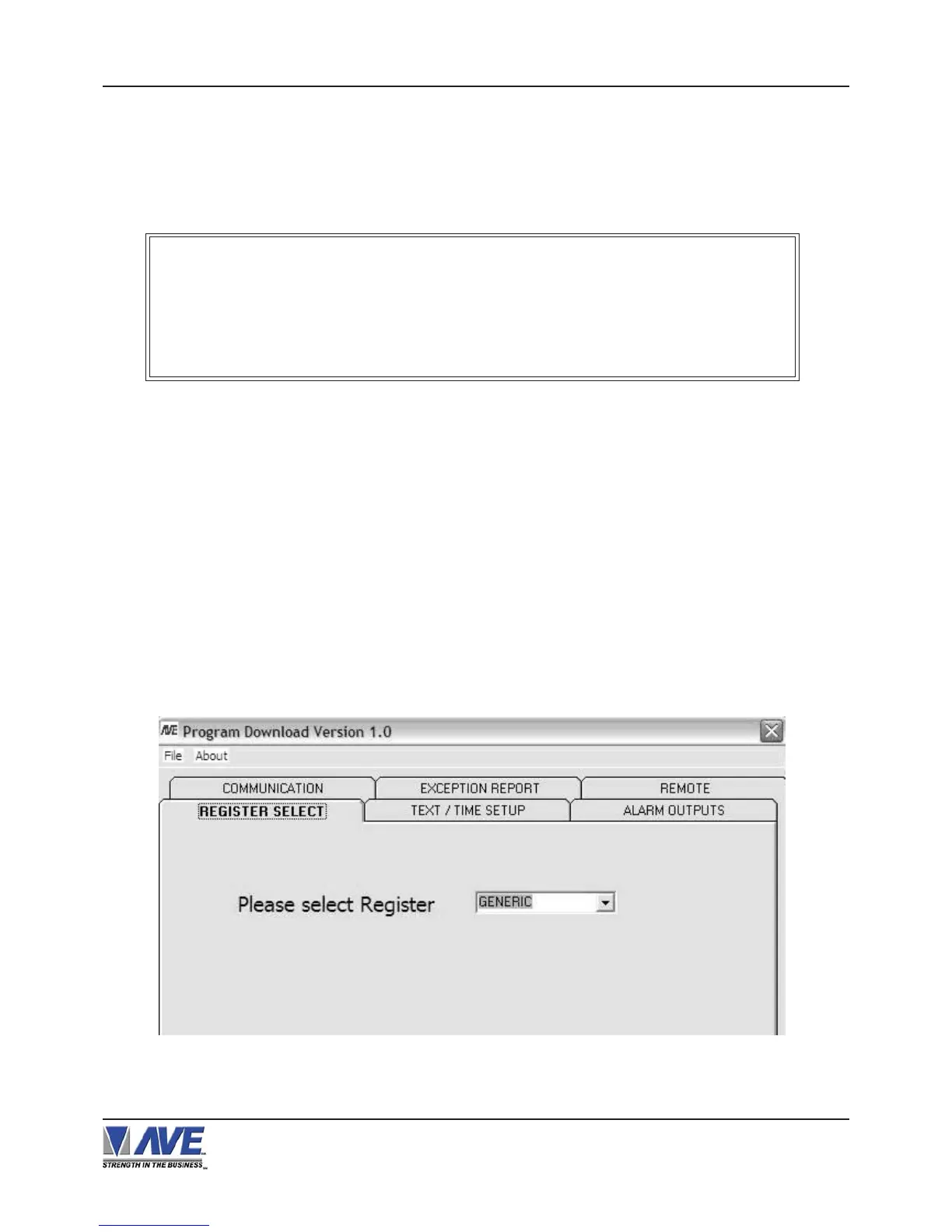
After installation is complete, run the program. The following window will be loaded.
Figure P1 Program Download Main Menu


 To Next Page