7 — Appendices
7 - 28 Service Instructions RP-A301CE/RP-A351CE/RP-A355CE
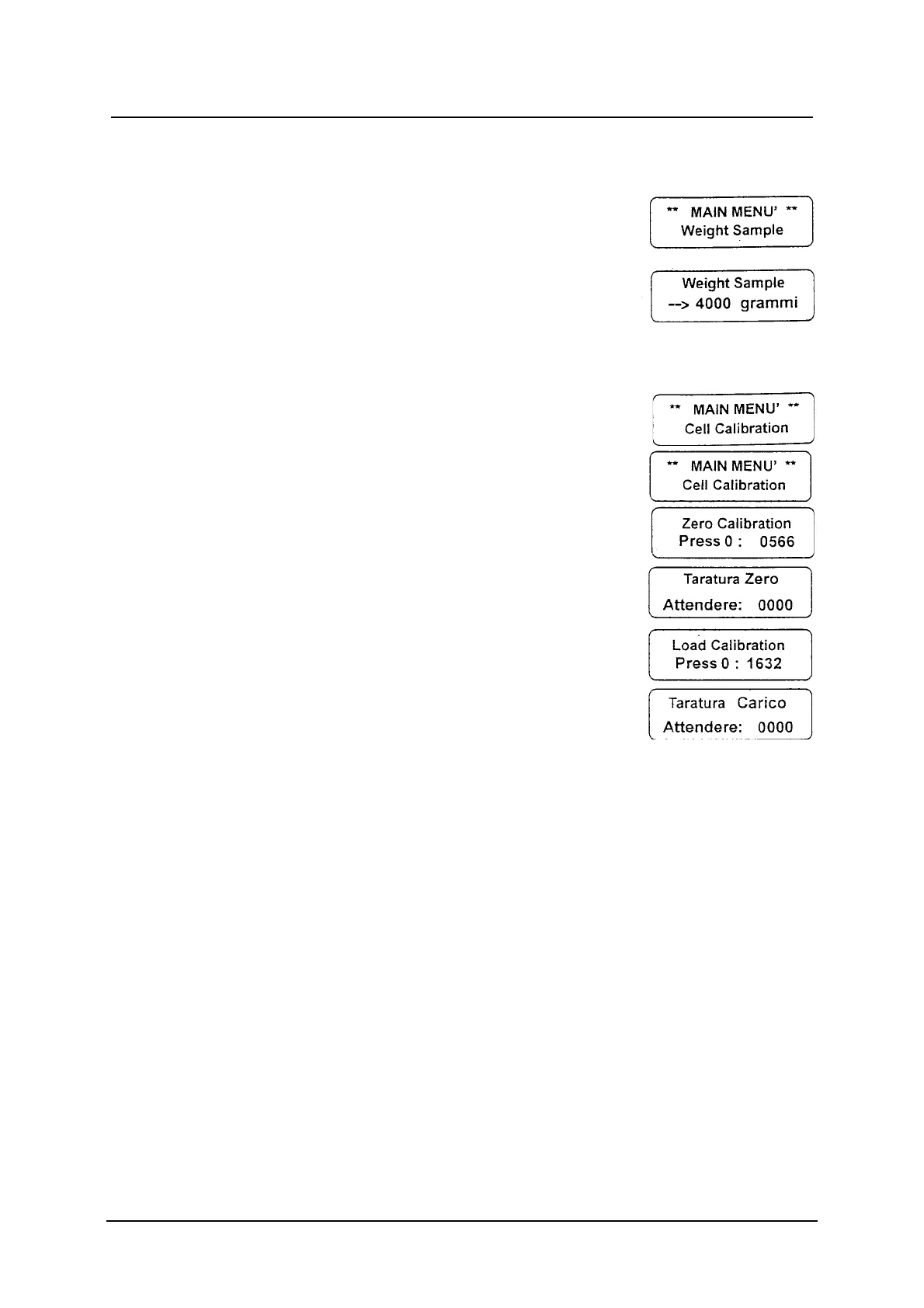
Sample Weight
Sample weight: it is the reference sample weight
(gr) to calibrate the weighing system.
Press the ENT button to visualise the Weight
Sample message; use the numeric buttons to set
up the datum (max. 4000 gr) and press ENT to
confirm.
Cell Calibration
Cell calibration: it allows to calibrate the loading cell
and the converter A/D automatically.
Before carrying on the calibration, make sure that
the weight sample value has already been set up in
the sample weight function, otherwise it is
impossible to go on calibrating.
Put the empty slice receiving tray on the loading
cell press the and follow the calibration instructions
which appear in progression on the display.
1. Wait until the reading has steadied.
2. Press the 0 button to obtain Zero.
3. Place the sample weight on the slice
receiving tray and wait until the reading has
steadied.
4. Press the 0 button to obtain the sample
weight.
Finished calibrating the Cell Calibration message
will be visualised automatically.



 To Next Page