7 — Appendices
7 - 20 Service Instructions RP-A301CE/RP-A351CE/RP-A355CE
Automatic operation
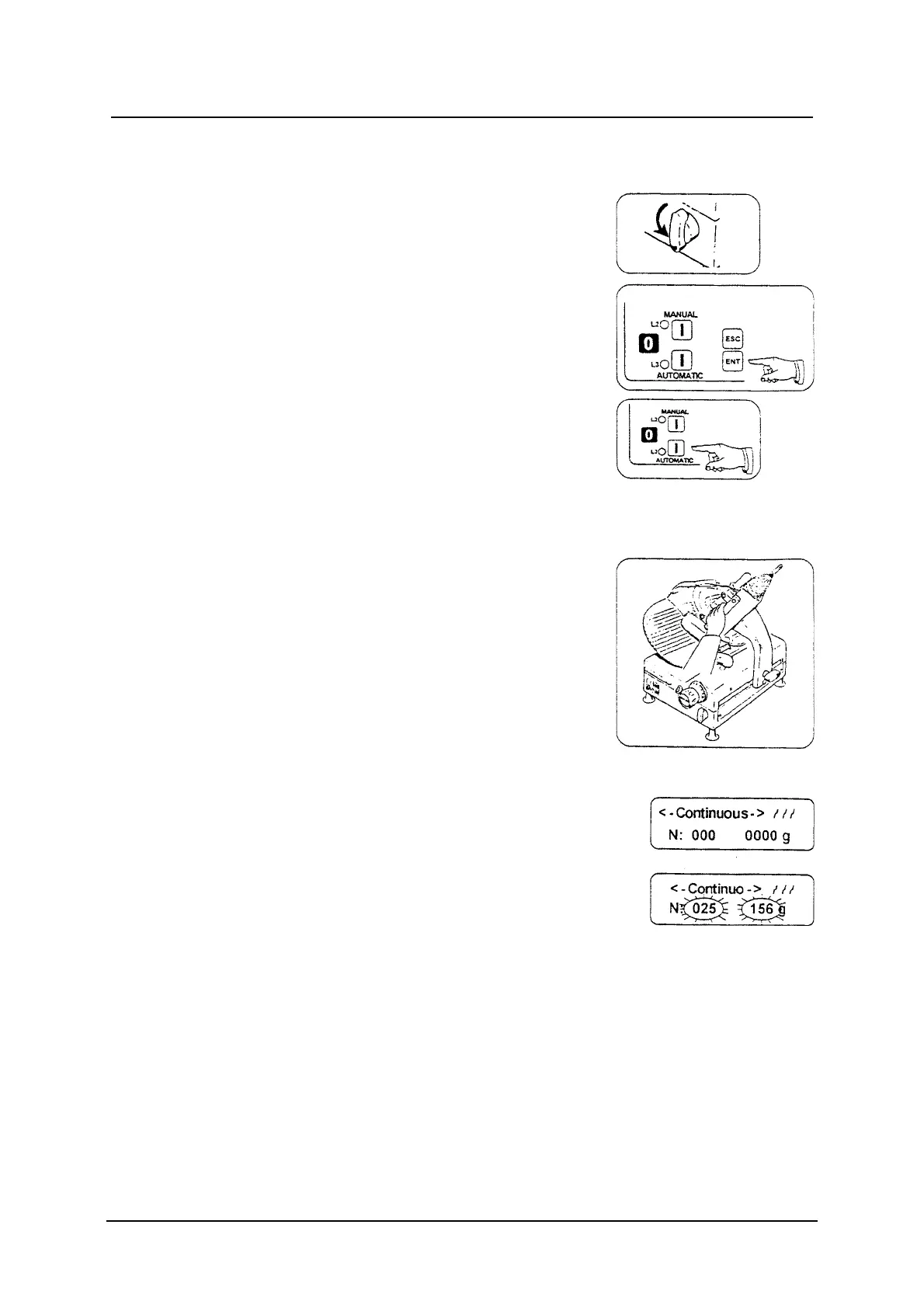
Turn the carriage release handle 180 to left.
The Programmable Portioner has three working
functions.
In waiting condition, press ENT button to choose
one of the functions Slicers, Weight, Continuous in
a cyclic way.
After choosing the working function it is necessary
to follow the proper instructions to programme it.
After programming, press the AUTOMATIC button
and the machine will work automatically.
To stop the machine press the O button.
The product holder travel set
This function must always be done before starting
the machine.
The operator must adjust the product holder travel
so that it is fit for the product cutting dimensions.
Continuous function
Press the ENT button to visualise the
<-Continuous-> message.
Press the ESC button to reset the slice number.
Set up the product holder travel.
Press the AUTOMATIC button to start both the
blade and the product holder (led L3 on).
The weight and the slice number of the product will
be visualised on the display.



 To Next Page