Avery
®
Personal Label Printer
90
Inserting Images from the Clipart Gallery
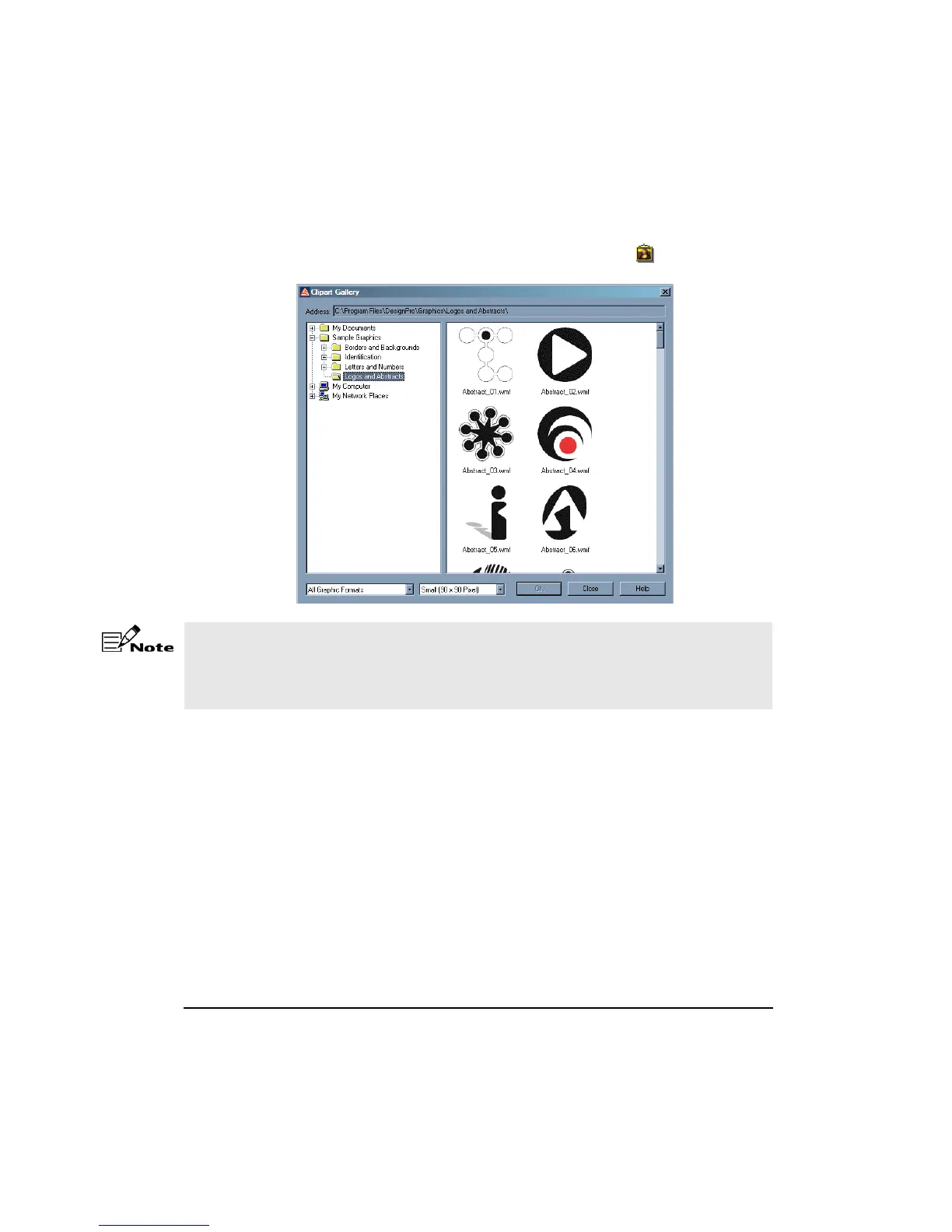
To access the Clipart Gallery, select Insert > Clipart Gallery or click on the Vertical
toolbar. The Clipart Gallery dialog box appears.
From the pull-down list boxes at the bottom of the dialog box:
• Select All Graphic Formats or select the specific type of file you want to insert.
• Select the thumbnail size for the preview; Small, Medium or Large.
Click on the preview to select an image. To add the clipart to your design, click OK.
If the clipart folders are not displayed the first time you use this feature, you selected an
installation option that did not install the DesignPro graphics. You will need to insert the
DesignPro CD and then select Insert > Clipart Gallery. If the startup window appears
when you insert the CD, click Exit.










 To Next Page