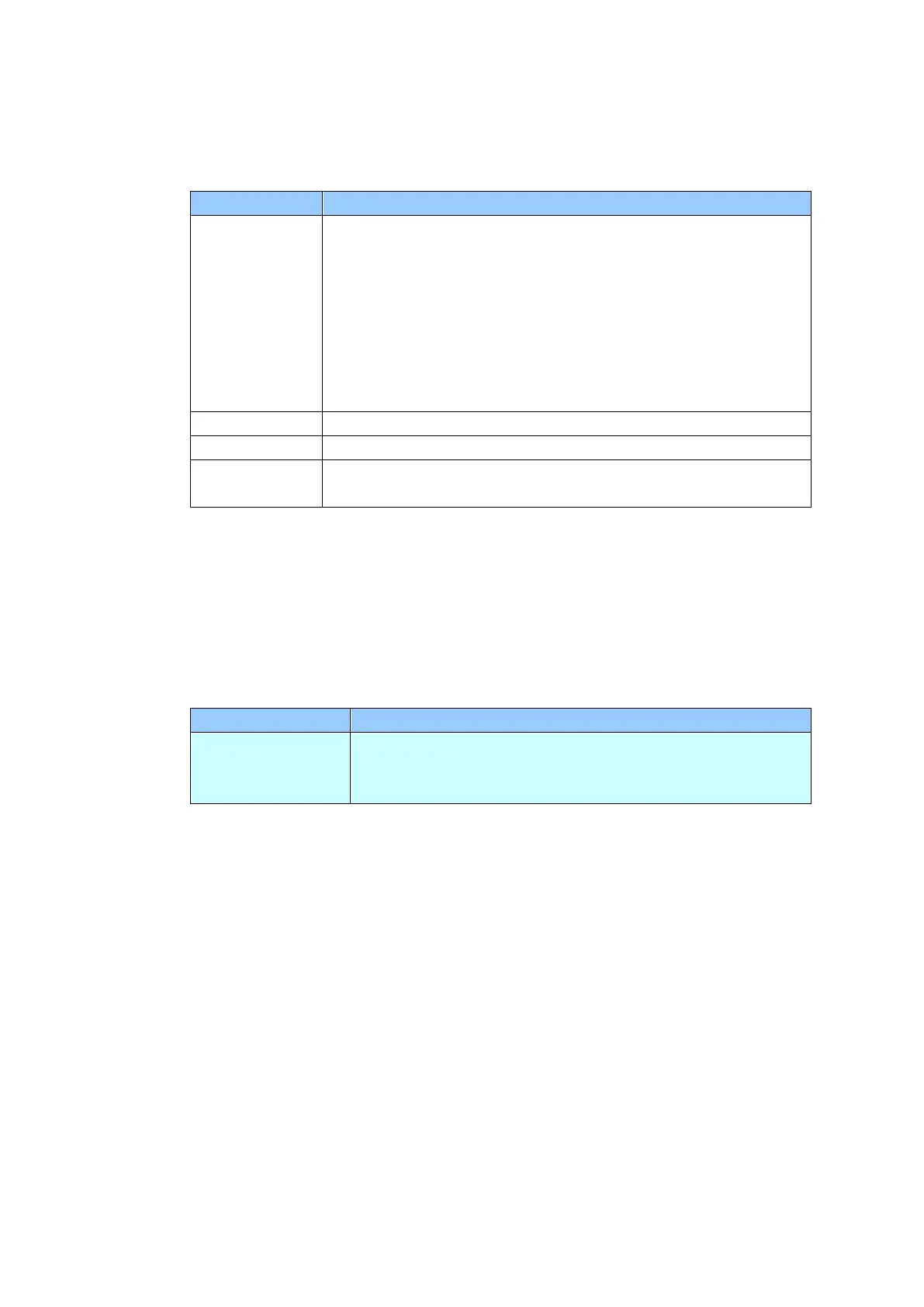
Filing Profiles: Used to setup and manage your file destinations including FTP,
SMB, USB (an inserted USB flash drive), or a Public Folder (the machine’s
memory).
Add a new Filing Profiles.
Enter information on the [Basic], [Advanced Settings],
[Layout Adjustment] tabs.
For more details on the options of each tab, please refer to
the setting description on the preceding section, Scanning
and Sending Your Documents to a Network Folder, a USB
Flash drive or a Public Folder on page 35.
Delete a current profile.
Modify a current profile.
Used to specify the folder name for the destination.
Address Book: Used to create or edit your address book. Options include Add,
Modify, Delete, and Group.
ShortCut: Used to set up the product’s ShortCut displayed on the LCD touch
panel.
Choice: USB Flash, Public Folder, FTP, FTPS, SMB,
E-mail.
Option: New, Edit, Delete



 To Next Page