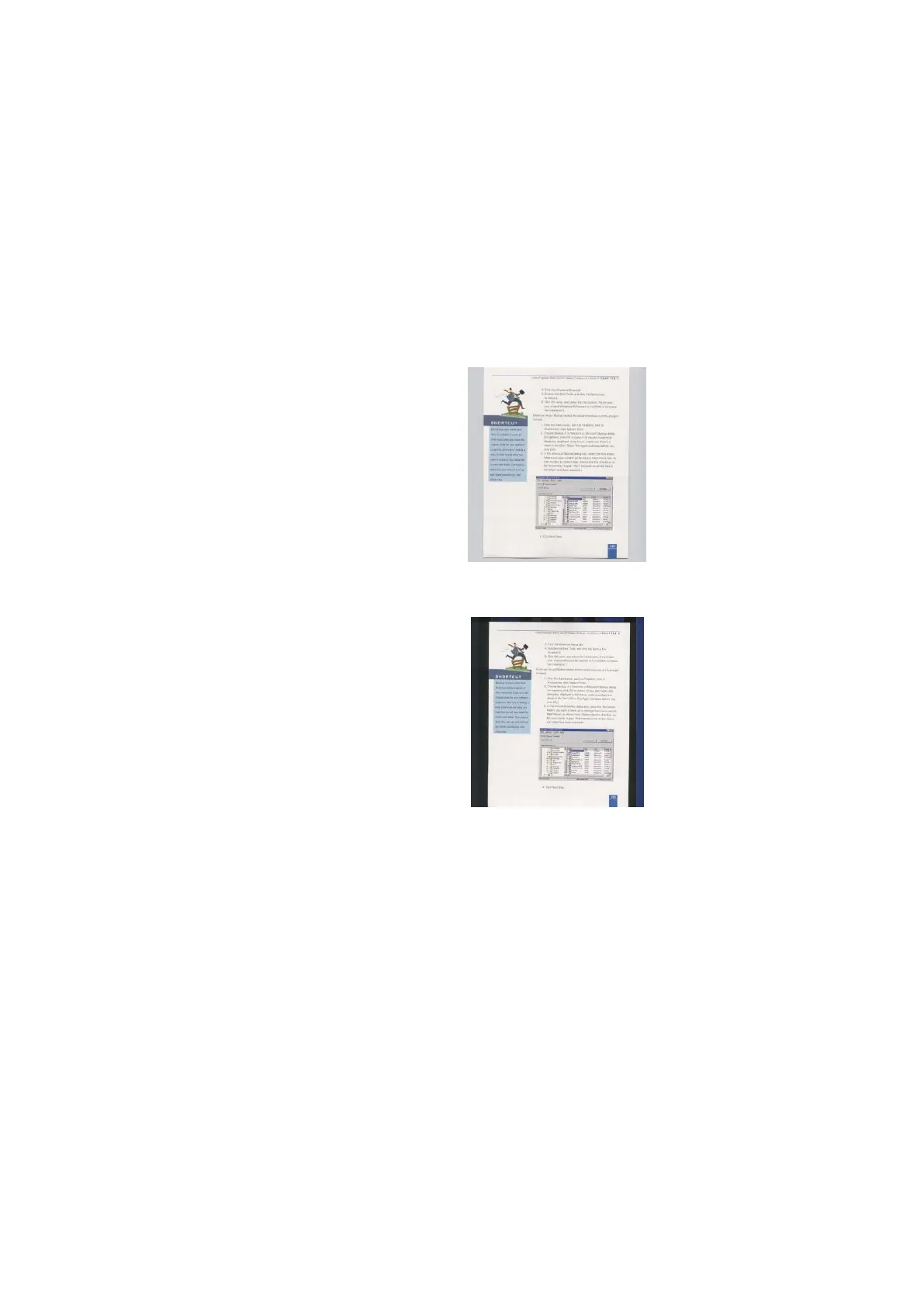
This option allows you to set your scan
background. Choice: White Background, Black
Background.
Note: For a sheet-fed scanner with an auto
document feeder, this option is currently available
only in the “Auto crop” mode. For a scanner with a
flatbed platen, this option is available either in the
“Auto crop” or the “Fixed to Transport” mode.



 To Next Page