Connecting to A Wireless Network
Connecting to a Wi-Fi network in an AP (Access Point) Mode
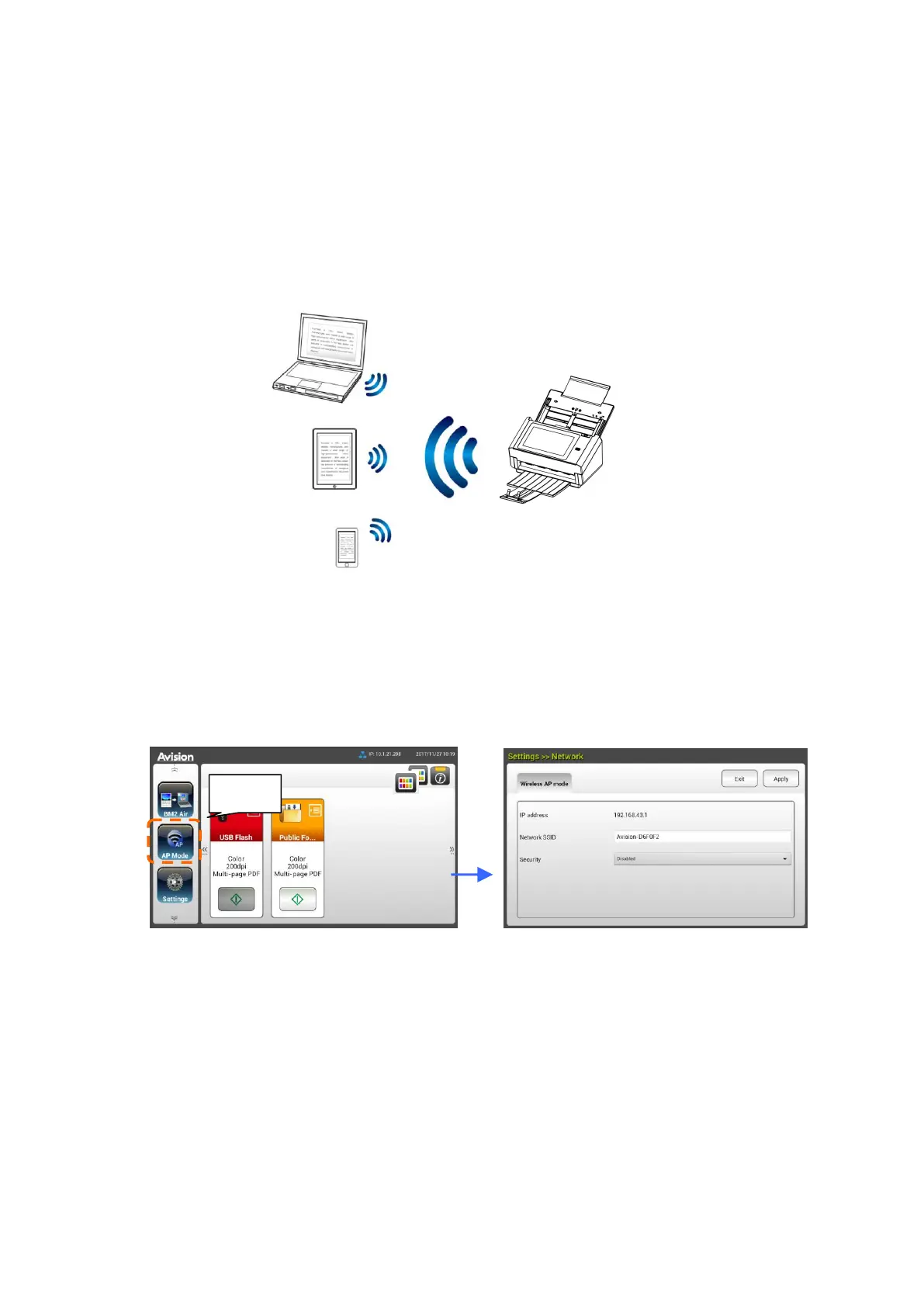
In AP (Access Point) mode, your mobile devices and the scanner are connected
wirelessly without an additional AP (Access Point) since the scanner itself works as
an AP.
1. If you have connected a wired Ethernet cable to the scanner, disconnect the
network cable.
2. On the Home Screen of the LCD Touch Panel, tap [AP Mode]. In a second,
the SSID and IP Address will be displayed.
3. On your mobile devices, make sure Avision–xxxxxx (xxxxxx indicates the last
six digits of the Mac Address) has been selected as your network name
(SSID).



 To Next Page