5 Starting a Scan from Your
Mobile Device
With a built-in Wi-Fi module, the scanner is converted into a wireless device.
When a mobile device is use, the scanned images can be received from the mobile
device.
Making Preparation
To connect the scanner to a wireless LAN, prepare the followings:
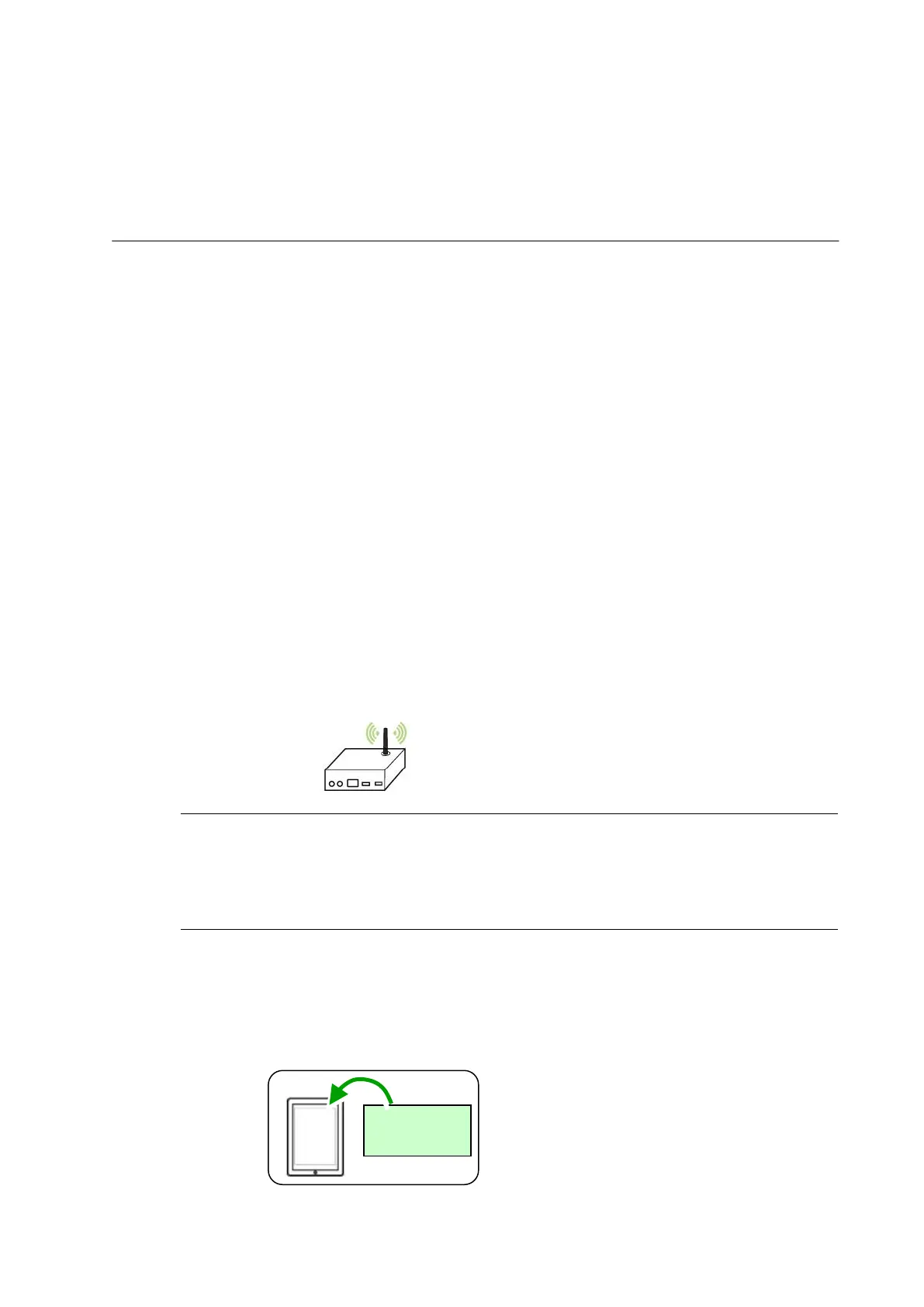
An environment in which a wireless LAN is available
When connecting the scanner to a wireless LAN, you may need information for a
wireless access point such as an SSID (network name) and a security key
(password). For details, contact your Network Administrator or refer to the manual
for the wireless access point.
Attention!
Do not place obstacles that block radio waves (e.g. walls or metal plates) or
devices that cause radio wave interference (e.g. cordless phones) within 100 mm
of the scanner, or near your wireless access point.
MB Application
Download the MB Application on your mobile device from an application store
such as Google Play.



 To Next Page