Connecting the Cables
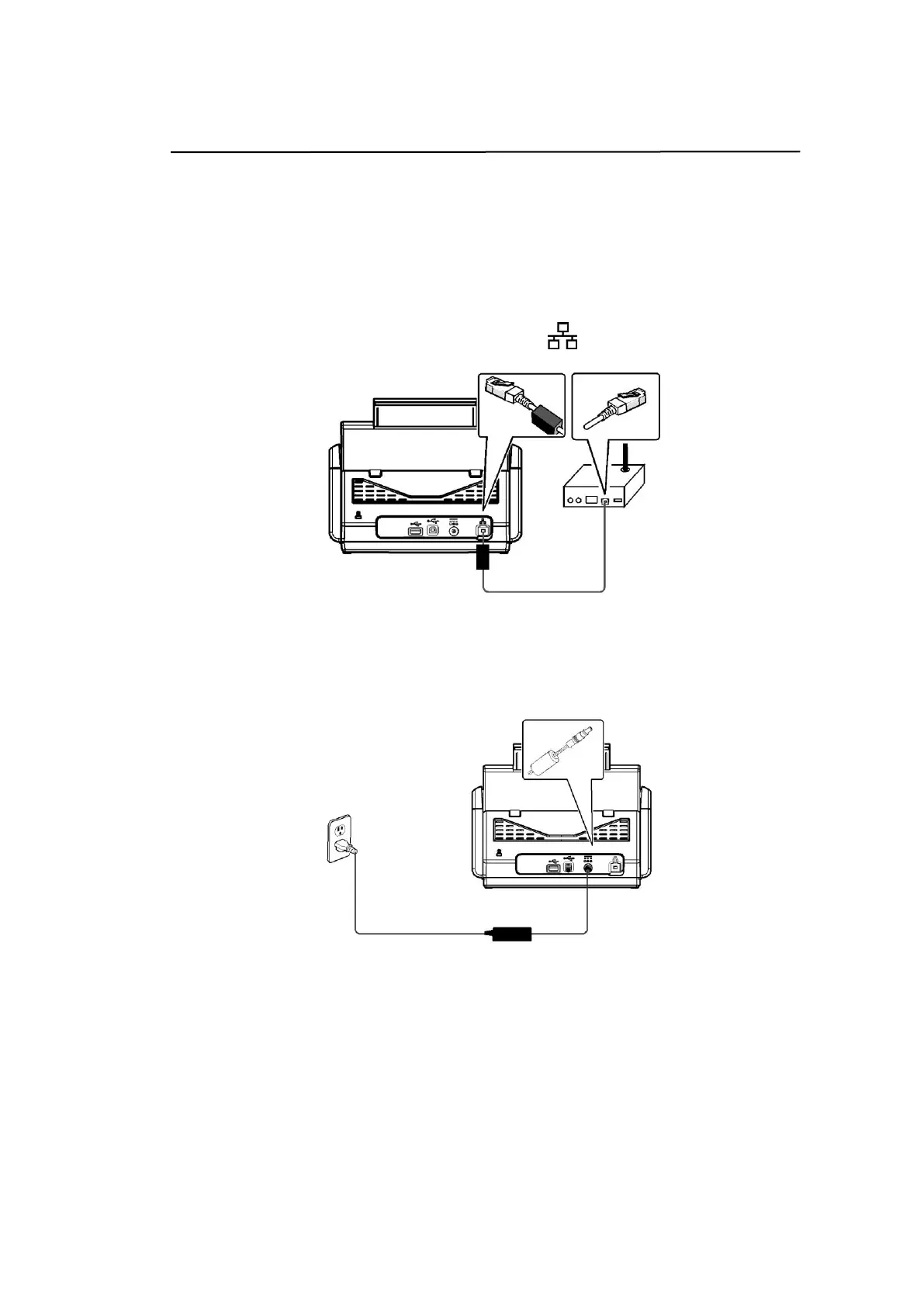
Connecting the Ethernet Cable
1. Connect one end of your Ethernet LAN cable to an available port of your
Ethernet Hub.
2. Connect the other end to the port marked at the back of the product.
Connecting the Power and Turning on the Machine
1. Connect one end of the power cable to the power receptacle of the product.
2. Connect the other end to an appropriate power outlet.



 To Next Page