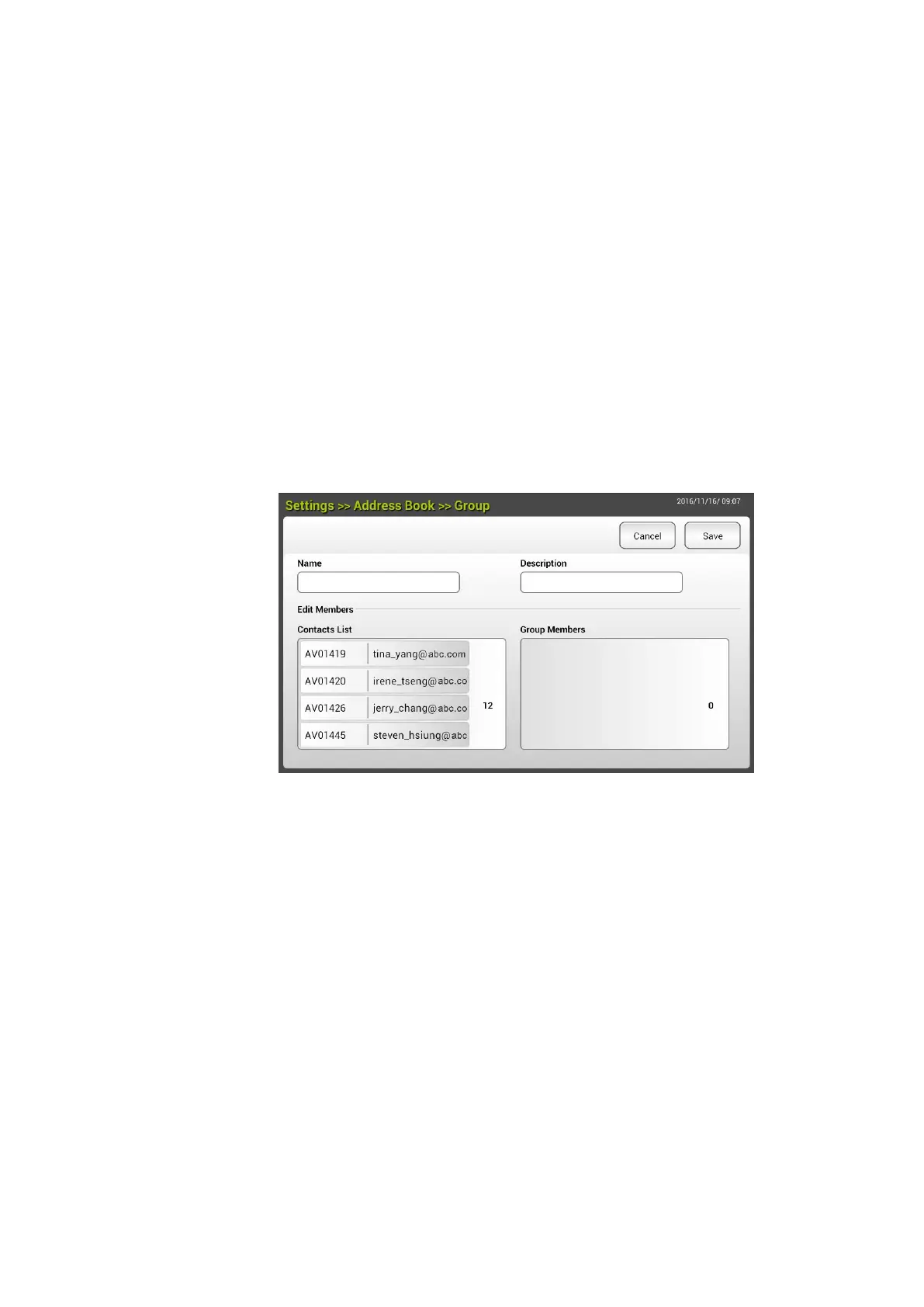
Adding a new E-mail Group
To send multiple addresses simultaneously at one time, you can create address
group to speed up the process. Up to 50 addresses can be included in one
group and a total of 50 groups can be created in the Address Book.
To add a new E-mail group,
1. Repeat Step 1 from the previous section, Adding a New E-mail Address.
The [E-mail Address Book] page will be displayed.
2. Tap [Group] and then choose [New] to prompt the [Add a New Group]
page.
3. Enter your group name and its description.
4. Choose the address from the address list and click to add a member to
the group.
5. Click [Save] to save the setting or [Cancel] to leave the page without
saving any setting.



 To Next Page