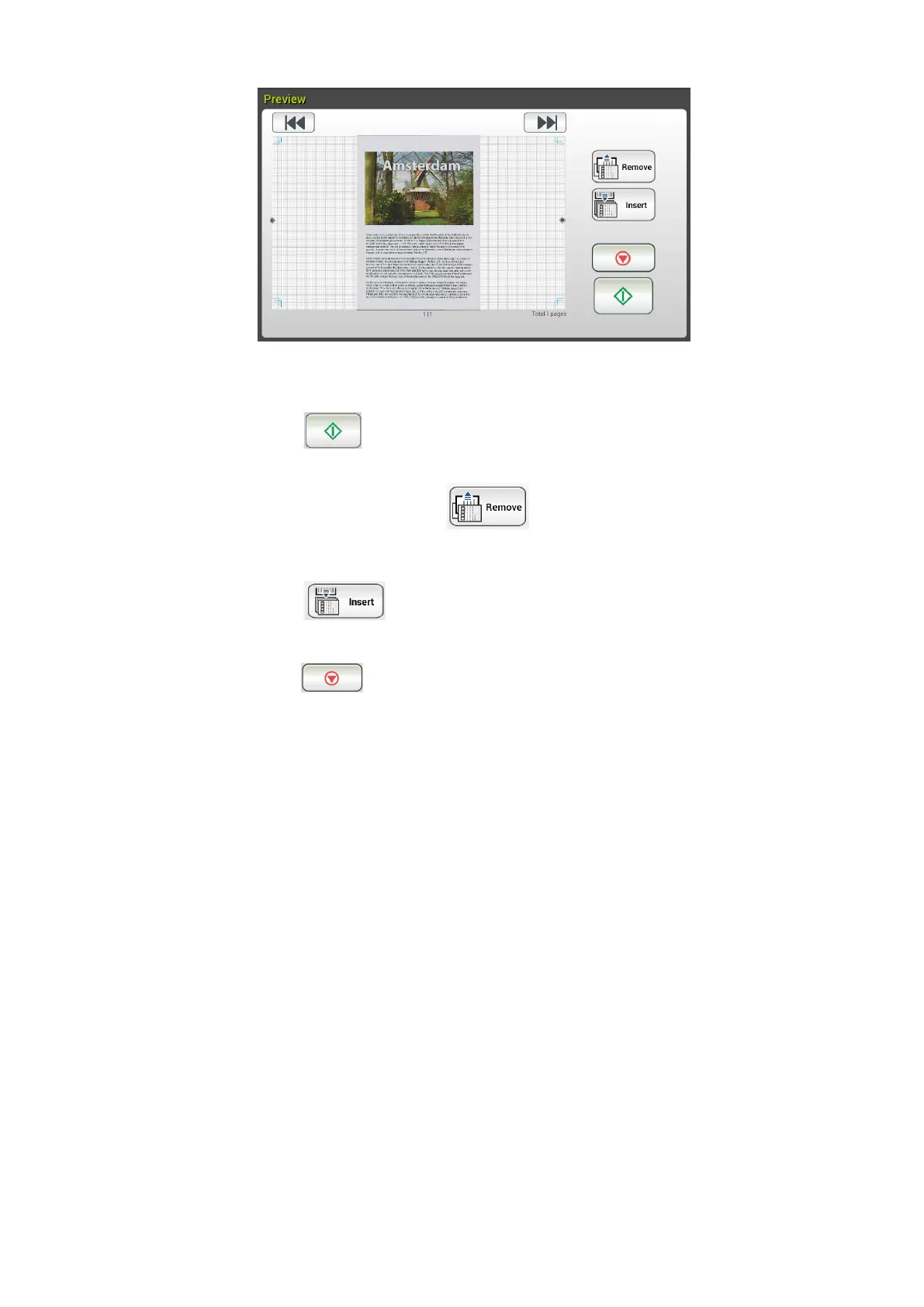
5. On the Preview screen,
Start: If the scanned image is OK, press the [Start] button
( ) on the touch panel to distribute the scanned image.
Remove: If the scanned image is not satisfactory, tap the
[Remove] button ( ) to delete the scanned image.
Insert: You may also insert more pages by taping the [Insert]
( ) button.
Cancel: If the scanned image is not OK, tap the [Cancel] button
( ) to abort the job.
6. The product begins to upload your scanned images to your specified cloud
server.
On the web site of your specified cloud server, you will be required to
complete the login and authorization. If successful, your account will be
displayed and the scanned image will be stored in the cloud server.



 To Next Page