To scan and send the image to SharePointOnline:
1. Load your document to the scanner.
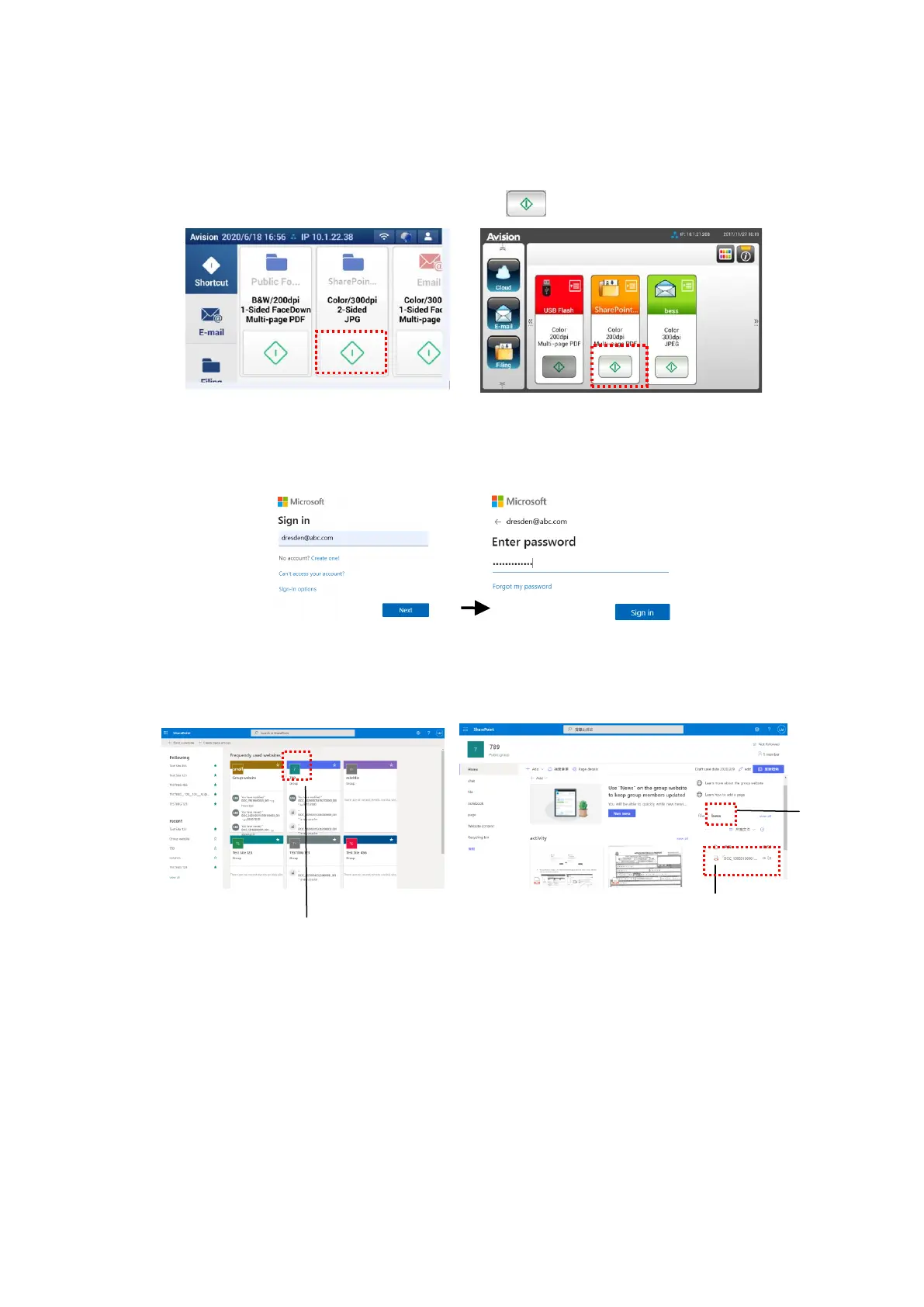
2. On the touch panel, tap the [Start] button of the [SharePoint] shortcut.
AN335L series AN335W/AN360W series
3. When the following [Sign in] dialog box is prompted, type your account name,
password, and then click [Next]. Click [Yes] when [Stay sign in] dialog box
is prompted.
4. The scanned image will be delivered to your SharePointOnline Cloud.
5. Open your browser and type the IP address/domain name of your company’s
SharePointOnline server. You can find your image in the SharePointOnline
page as shown in below. (Group name: 789, Subfolder: bess)



 To Next Page