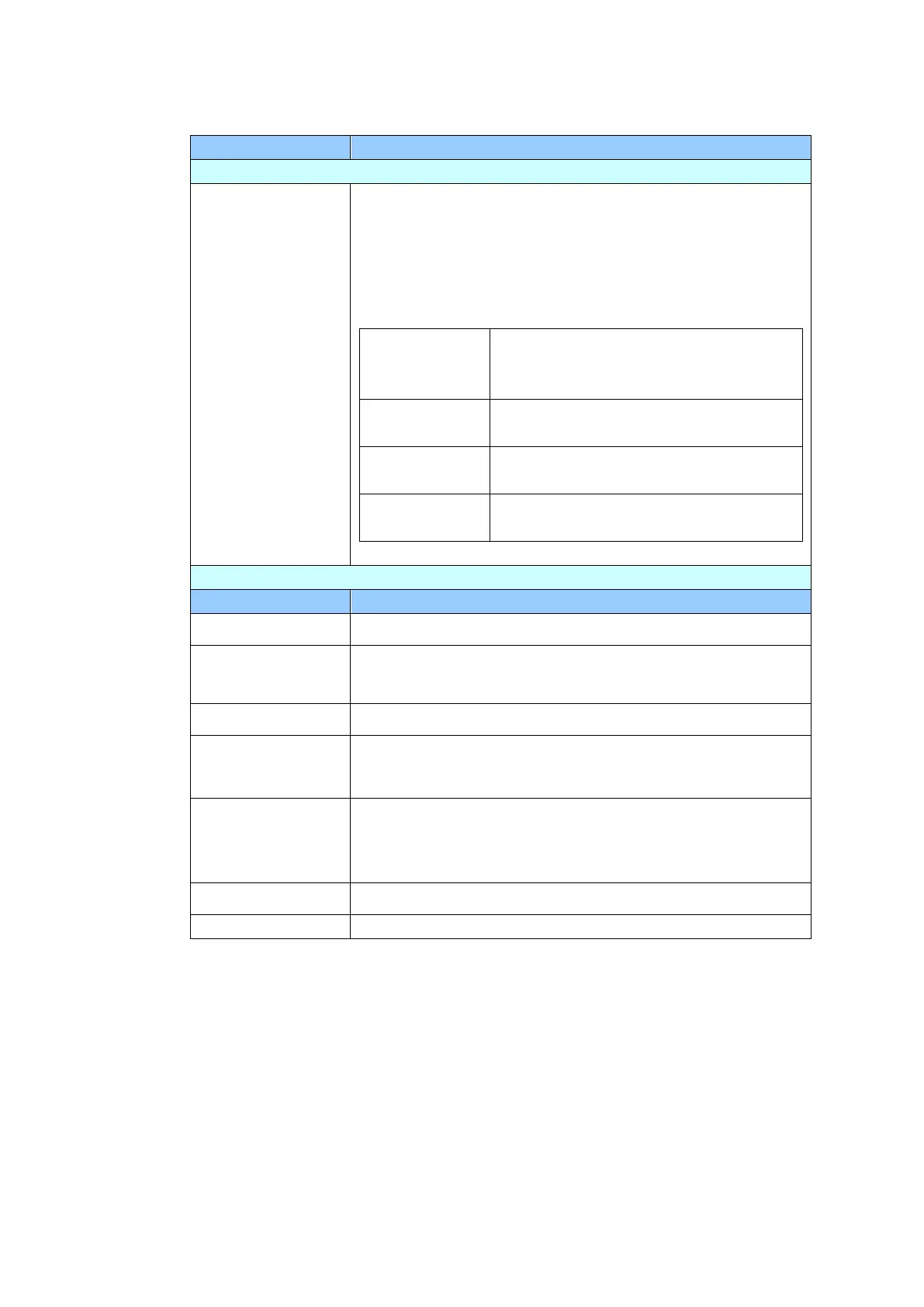
Network: Used to specify the product’s network settings.
Used to specify if the product’s IP address is assigned
by DHCP or a static IP.
Choice: Off, On
If you have a DHCP server available on your network
and the DHCP has been enabled, the IP address, subnet
mask, gateway, and DNS server will be automatically
given.
The Internet Protocol (IP) address
assigned to your machine by your
network administrator.
The net mask address assigned by
your network administrator.
The gateway IP address assigned by
your network administrator.
The Domain Name Server assigned
by your network administrator.
Enter the IP address of your SMTP server (mail server).
Enter the port number of the SMTP server.
* 25
Choose to enable the email authentication method.
Choice: OFF, *ON
Choose the encryption method of your emails to the
SMTP server.
Choice: *None, STARTTLAS, SSL/TLS
Enter the login name for SMTP authentication.
Enter the login name for SMTP authentication.



 To Next Page