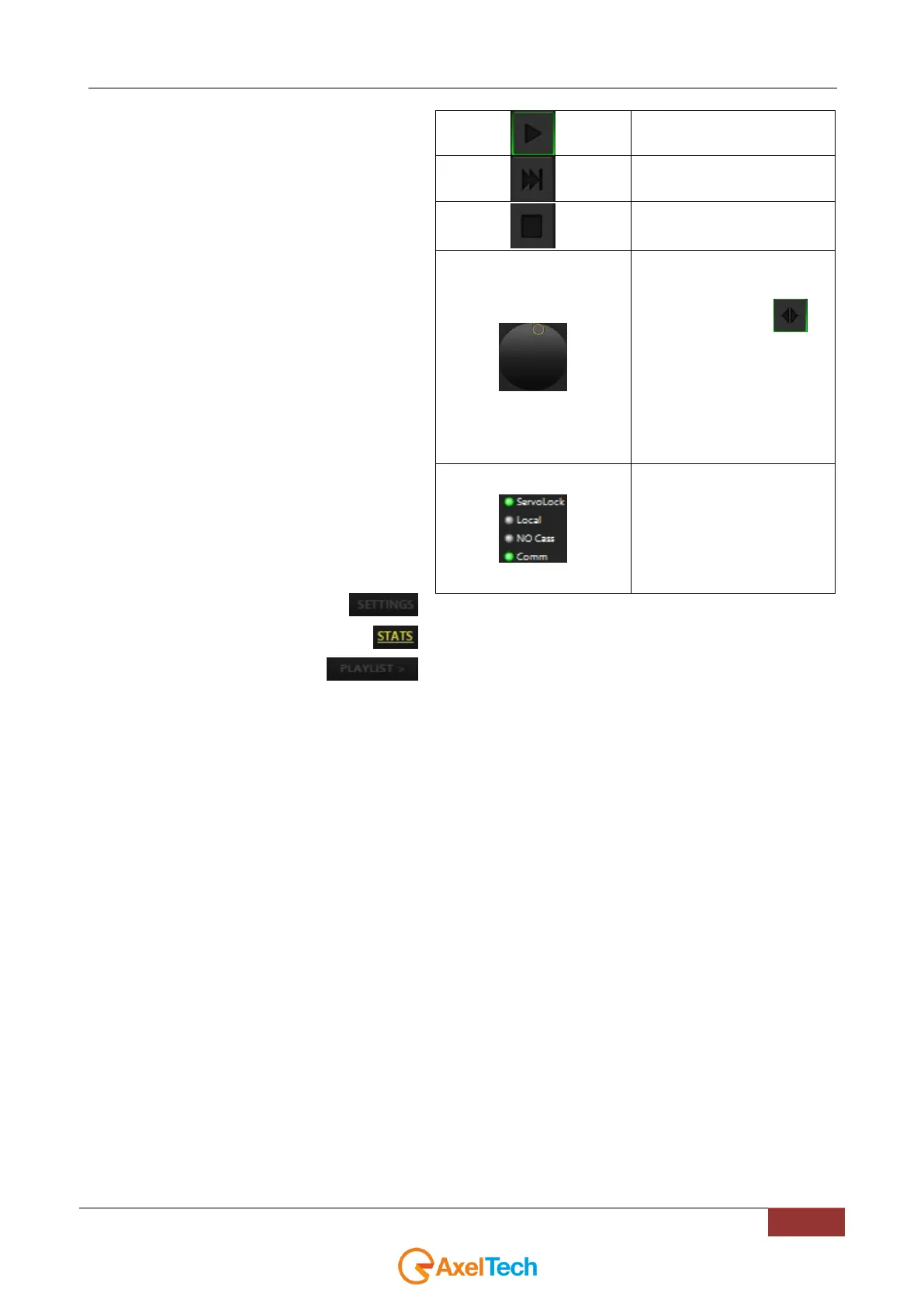
Control for the fast forward or
the rewind of the tape. The
bottom button controls the
jog/shuttle operativity .
Jog is fine strokes - generally
moving in increments of a
frame
Shuttle is broad strokes - you
turn the wheel a little and
depending how far you turn
you go faster and faster up to
many times real-time.
Servolock: the tape is in
playback
Local: it is impossible to
control the videorecorder from
this panel
No Tape: the tape is not
present.
Comm: No vcr is connected



 To Next Page