ENG
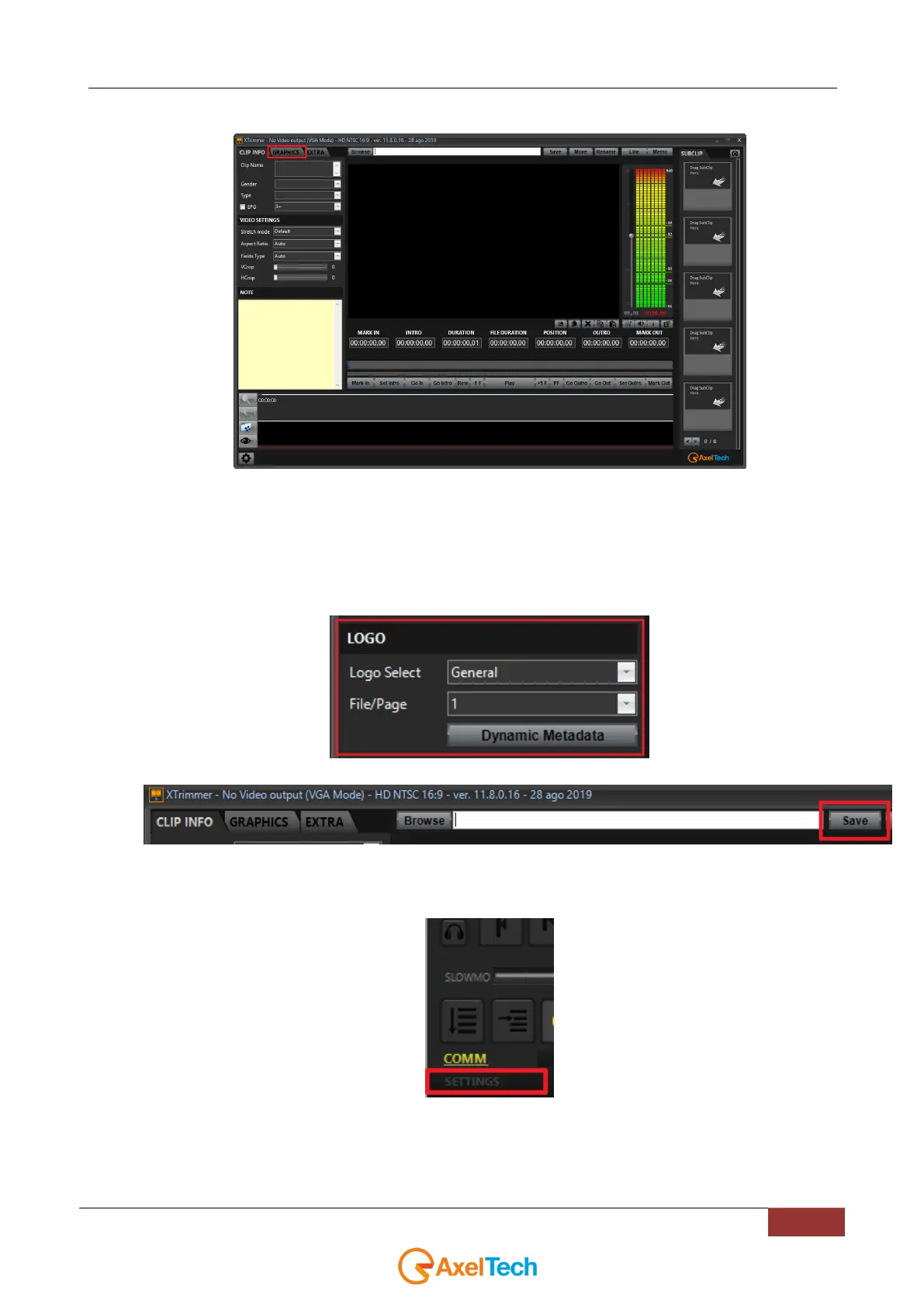
2. After the selection of the desired clip open the GRAPHICS section:
3.
1. Inside LOGO section set the Logo Select parameter on General. HD
2. In the File/Page parameter select a desired page number. The number selected here will be the key
to use your YOUPLAY GFX function. In this example we are working with the File/Page parameter
set on 1.
4. Click on Save to apply the changes done in previous point 3:
5. Open your YOUPLAY desired instances (in our example we have opened YOUPLAY1 and YOUPLAY2
but the GFX function could work on all YOUPLAY instances available).
6. On all YOUPLAY instances click on SETTINGS.



 To Next Page