ENG
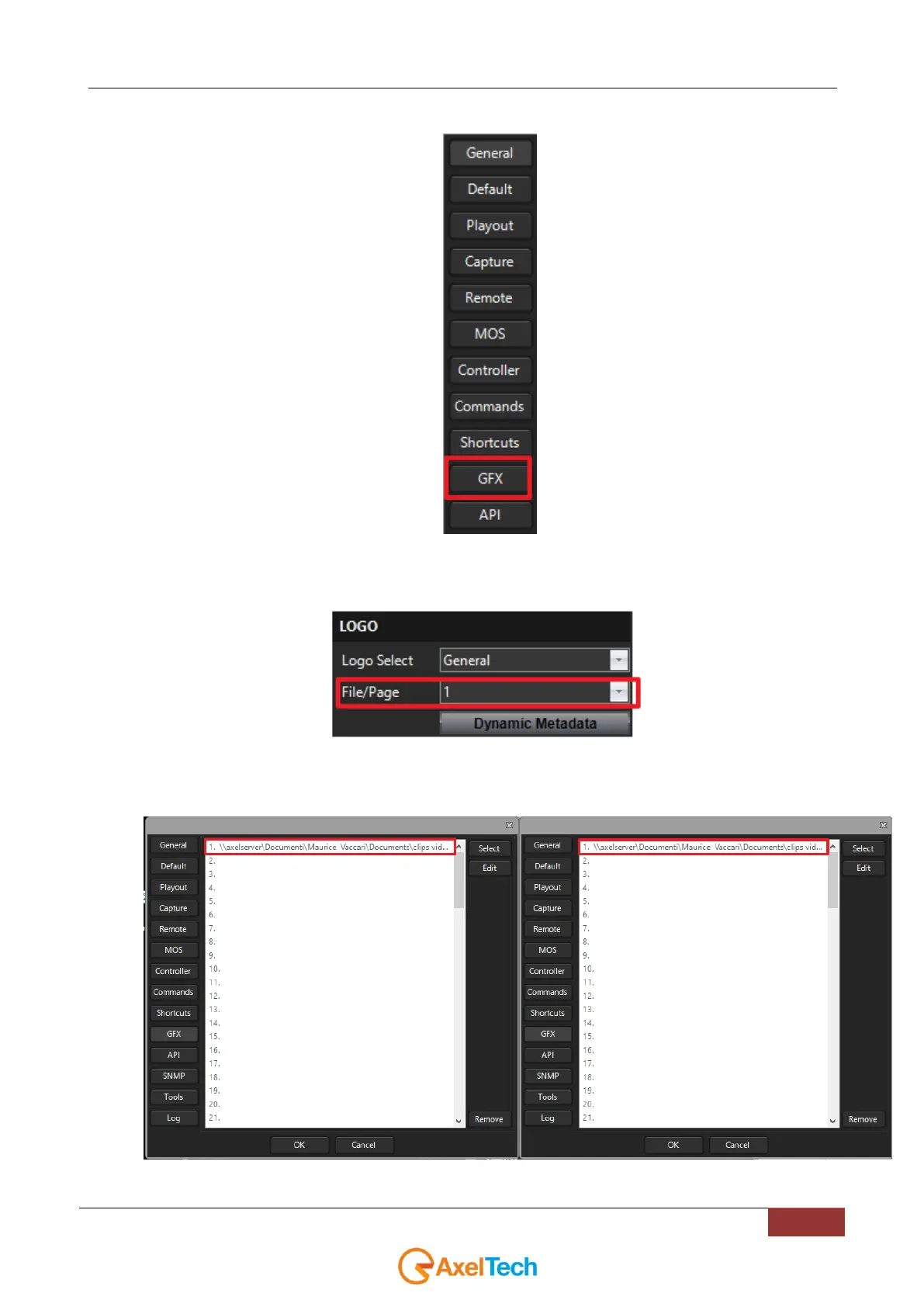
7. On all YOUPLAY instances enter inside GFX settings section.
8. On all YOUPLAY instances, inside GFX settings section, edit the line number with the same number
previously set in the File/Page (on XTRIMMER side). As shown by the following picture, our line
number will be 1.
.
In our YOUPLAY1 and YOUPLAY2 > Settings > GFX > line1,
by clicking on both edit buttons we set two different graphics file in .acg format.



 To Next Page