m0-m/m0*100% Ts=120C ts= 0:10:00s
T = 118.34C 30%
m = 0.592g
t = 0:04:33s
m0= 0.695g
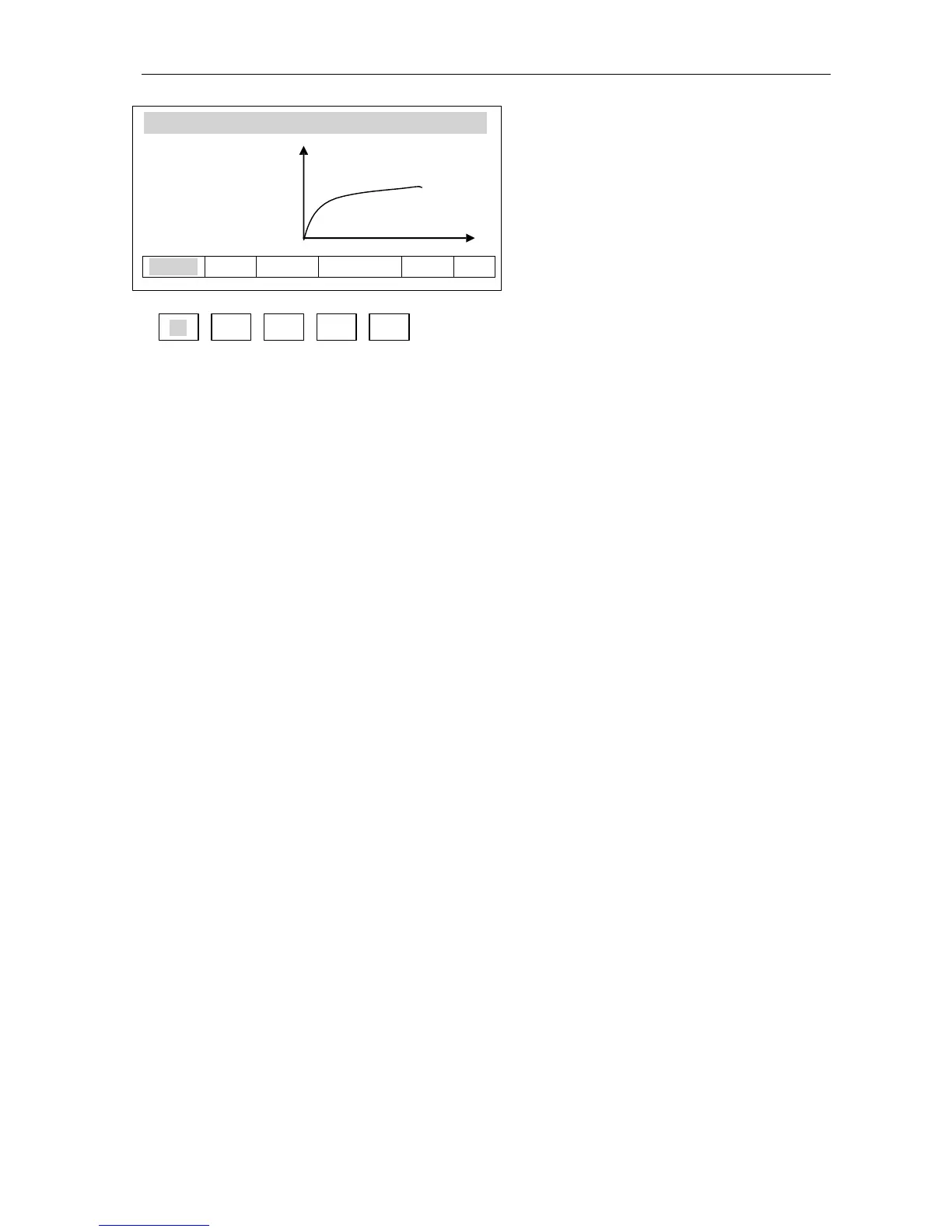
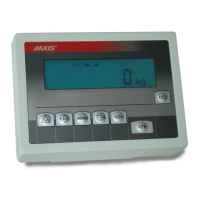
When drying chart is visible, place a
sample on the pan and choose
START option (F1 key). Drying
parameters and drying process chart
are presented on the display.
F1 F2 F3 F4 F5
Observing drying process chart it is possible to evaluate its course and define time
required for complete drying. The chart shows 160 time samples on the X axis (for
longer times chart is scaled to 360 samples, 720, etc.) and humidity value according to
selected formula on the Y axis (chart is automatically scaled to 10%, 30%, 50%, etc.).
Selecting 1 s of sampling time allows for more precise chart.
Achieved chart allows for initial settings selection for main measurement. Drying
temperature should be selected according to dries material type, so the drying is
performed quickly and sample does not change colour. Material drying moment is
visible on the chart as drying characteristic bending. As Drying time for main humidity
measurement select time from the beginning to chart “flattening”. As the time axis is not
described on the chart, use “evaluation with high margin”. Too short drying time does
not allow to achieve precise humidity measurement results.
In case of Short mode, in main measurement select Sampling time, which allows to
include approx. 10 samples in time of characteristic bending. If drying is finished too
quickly, increase Samples quantity or Sampling time.
Notes:
1. Before main measurement remember about deactivating of chart displaying.
2. To improve operation it is possible to use Promas software (available on demand),
which generates precise drying chart.



 To Next Page