AXIS Q6032-E PTZ Dome Network Camera
Accessing the Product
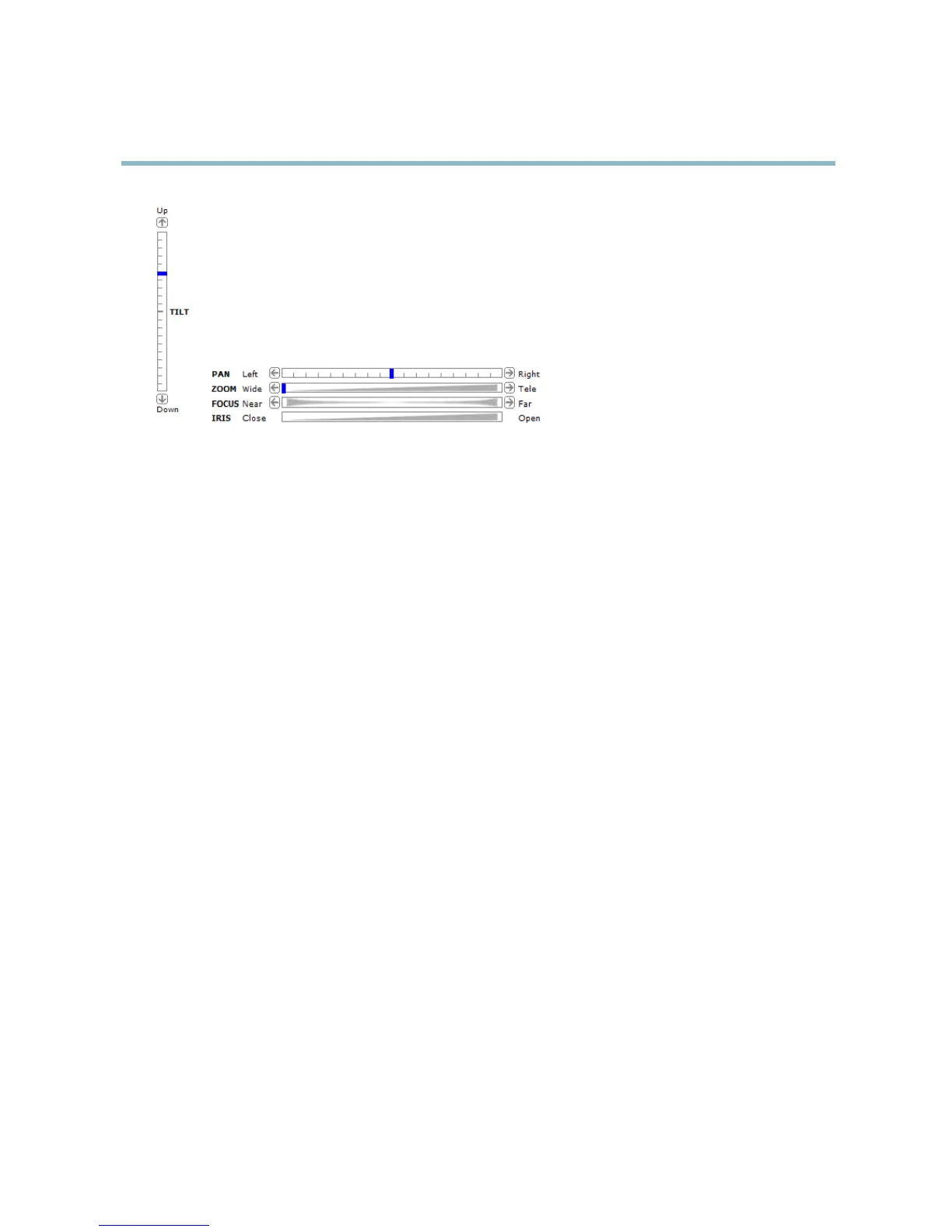
Pan and Tilt bars – U se the arr ows to pan and tilt the camera view, or click on a position on the bar to steer the
camera view to that position.
Zoom bar – Use the arrows to zoom in and out, or click on a position on the bar to zoom to that position.
Focus bar – Use the arrows to focus the camera, or click on a position on the bar to set the focus position. Using the
focus bar will disable the product’s autofocus. To re-enable, use the PTZ control panel which is opened by clicking
the Ctrl panel button (see above).
Iris bar – Click on a position on the iris bar to change the degre e to which the iris is opened. This will disable the
product’s auto iris. To re-enable, use the PTZ control panel which is opened by clicking the Ctrl panel button (see above).
The PTZ controls can be dis able d under PTZ > Advanced > Controls,see
Controls, on page 27
.
10



 To Next Page