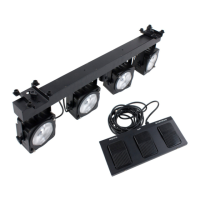
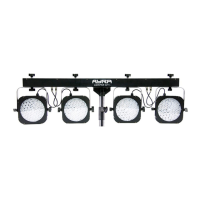
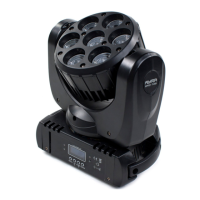
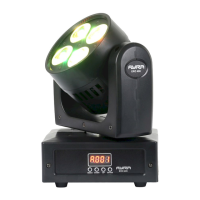
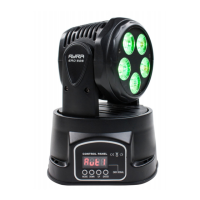
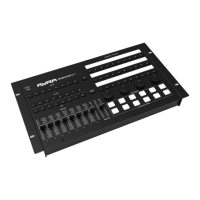
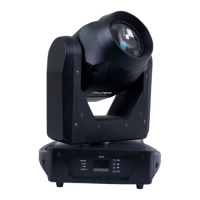
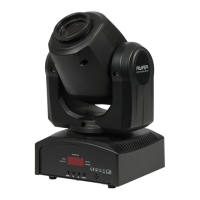
You'll find an explanation of the various functions below:
ADDR: With this function, you can set the DMX start address of the device. Set it to channel 001 and the
device will respond to DMX channel 1. Set it to channel 003 and the device will respond to DMX channel 3,
etc.
CHND:This device has different DMX channel modes available. With this function, you can choose a concise
channel mode if your DMX circuit is reasonably full of equipment and you do not require complete control
over the functions. It's also possible to choose the most comprehensive channel mode which makes more
channels available that each have separate functions.
NASL: The Master-Slave mode is designed to sync multiple devices. A copy of the internal program is sent
to connected devices so that each one projects the same effect. The master-slave function is also wired to
the DMX sockets using standard 3-pin XLR cables.The only difference is that the first device in the chain
does not receive DMX input.
PLEASE NOTE: When Slave mode is activated, the device will wait for a signal from the Master device. In
this case, it is not possible to simply select an automatic or sound-controlled mode! To cancel Slave mode,
select 'NAST' mode in the NASL menu, which puts the device in Master mode. Then, all standalone functions
can be activated again.
SH: This mode consists of all sorts of automatic programs with adjustable settings that are described below:
SH L: In this mode, only the laser is active.
SH D: In this mode, only the laser and the two derby light effects are active.
SH P: In this mode, only the spotlights and the stroboscope LEDs are active.
SH A: In this mode, all of the effects are active.
Various effects can be selected per show mode. Choosing random means different programs will be played
through or you can choose a specific program instead. You can also adjust things like the speed unless
you're using the music-controlled program.
SOUN: This setting is used to activate and de-activate the microphone function. The setting is confirmed with
an ON or OFF message. When the function is activated, the device will be music-controlled when in
standalone mode. When the function is de-activated, the device will return to the speed set by the selected
program.
SENS: This mode allows you to determine the sensitivity level of the internal microphone. The further the
device is from the speaker, the higher the sensitivity of the microphone needs to be so it can react properly to
the music. The microphone is built to handle high sound pressure levels, but loud music combined with a
high level of microphone sensitivity will make it more difficult for the device to detect the beat of the music.
Experiment with the level of sensitivity and the distance/positioning of the device in relation to the speaker to
find the best results.
LED: When the LED display is not in use, it can be de-activated by turning the LED mode OFF. The red
symbols will then no longer light up when using the device in a dark environment. When you press one of the
menu buttons, the display will light up again and show any relevant information. When the device registers
that the menu is not being actively used, it will automatically turn the LED display off again after 30 seconds.
The display also has an inversion function. This determines whether the display will be shown as normal or
inverted. If the device is suspended, the display may be harder to read. This function allows you to rotate it
vertically for better legibility.
TEST: When the device undergoes maintenance or inspection, the TEST function can be used to test one or
more devices simultaneously. The device plays a continuous program that uses the LEDs so that you can
determine if there are any abnormalities or defects. The device will run the program until stopped manually
(for example, when sound-controlled mode is activated.)
RST: This function can be used to reset the device. It does the same job as turning the device off and on
The information in this user manual is subject to change at any time without notice.
Version:
1.0
Date of creation and author's initials:30-04-2018 RV Revision date and author's initials: -


 To Next Page