again or disconnecting the power cable. Normally, this function doesn't need to be used and it will not reset
the device to its factory settings.
Remote control
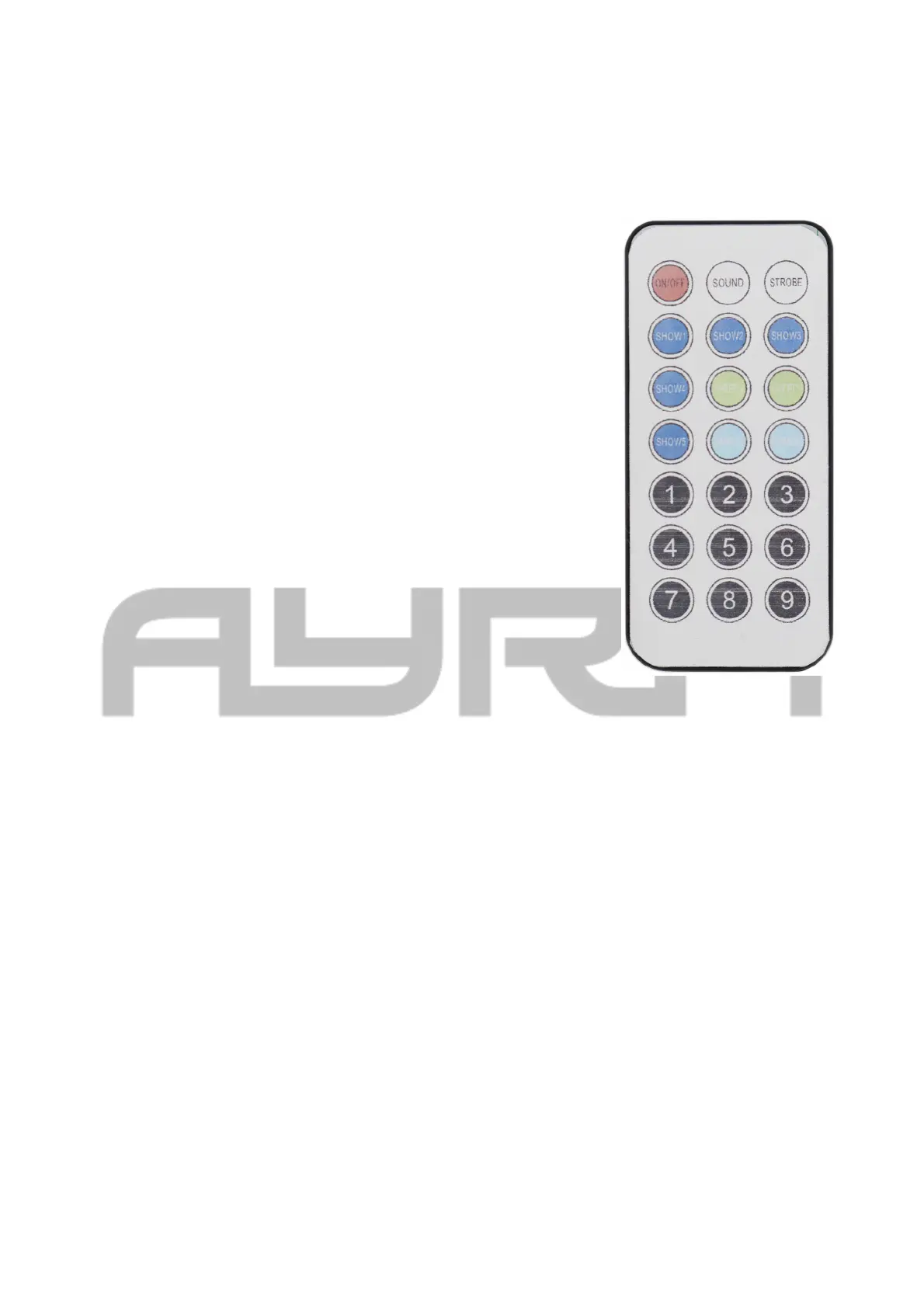
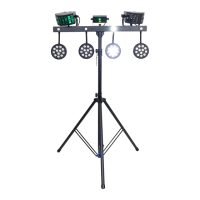
The Compar Kit FX1 comes with an infrared remote control. It can be used to
control various settings like selecting a colour for the spotlights, activating a
light show program or turning the device on and off.
A overview of the functions:
- ON/OFF: Turns the device on and off. Turning the device off using the
remote control puts it in standby mode. It can be turned on again at any
moment.
- Sound: The Sound button activates sound-controlled mode which means
the device will play its programs according to the sound of the music being
played. In the event that the microphone sensitivity needs to be adjusted, this
can be done on the stand itself via the control panel and the display.
- Strobe: Activating this function will result in all of the effects turning white
and flashing quickly to create a strobe effect. A single press will activate this
function with another press stopping it and returning the device to its normal
operating mode.
- Show 1 - 5: Pressing these buttons will activate one of the built-in light
shows (1 to 5).
- Speed +: The Speed + function speeds up the automatic program being
played. A single press will result in the current program being played at a
faster speed.
- Speed -: The Speed - function slows down the automatic program being
played. A single press will result in the current program being played at a
slower speed.
- Dimmer +: The Dimmer + function raises the intensity of the entire light set
(with the exception of the laser).
- Dimmer -: The Dimmer - function lowers the intensity of the entire light set
(with the exception of the laser).
- 1-9: Select fixed colour for the spotlights
The remote control is equipped with a replaceable CR2025 battery. The battery compartment can be
accessed via a cover on the bottom of the remote control.
Foot controller
The included, wired foot controller that comes with the Compar Kit FX1 gives users like musicians and DJs
the chance to control basic light functions without using their hands. This makes it ideal for use during
performances.
The foot controller can be used for the following functions:
The information in this user manual is subject to change at any time without notice.
Version:
1.0
Date of creation and author's initials:30-04-2018 RV Revision date and author's initials: -


 To Next Page