5 Design and Construction
© b2 electronic GmbH DHV0017 b2 EN 23
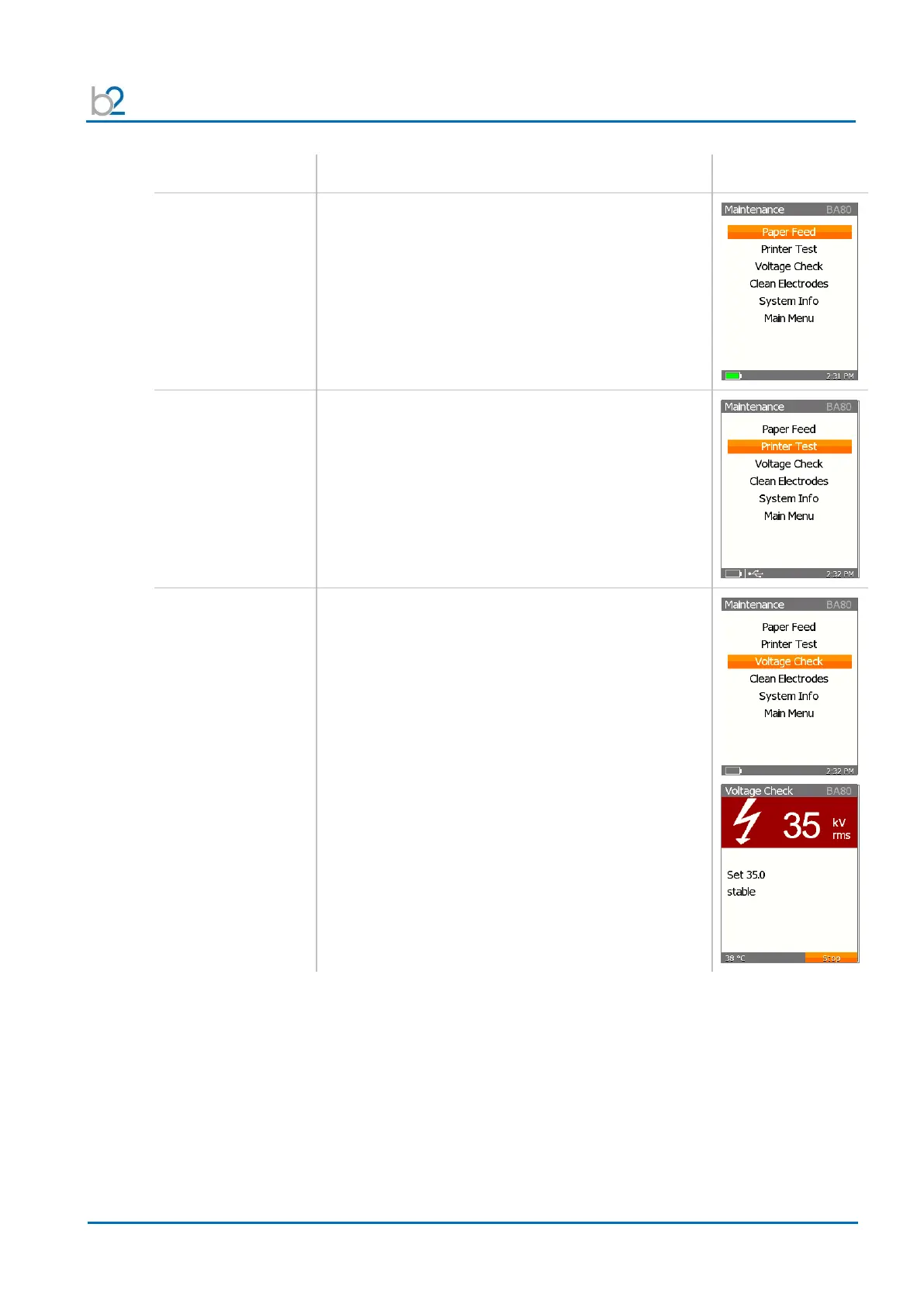
To activate the printer line feed, with the cursor on
the “Paper Feed” option, click “OK”.
The motor of the printer is switched on for approx.
30 seconds.
To stop the “Paper Feed” before 30 seconds,
click “OK”
To test the printer, with the cursor on the
“Printer Test” option, click “OK”.
The Printer prints a Test page.
To initiate a voltage check, with the cursor on
the “Voltage Check” option, click “OK”.
• The device will automatically run up to 35 kV.
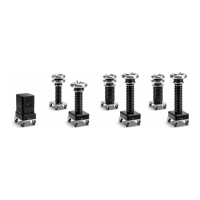
This option allows to perform a quick check using
the VT Calibrator (optional).
During the “Voltage Check” use left/right arrows to
change the voltage in 10 kV steps.


 To Next Page