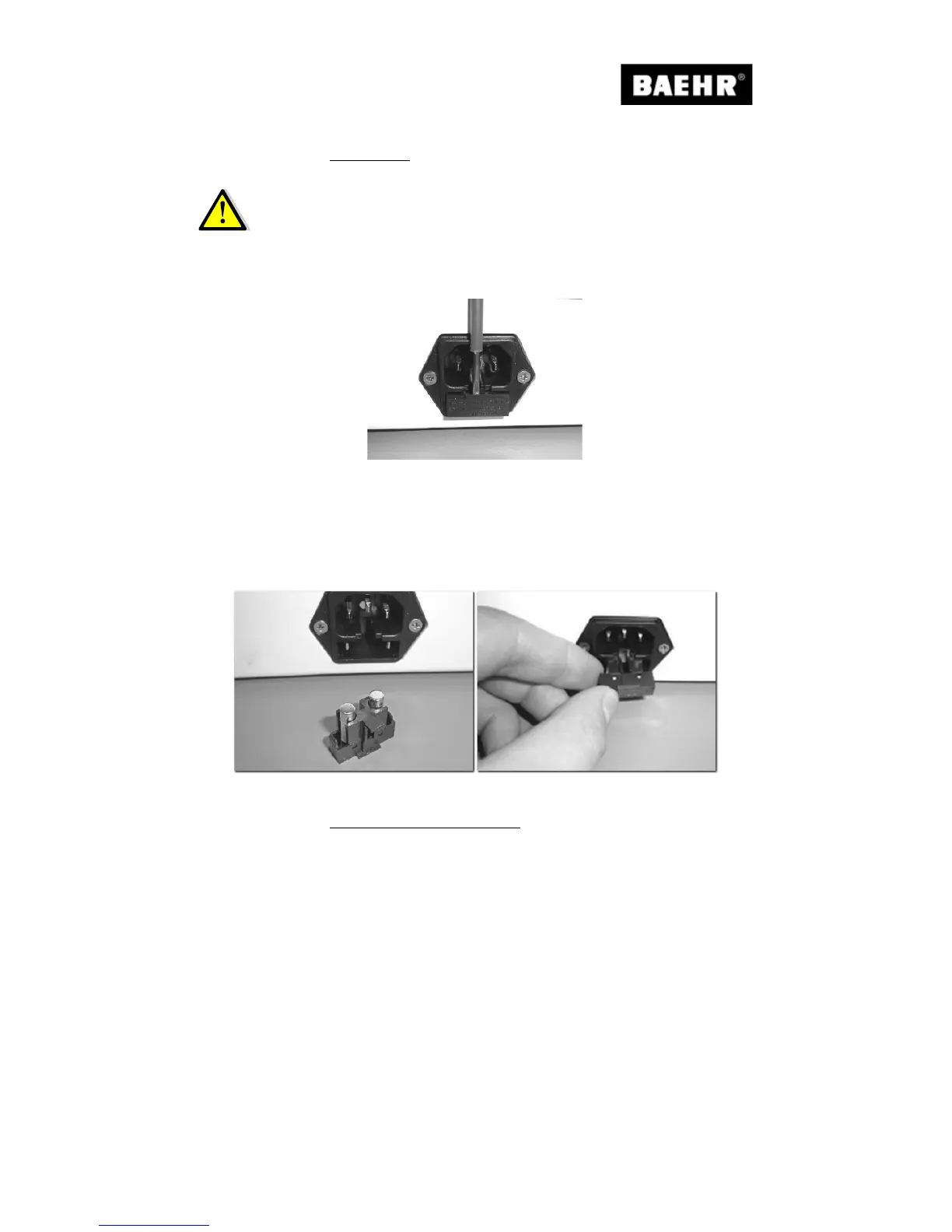
Switch off your device at the main switch and disconnect the device from the mains. Use a
screwdriver to open the fuse compartment on the device socket.
Fig. 22
Replace the microfuses in the compartment.
Now push the compartment back into the device socket.
Make sure that the compartment snaps into place in the device socket.
Reconnect the power cable to the controller.
If your device still does not work, please send it to us for service.
Fig. 23 Fig. 24
5.5.2 Cleaning the handpiece button
If your handpiece button is dirty, or the button no longer functions correctly, then proceed as
follows:
Switch off your device at the main switch and disconnect the device from the mains.


 To Next Page