USER MANUAL – M625/M325 DRIVE SYSTEM
23
DISPLAY
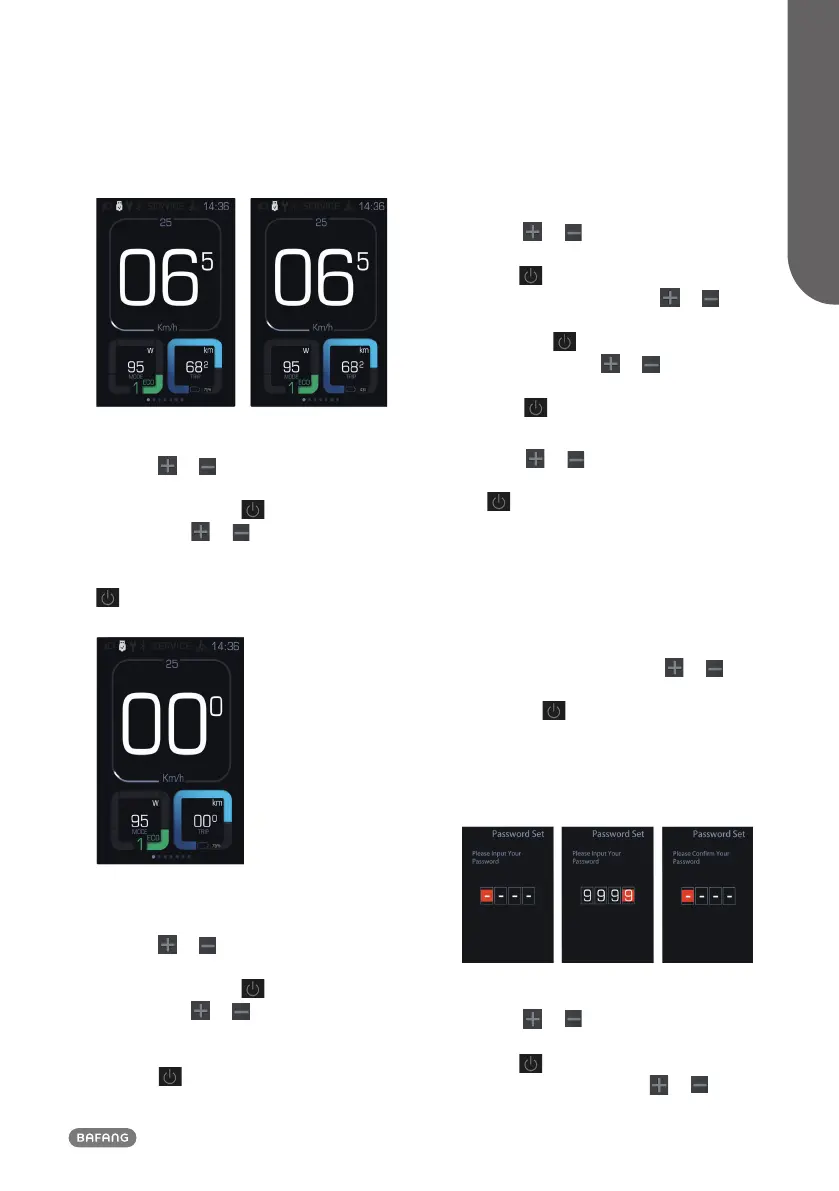
8.7.1.8 “TRIP Reset” Reset mileage
Press the
or (<0.5S) button to
highlight “TRIP Reset” in the display settings
menu, and then press (<0.5S) to select.
Then with the or button choose
between “YES” or “NO”. Once you have
chosen your desired selection, press the
(<0.5S) button to save and exit to the
"Display Setting".
8.7.1.9 “AL Sensitivity” Automatic headlight
sensitivity
Press the
or (<0.5S) button to high-
light “AL-Sensetivity” in the display settings
menu, and then press (<0.5S) to select.
Then with the or button choose be-
tween "0"/"1"/"2"/"3"/"4"/"5"/ "OFF”. Once
you have chosen your desired selection ,
press the (<0.5S) button to save and exit
to the "Display Setting".
8.7.1.10 “Password”
Press the
or (<0.5S) button to choose
“Password” in the menu. Then by briefly
pressing (<0.5S) to enter the password
selection. Now again with the or
(<0.5S) buttons highlight “Start Password"
and press the (<0.5S) button to confirm.
Now again using the or (<0.5S)
Button choose between “ON” or “OFF” and
press the (<0.5S) button to confirm.
Now you can input your 4-digit pin code. By
using the
or (<0.5S) button choose
numbers between "0-9". By briefly pressing
the (<0.5S) button you can move on to
the next number.
After entering your desired 4-digit code,
you must re-enter the 4-digits you chose, to
ensure the code is correct.
After selecting a password, the next time
you turn on the system it will ask you to
input your password. Press the
or
(<0.5S) button to select the numbers, Then
press briefly (<0.5S) to confirm.
After entering the wrong number three
times, the system switches off. If you have
forgotten the password, please contact your
retailer.
Changing the password:
Press the
or (<0.5S) button to choose
“Password” in the menu. Then by briefly
pressing (<0.5S) to enter the password
section. Now again with the or


 To Next Page