15
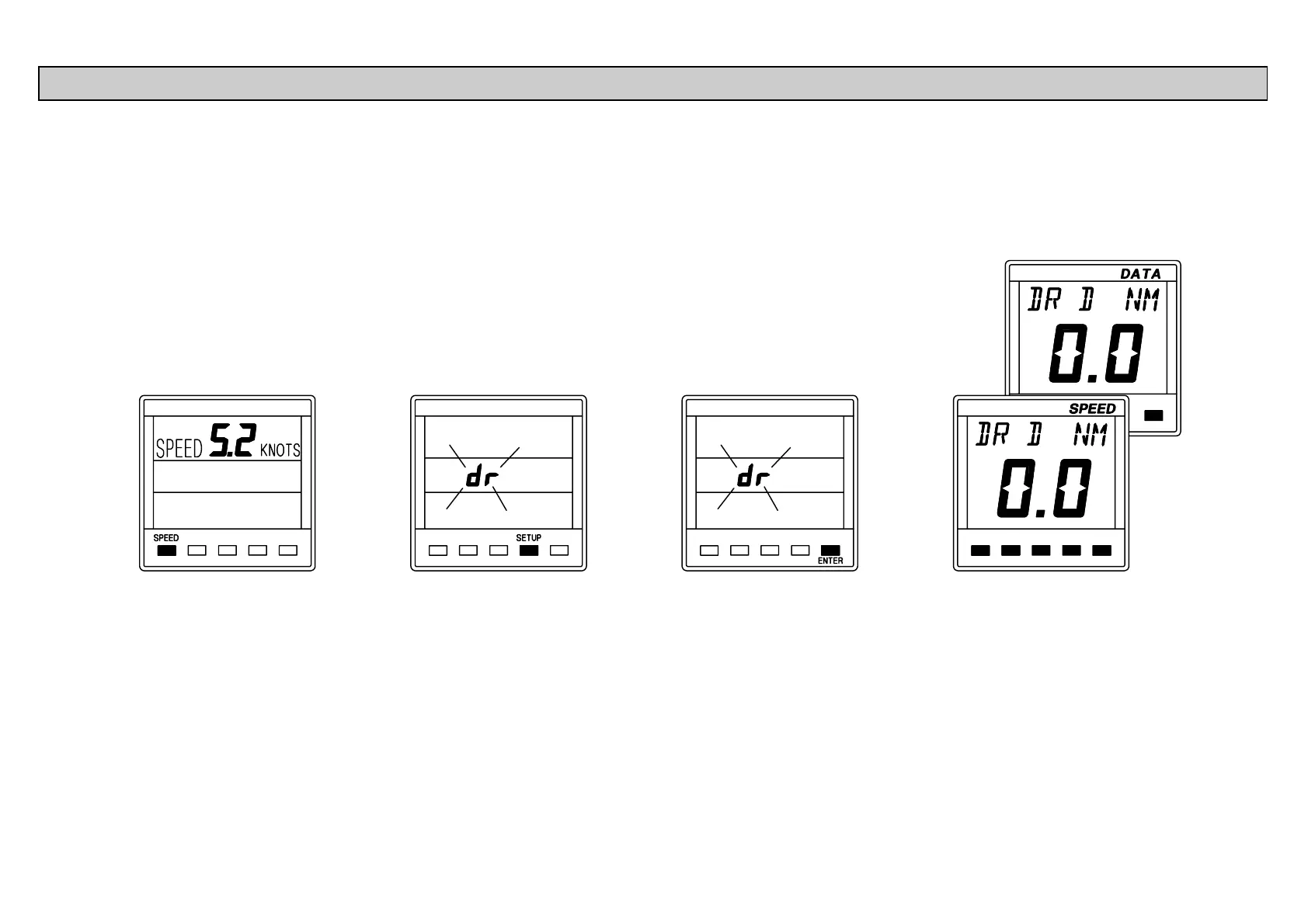
This facility allows the Dead Reckoned (DR) distance log to
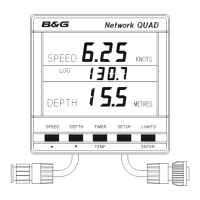
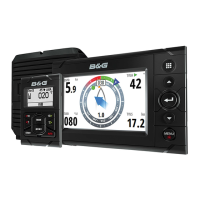
be reset. The Network QUAD unit cannot display the DR
information, however Network SPEED and Network DATA
both display it.
Press SPEED key to
display the current boat
speed.
Press SETUP key 6 times
to display dr. The display
will flash.
Press ENTER key, there
will be no change on the
QUAD unit LCD but the dr
log has been reset.
The dr log will be reset to
zero when displayed on
SPEED or DATA units.
RESETTING THE DEAD RECKONED DISTANCE



 To Next Page