EasyManua.ls Logo

B&G Network QUAD - Enabling;Disabling the Deep Alarm; Adjusting the Deep Alarm Value

Default Icon
36 pages
Print Icon
To Next Page IconTo Next Page
To Previous Page IconTo Previous Page
Loading...
22
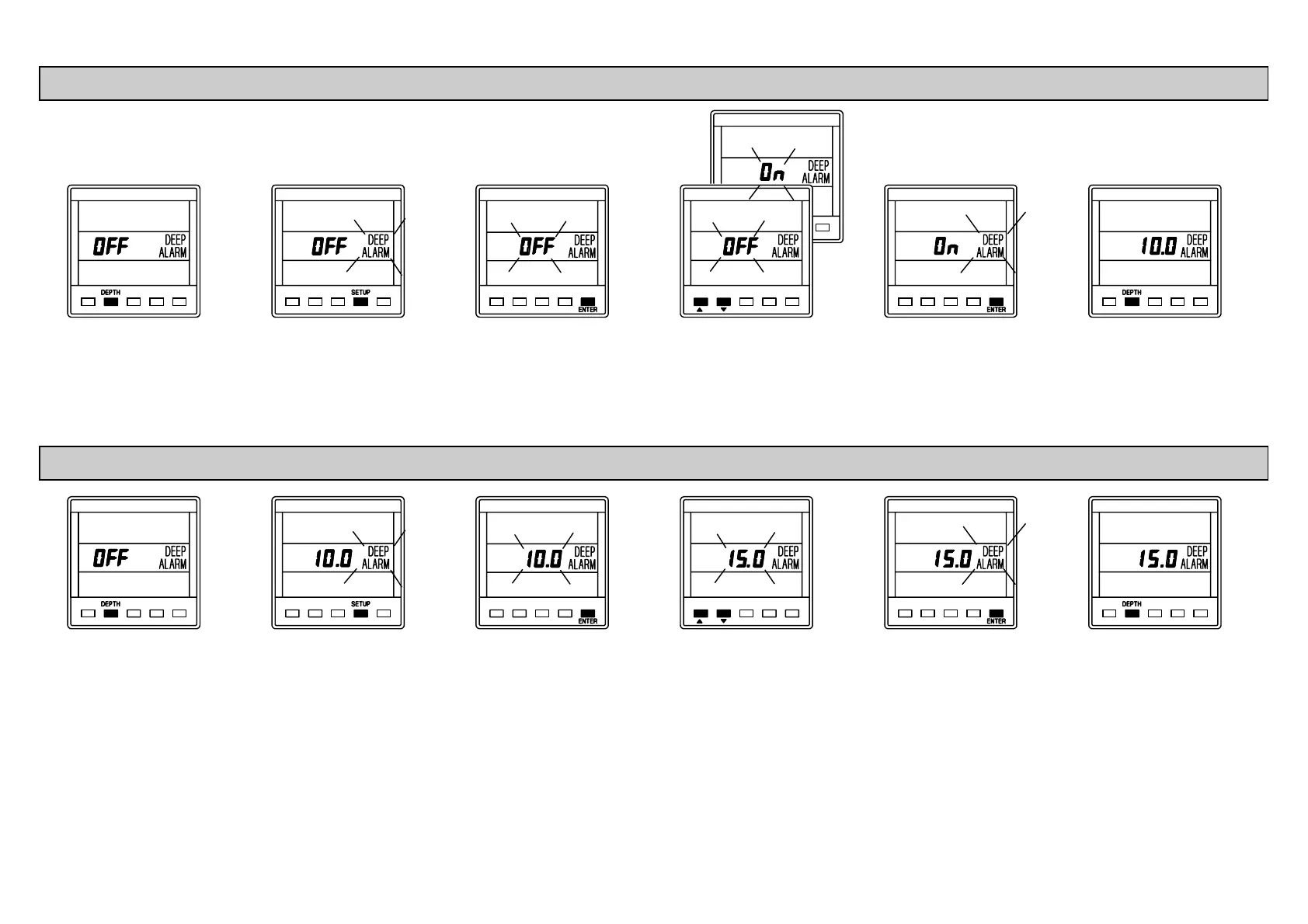
Press DEPTH key
to display the deep
alarm.
Press SETUP key,
the alarm state will
be displayed.
Press ENTER key,
the alarm state
display will flash.
Use ! or " to
enable/disable the
alarm.
Press ENTER to
memorise the
change.
Press DEPTH key,
the current value is
displayed.
Press DEPTH key
to display the deep
alarm.
Press SETUP key
twice, the value is
displayed.
Press ENTER key,
the value display
will flash.
Use ! or " to
adjust the value.
Press ENTER key
to memorise the
new value.
Press DEPTH key,
the value is
displayed and the
alarm enabled.
ENABLING/DISABLING THE DEEP ALARM
ADJUSTING THE DEEP ALARM VALUE

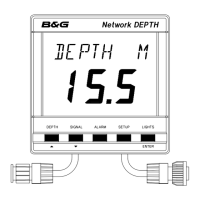
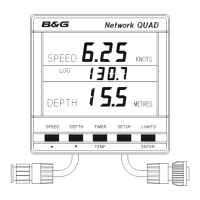
Related product manuals