8
Damping allows the response time of the displayed speed
value to be slowed down if it is to jumpy in rough weather, or
to sped it up when the conditions are calm. The damping
works by averaging the values over a set time period; the
longer the time period the smoother the readings, however
the longer it takes to see a change. Similarly the shorter it is
the jumpier the readings, but the faster the response.
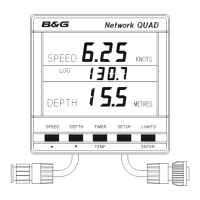
The Network QUAD unit has a factory set value of 5, this
can be adjusted in the range 1 to 64, each step is
approximately one second.
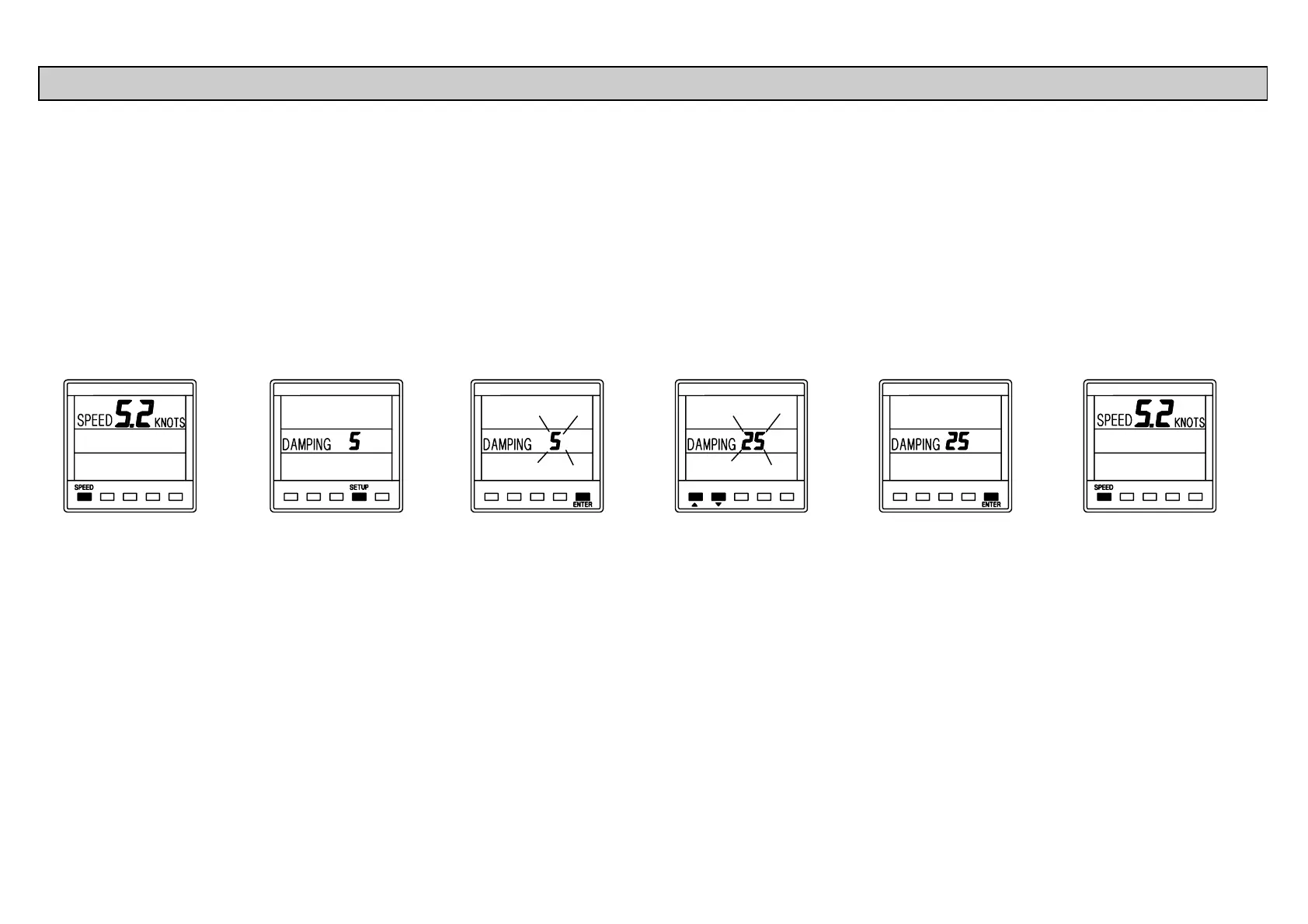
Press SPEED
key to display
current boat
speed.
Press SETUP key
once to display
the damping
value.
Press ENTER
key if the value is
to be changed.
Use ! or " to
change the value.
Press ENTER
key to memorise
the change.
Press SPEED
key to display
current boat
speed.
SETTING THE DISPLAY DAMPING



 To Next Page