16
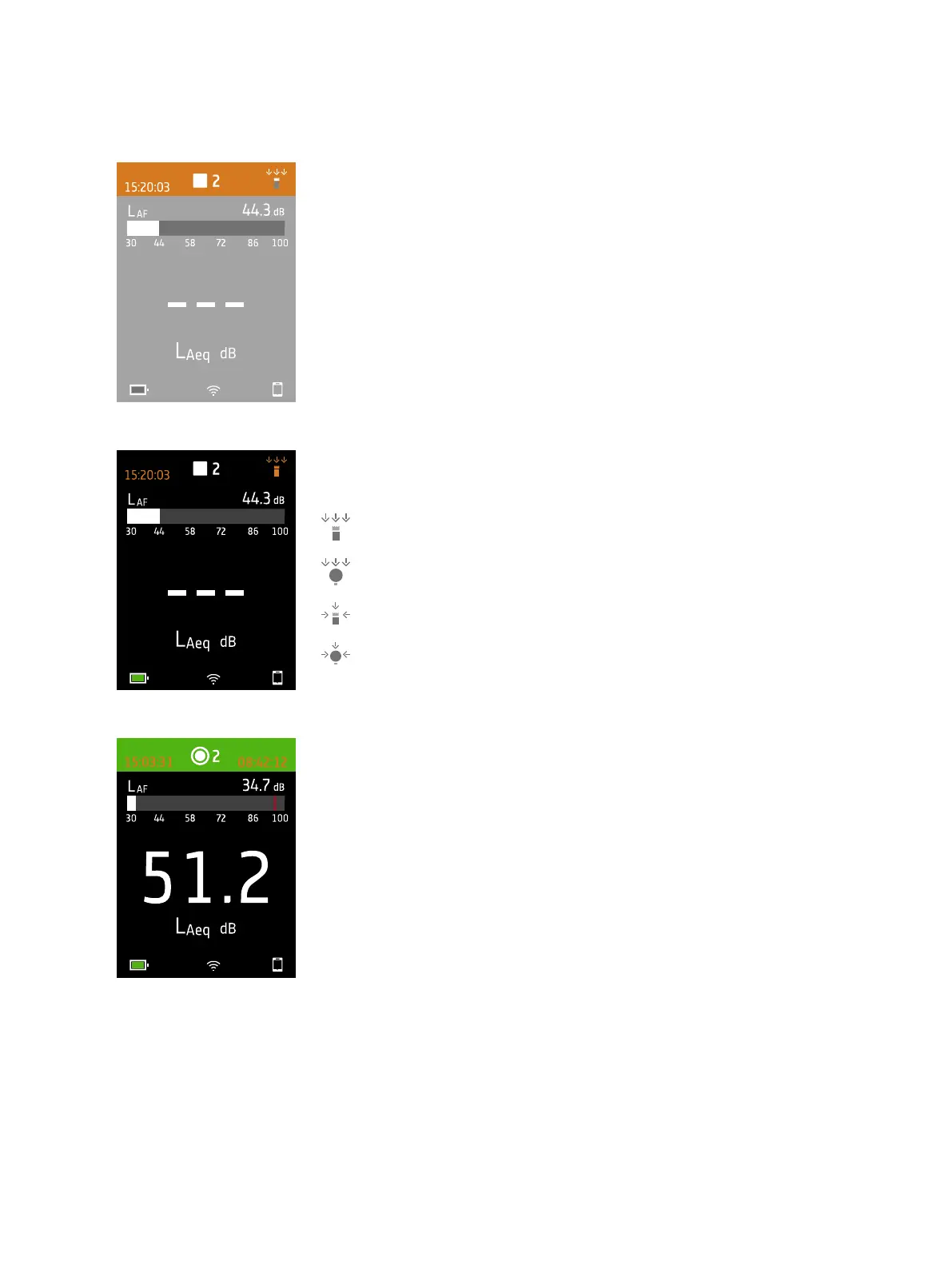
The top region shows measurement information and instrument status.
When idle, the instrument displays the current time (to the left) and input settings
(to the right).
: Indicates that Sound field is set to Free-field and there is no windscreen
: Indicates that Sound field is set to Free-field and there is a windscreen
: Indicates that Sound field is set to Diffuse-field and there is no windscreen
: Indicates that Sound field is set to Diffuse-field and there is no windscreen
During a measurement, the instrument displays the start time (to the left) and the
elapsed time (to the right).
Get Started: Instrument GUI



 To Next Page