34
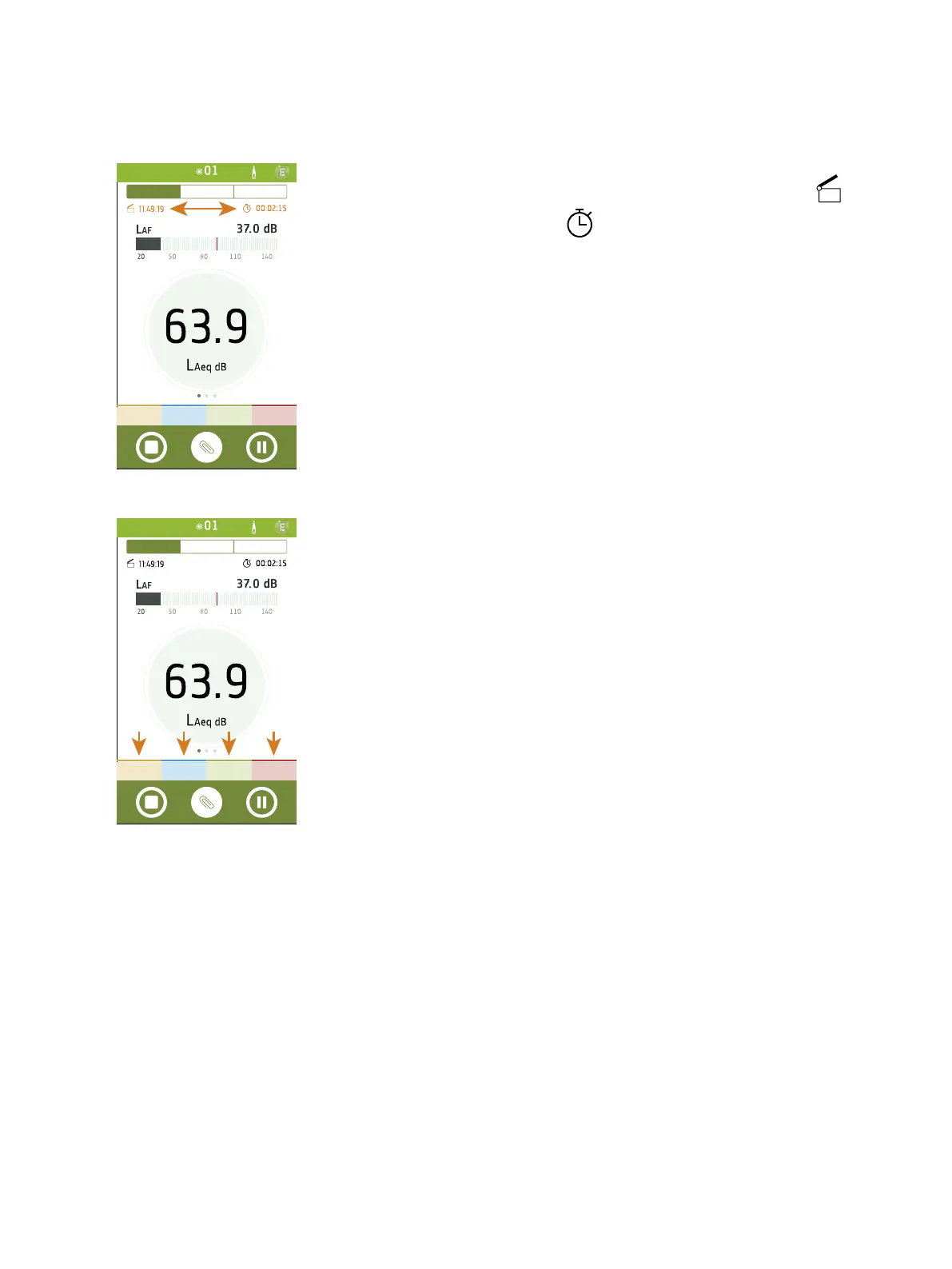
During a measurement, the mobile app shows the measurement start time ( )
and the measurement duration time ( ).
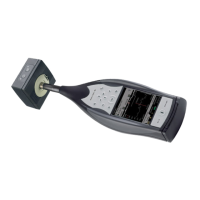
Add markers to your measurements to make a note of events in the measurement.
Tap a marker to start applying it, tap it a second time to stop applying it. You can
apply one or more markers simultaneously.
Get Started: Mobile App GUI



 To Next Page