42
Use the Instrument
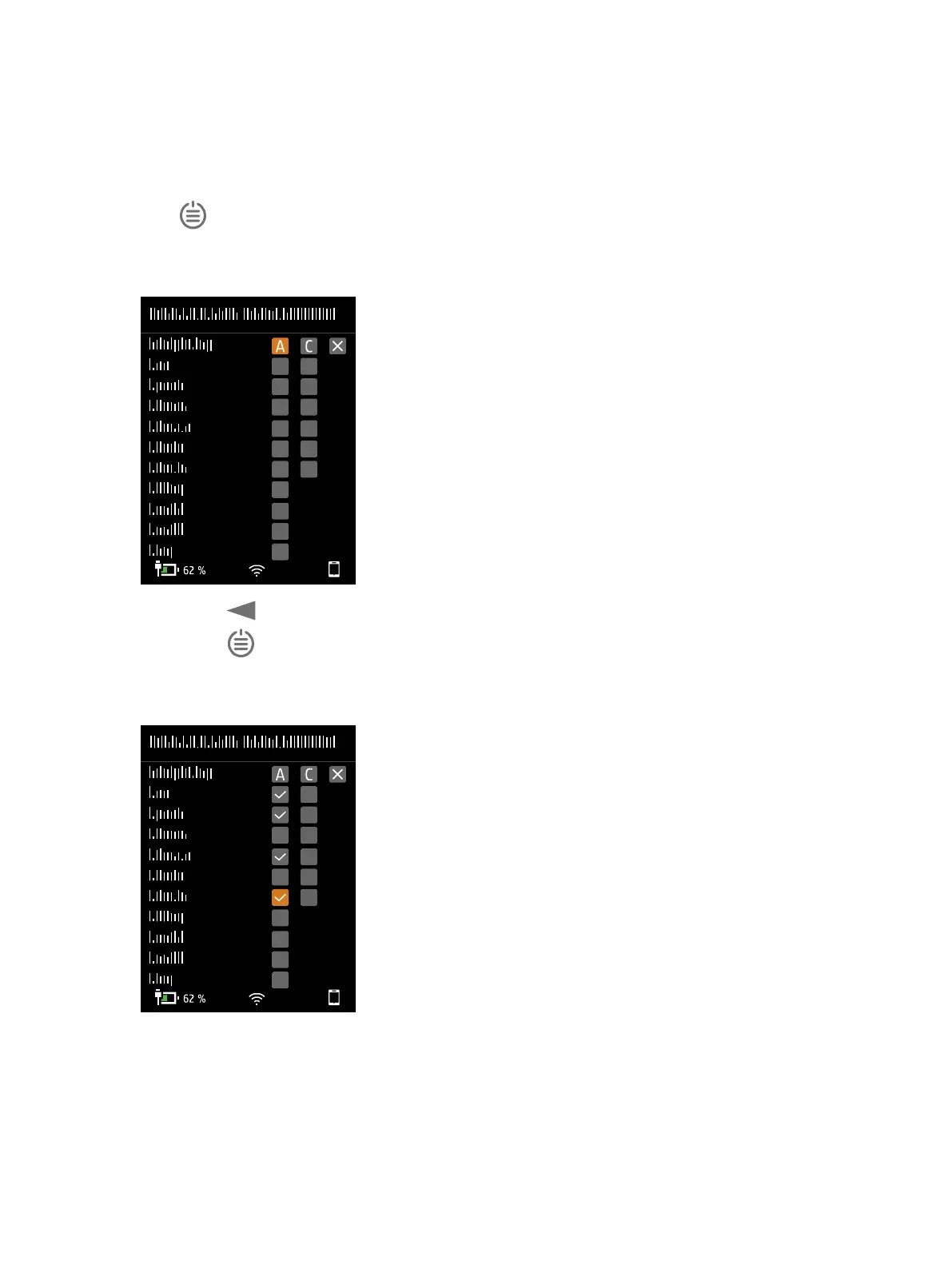
1.
Press briefly to open the menu.
2. Go to: Measurement settings > Broadband parameters.
3.
Enable a frequency weighting.
a.
Press to navigate to a weighting box.
b.
Press to scroll through the frequency weightings.
c. Stop at the desired frequency weighting.
4.
Enable parameters to measure.
Set up the Instrument: Measurement Parameters


 To Next Page