43
a.
Press to navigate to a parameter.
b.
Press to enable / disable parameters.
5.
Navigate to .
6.
Press to close the parameter selection menu.
Use the Mobile App
1.
Tap to open the instrument menu.
2.
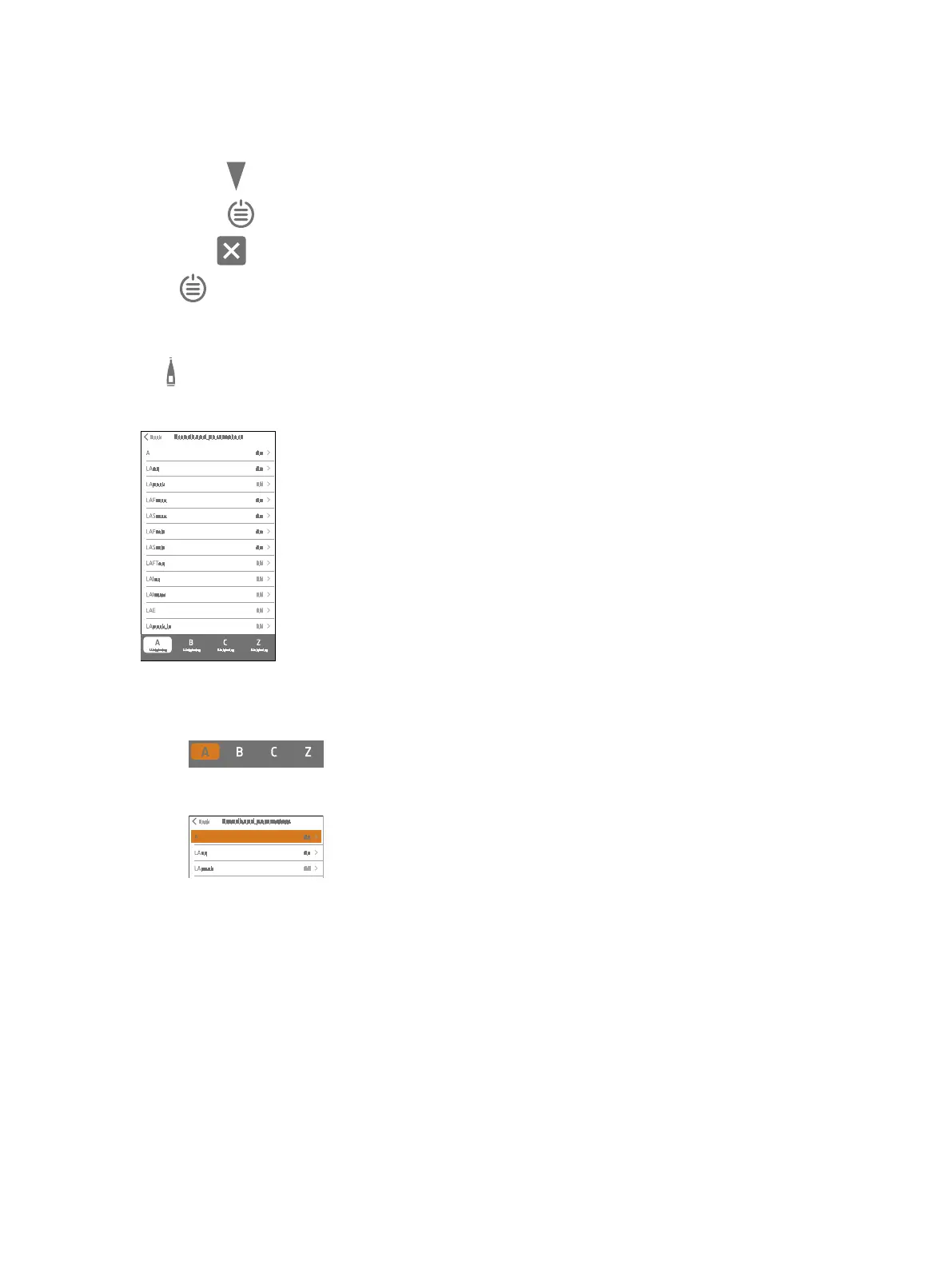
Go to: Measurement settings > Broadband parameters.
3.
Enable a frequency weighting:
a.
Tap one of the weightings on the bottom toolbar.
b.
Tap the weighting line.
c. Tap On.
✐ Note: To enable a different frequency weighting, disable the unwanted frequency weighting first.
4.
Enable or disable broadband parameters using the same process.
a. Tap a parameter.
b. Tap On to enable or Off to disable the parameter.
Set up the Instrument: Measurement Parameters


 To Next Page